
Anki DS Sync
From GameBrew
More actions
| Anki DS Sync | |
|---|---|
 | |
| General | |
| Author | Jake |
| Type | Other Apps |
| Version | r7 |
| License | GPL-2.0 |
| Last Updated | 2009/09/04 |
| Links | |
| Download | |
| Website | |
| Source | |
It comes in 2 parts, a plugin for anki that sends the data to the ds over wifi, and a ds program to review on.
The plugin only sends data for the next 2 days for efficiency.
Installation
- Install the anki plugin (it is in the anki folder).
- Copy ankids folder onto the root of the sd card.
- Place .ttf file in ankids folder.
- Set ip in ankids.conf to computer`s ip.
- Set timezone in ankids.conf (adjust for DST yourself).
- Connect to anki with ds (hit start on the deck select screen).
Offline Sync:
- Copy nowifisync.py into the ankids folder on the ds
- Run nowifisync.py
Screenshots
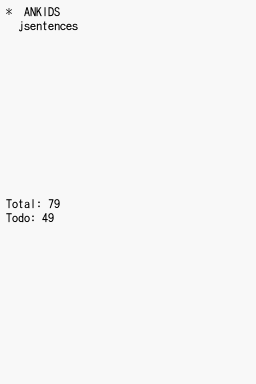
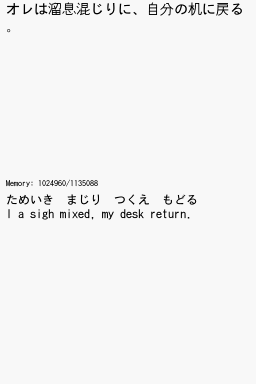
Changelog
r7 2009/09/04
- L/R clears doodle
- no longer sends suspended cards
r6 2009/08/28
- fixed some memory leaks
- stops crashing after second sync
- updated text renderer
- fixed plugin sending old .srs file
r5 2009/08/25
- added script to update data without wifi
- anki plugin actually works this time
r4 2009/08/25
- anki is always waiting for a ds connection, no longer need to hit a button
- doodle mode
- press start to cancel sync
r3 2009/08/12
- no longer crashes when done reviewing
- opening the lid wakes the ds up properly
- actually reads config this time
r2 2009/08/10
- proper config file
- timezone option in config
- fontsize option in config
- checks if card has been answered on anki already (anki overrides ds)
r1 2009/08/09
- initial release
External links
Digital-Haze - http://digital-haze.net/ankidssync.php (archived)
| |||||||||||||||||||||||||