V-909 Vita: Difference between revisions
More actions
Created page with "{{Infobox Vita Homebrews |title=v909 |image=v909Vita.png |description=v909 a Drum Machine and Groovebox for the PS Vita. |author=zsturg |lastupdated=2026/03/02 |type=Music Apps |version=ps_vita_909 |license=N/A |download=https://dlhb.gamebrew.org/vitahomebrews/v909Vita.7z |website=https://www.reddit.com/r/vitahacks/comments/1rifaaw/v909_a_drum_machine_and_groovebox_for_the_ps_vita/ |source=https://github.com/zsturg/v909 |donation= }} {{#seo: |title=Vita Homebrew Apps (Mu..." |
No edit summary |
||
| (3 intermediate revisions by 2 users not shown) | |||
| Line 19: | Line 19: | ||
|image_alt=v909 | |image_alt=v909 | ||
}} | }} | ||
V-909 is a Roland TR-909-inspired step sequencer and groove box for the PlayStation Vita, built with [[ | V-909 is a Roland TR-909-inspired step sequencer and groove box for the PlayStation Vita, built with [[Lua Player Plus Vita]]. | ||
Features Instruments 16 instruments across four categories, each with individual volume, tune, and decay controls: | |||
* Drums - Kick, Snare, Clap, Rim | |||
* Cymbals - Closed Hi-Hat, Open Hi-Hat, Crash, Ride | |||
* Toms - Lo Tom, Mid Tom, Hi Tom, Op-Cl | |||
* Bass - Bass, Synth, Metal, Accent (each with an overdrive toggle) | |||
== | == Installation == | ||
Download the release from the [https://github.com/zsturg/v909/releases/tag/ps_vita_909 GitHub releases page]. | |||
Transfer the files to your PS Vita and install it via [[VitaShell]]. | |||
== User guide == | |||
Step Sequencer 16-step pattern sequencer with per-instrument programming. | |||
The bottom row of pads shows the current pattern for the selected instrument with a live playhead. BPM is adjustable from 40 to 240 via the D-Pad. | |||
16 | Track Bank Save up to 16 patterns to the track bank. Each saved pattern captures all 16 instruments' step data, volume, tune, decay, and mute state. | ||
Song Mode Arrange saved tracks into a 16-slot song sequence. In song mode the sequencer automatically advances through the arrangement one bar at a time, allowing full songs to be built from individual patterns. | |||
Save | Project Save / Load Projects save to ux0:data/v909_project.txt, storing the live pattern, all track bank slots, the arrangement, BPM, and song mode state. | ||
== | == Controls == | ||
L/R - Cycle tabs | |||
D-Pad Up/Down - Adjust BPM | |||
Cross - Play/Stop | |||
Select - Quit | |||
Touch - All UI interaction | |||
==Screenshots== | ==Screenshots== | ||
| Line 57: | Line 63: | ||
https://dlhb.gamebrew.org/vitahomebrews/images/v909Vita-03.png | https://dlhb.gamebrew.org/vitahomebrews/images/v909Vita-03.png | ||
|} | |} | ||
== External links == | == External links == | ||
* GitHub - https://github.com/zsturg/v909 | * GitHub - https://github.com/zsturg/v909 | ||
* Reddit - https://www.reddit.com/r/vitahacks/comments/1rifaaw/v909_a_drum_machine_and_groovebox_for_the_ps_vita/ | * Reddit - https://www.reddit.com/r/vitahacks/comments/1rifaaw/v909_a_drum_machine_and_groovebox_for_the_ps_vita/ | ||
Latest revision as of 22:56, 23 March 2026
| v909 | |
|---|---|
 | |
| General | |
| Author | zsturg |
| Type | Music Apps |
| Version | ps_vita_909 |
| License | N/A |
| Last Updated | 2026/03/02 |
| Links | |
| Download | |
| Website | |
| Source | |
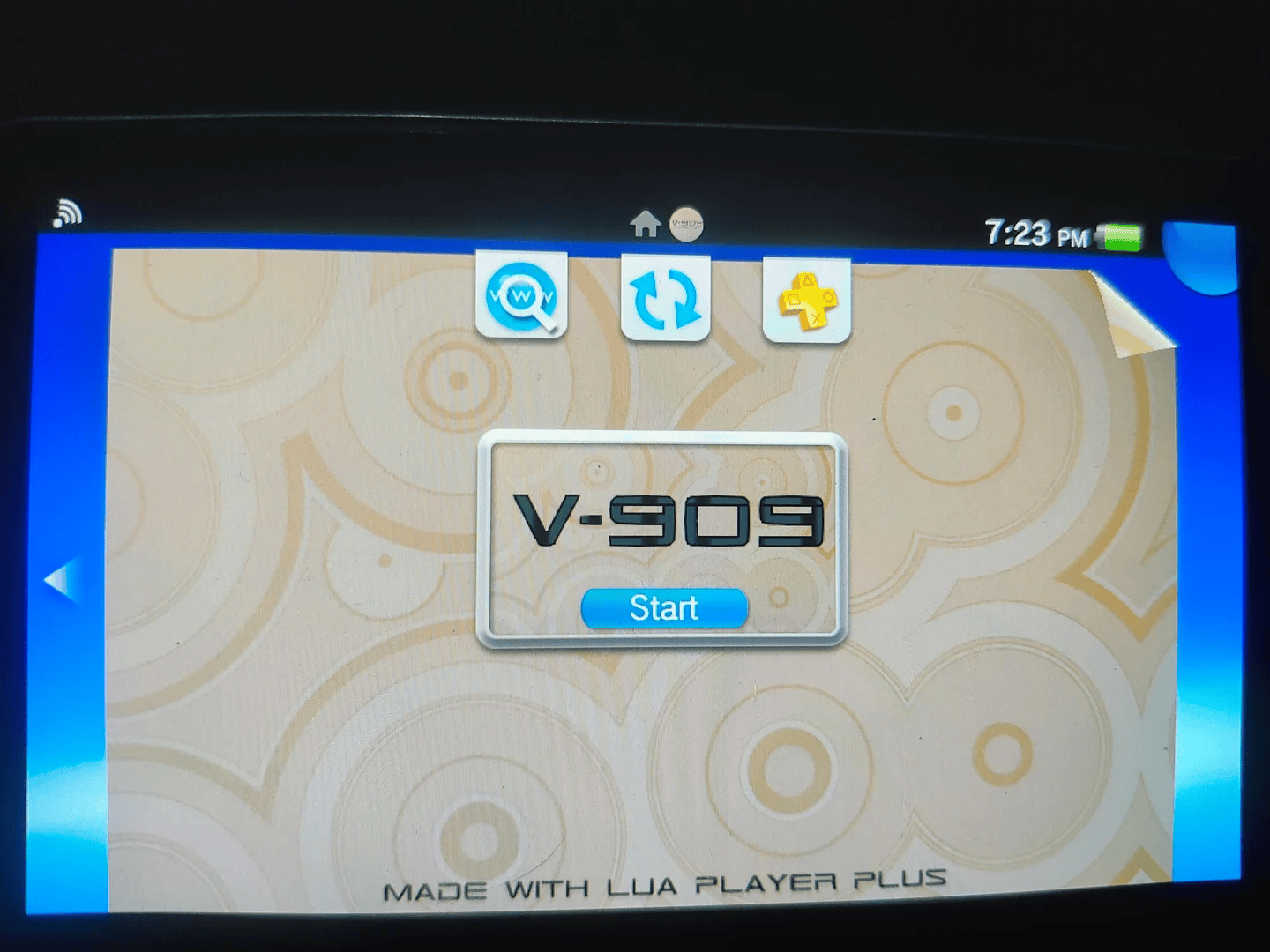
V-909 is a Roland TR-909-inspired step sequencer and groove box for the PlayStation Vita, built with Lua Player Plus Vita.
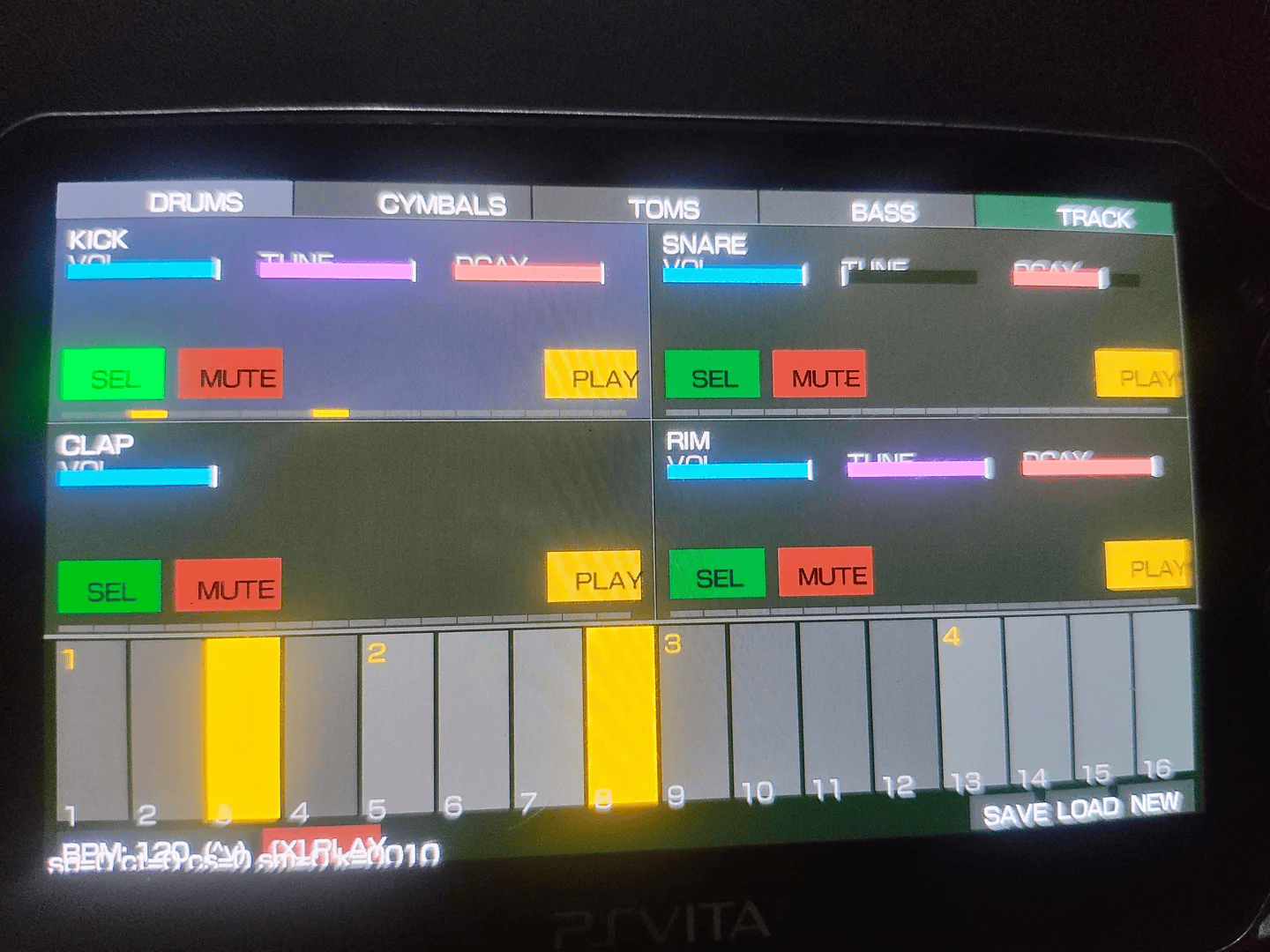
Features Instruments 16 instruments across four categories, each with individual volume, tune, and decay controls:
- Drums - Kick, Snare, Clap, Rim
- Cymbals - Closed Hi-Hat, Open Hi-Hat, Crash, Ride
- Toms - Lo Tom, Mid Tom, Hi Tom, Op-Cl
- Bass - Bass, Synth, Metal, Accent (each with an overdrive toggle)
Installation
Download the release from the GitHub releases page.
Transfer the files to your PS Vita and install it via VitaShell.
User guide
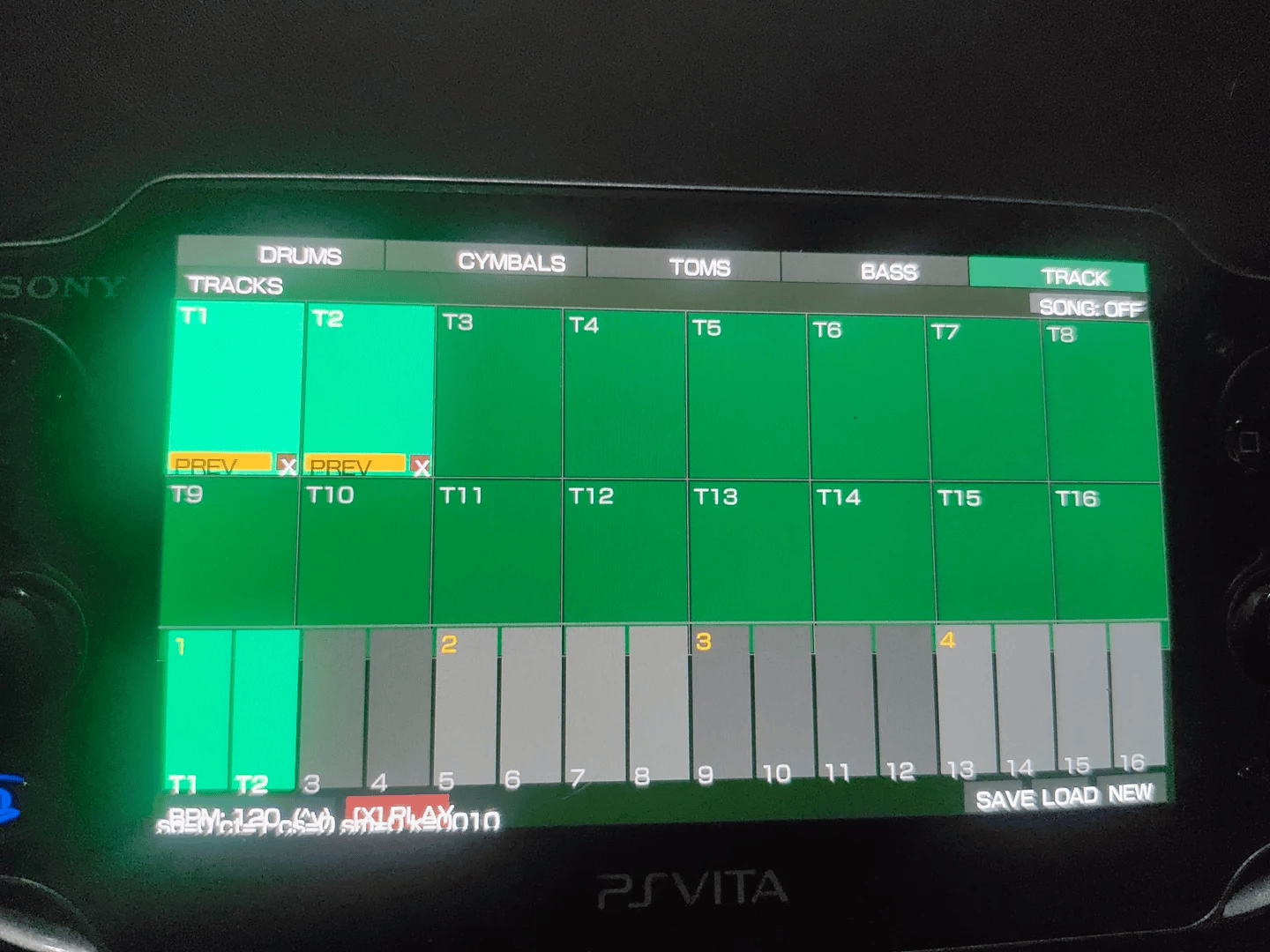
Step Sequencer 16-step pattern sequencer with per-instrument programming.
The bottom row of pads shows the current pattern for the selected instrument with a live playhead. BPM is adjustable from 40 to 240 via the D-Pad.
Track Bank Save up to 16 patterns to the track bank. Each saved pattern captures all 16 instruments' step data, volume, tune, decay, and mute state.
Song Mode Arrange saved tracks into a 16-slot song sequence. In song mode the sequencer automatically advances through the arrangement one bar at a time, allowing full songs to be built from individual patterns.
Project Save / Load Projects save to ux0:data/v909_project.txt, storing the live pattern, all track bank slots, the arrangement, BPM, and song mode state.
Controls
L/R - Cycle tabs
D-Pad Up/Down - Adjust BPM
Cross - Play/Stop
Select - Quit
Touch - All UI interaction
Screenshots
|
|