
Punch Club Vita
From GameBrew
More actions
| Punch Club Vita | |
|---|---|
 | |
| General | |
| Author | PatnosDD |
| Type | Simulation |
| Version | 1.0 |
| License | N/A |
| Last Updated | 2025/09/18 |
| Links | |
| Download | |
| Website | |
| Support Author | |
This is a patch that allows you to run Punch Club on the PS Vita.
Punch Club is a sporting management simulation developed by Lazy Bear Games and published by tinyBuild. In the game, the player manages an upcoming boxer in training and preparation for a series of boxing matches at a local club, while searching for clues of who killed their father.
Note: You must own Punch Club on Steam to use this patch. If you own a DLC, re-download the game without it.
Installation
Recommended plugins:
- ioplus.skprx
- Full CPU Overclock (500Mhz)
Prerequisites:
- Install the Punch Club
.VPKusing VitaShell. Do not attempt to launch the game yet, as it will crash without the required files. - Ensure you have purchased and downloaded the game from Steam.
Steam version:
- Download
PunchClubVitaSteam.zipfrom releases and extract it to a folder on your PC. - Copy the Steam game folder into the extracted folder. Note: Your
PunchClubVitaSteamfolder should look like this:
 └── PunchClubVitaSteam/
  ├── Punch Club/  <- ../steamapps/common/Punch Club
  ├── vcdiff/
  ├── APPLYPATCH.bat
  ├── deterministic.exe
  └── xdelta3-x.x.x-x86_64.exe
- Run
APPLYPATCH.batand wait for the process to complete (this can take 15–25 minutes depending on your system). - Once completed, you will see a file named
PunchClubVita.zip. - Using VitaShell, connect your PS Vita to your PC and copy the extracted contents of
PunchClubVita.zip(zip file should be around 40-50MB) toux0:app/PNCH11111/. - Your
PNCH11111folder on your Vita should look like this:
 └── PNCH11111/
  ├── Media/
  ├── sce_module/
  ├── sce_sys/
  └── eboot.bin
Troubleshooting:
- Ensure that your PS Vita is properly overclocked.
- Verify that you have the correct game version (Steam) and have followed the steps for your version.
- If
ux0:appdoes not appear in File Explorer, make sure you have visibility of hidden directories enabled.
Screenshots
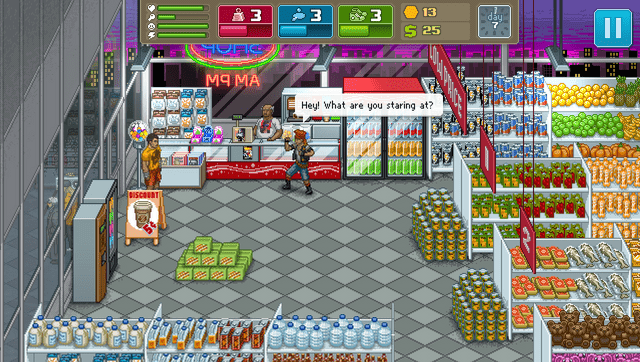
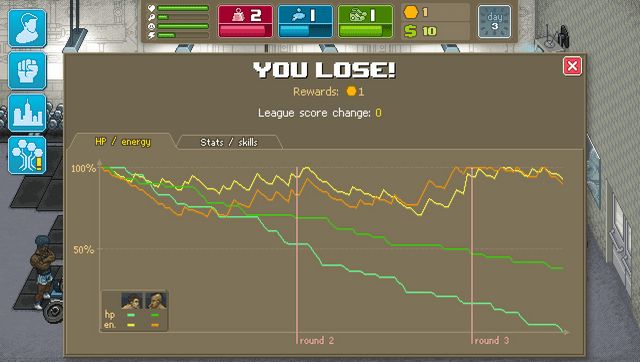
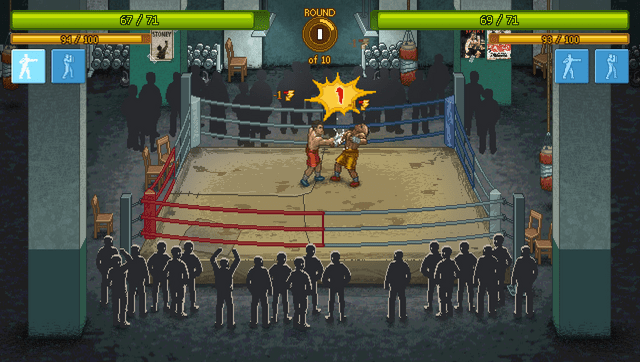
Media
Punch Club Launch Trailer (tinyBuildGAMES)
Known issues
- Map Pathfinding is known to cause freezes.
- Some of UI elements are incorrectly scaled.
Changelog
v1.0
- First Release.