
PSP USB Video Class
From GameBrew
More actions
| PSP USB Video Class | |
|---|---|
 | |
| General | |
| Author | xerpi |
| Type | Plugins |
| Version | 0.2 POC |
| License | Mixed |
| Last Updated | 2020/10/04 |
| Links | |
| Download | |
| Website | |
| Source | |
This is a proof-of-concept plugin that lets you stream your PSP screen to your computer via USB. It follows the USB Video Class (UVC) standard, therefore it should work on any OS.
Supported formats and resolutions: 480x272 YUY2 @ 30 FPS and 60 FPS (WIP)
Installation
Copy uvc.prx to ms0:/seplugins/.
Open ms0:/seplugins/VSH.TXT and/or ms0:/seplugins/GAME.TXT, then add the line:
ms0:/seplugins/uvc.prx 1
Reboot your PSP.
User guide
Recommended players:
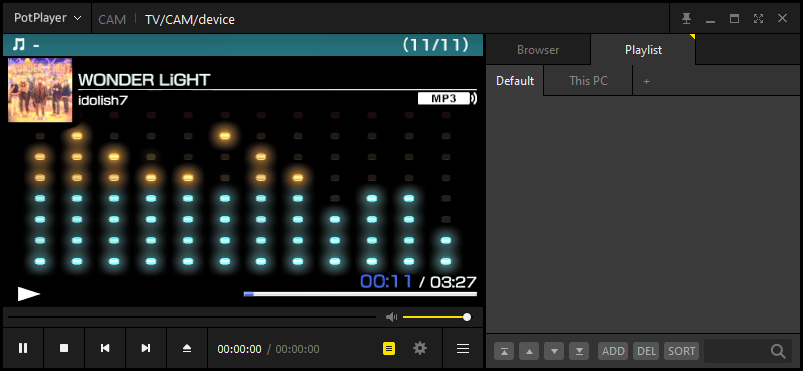
- Windows - PotPlayer
- Preference > Webcam > USB Video Device (480x272 YUY2)
- Open > Open Webcam/Other Device
- Linux - mpv or mplayer
mpv av://v4l2:/dev/videoN --profile=low-latency --untimedmplayer tv:// -tv driver=v4l2:device=/dev/videoN
You can use OBS to capture/live-stream the incoming video from the PSP.
Notes:
- If you use Windows 10 you might have to change the Camera access permissions on the Privacy Settings.
- If anything goes wrong (like the PSP not booting) you can always press R at boot to enter recovery mode.
- It doesn't stream audio. For that use a 3.5mm jack to jack adapter.
Screenshots
Media
PSP Homebrew: Stream Your Screen To Your PC! - UVC Plugin 2022 (Robles Junior)
Changelog
0.2 [Proof of concept]
- Add dummy USB interface descriptor to include Interface Association Descriptor (IAD), needed by Windows.
- Code cleanups.