
Cat Quest Vita
From GameBrew
More actions
| Cat Quest Vita | |
|---|---|
 | |
| General | |
| Author | PatnosD |
| Type | Role Playing |
| Version | 1.0 |
| License | N/A |
| Last Updated | 2025/08/15 |
| Links | |
| Download | |
| Website | |
| Support Author | |
Patch that allows you to plat Cat Quest on the PS Vita.
Cat Quest is an open world RPG set in the pawsome world of cats. Leap into a grand adventure in purrsuit of the evil Drakoth and your catnapped sister. Explore Felingard's huge overworld map, risk life and limb delving into dungeons for epic loot, and lend a paw to a furry cast of characters in a flurry of side quests.
Note: You must own Cat Quest on Steam to use this patch.
Installation
Plugin recommendations
- ioplus.skprx
- PSVshell for full CPU Overclock (500Mhz)
Prerequisites
- Ensure you have purchased and downloaded the game from Steam.
- Install the Cat Quest
.VPKusing VitaShell or download it from VitaDB on your PS Vita. - Do not attempt to launch the game yet, as it will crash without the required files.
Steam version
- Go to Releases and download
CatQuestVitaSteam.zip. - Extract the downloaded zip to a folder on your PC.
- Copy the Steam game folder into the extracted folder. Your
CatQuestVitaSteamfolder should look like this:
└── CatQuestVitaSteam/
    ├── Cat Quest/  <- ../steamapps/common/Cat Quest
    ├── vcdiff/
    ├── APPLYPATCH.bat
    ├── deterministic.exe
    └── xdelta3-x.x.x-x86_64.exe
- Run
APPLYPATCH.batand wait for the process to complete (this can take 15–25 minutes depending on your system). - Once completed, you will see a file named
CatQuestVita.zip. - Using VitaShell, connect your PS Vita to your PC and copy the extracted contents of
CatQuestVita.zip(zip file should be around 40-50MB) toux0:app/CATS11111/. YourCATS11111folder on your Vita should look like this:
└── CATS11111/
    ├── Media/
    ├── sce_module/
    ├── sce_sys/
    └── eboot.bin
Troubleshooting
- Verify that you have the correct game version (Steam) and have followed the steps for your version.
- If
ux0:appdoes not appear in File Explorer, make sure you have visibility of hidden directories enabled.
Screenshots
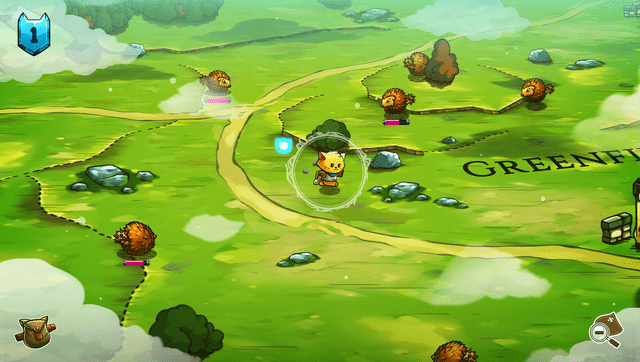
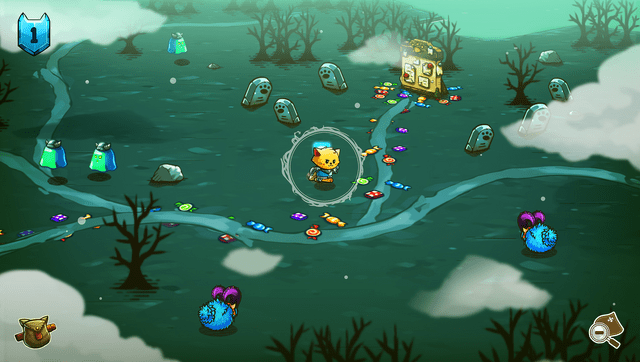
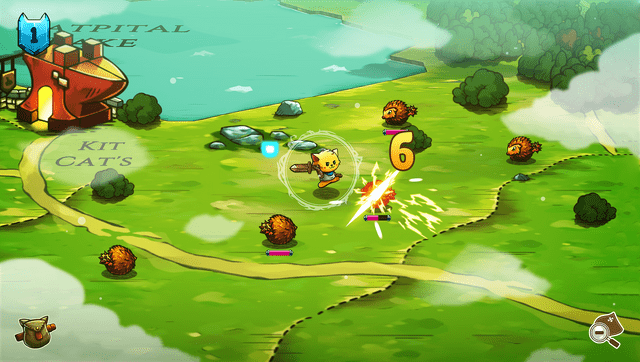
Media
Cat Quest - Official Launch Trailer - iOS, Steam (The Gentlebros)
Known issues
- Lower FPS throughout the gameplay (20-30fps). (Ensure that your PS Vita is properly overclocked.)
- Some language fonts are currently not supported.
Donation
If you want to support the project, you can leave a tip on one of those websites:
- Ko-Fi: https://ko-fi.com/patnosd
- Patreon: https://www.patreon.com/PatnosD
- PayPal: https://paypal.me/DPatnosD
- Afdian: https://afdian.com/a/PatnosD
Changelog
v1.0
- First Release.