
SaveMe PSP
From GameBrew
More actions
| SaveMe | |
|---|---|
 | |
| General | |
| Author | MaxTheBest |
| Type | Plugins |
| Version | 2.0 |
| License | Mixed |
| Last Updated | 2008/02/25 |
| Links | |
| Download | |
| Website | |
SaveMe (previously screensaver) is a plugin that makes your PSP go into a low consuming mode when you don't use it for 30 seconds.
Installation
Put the prx to seplugins folder.
Open vsh.txt and add the following line:
ms0:/seplugins/SaveMe.prx 1
Go to the Recovery Mode and reset VSH.
Screenshots
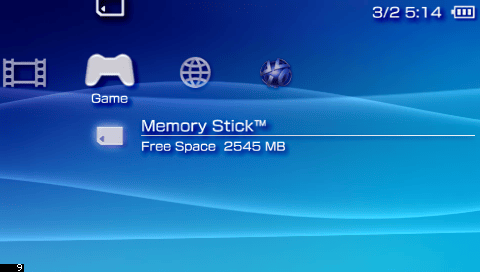
SaveMe (active) + CPUchecker
Changelog
V2.0
- Now the prx runs in kernel mode (so it kicks out most of the freezes problems).
- The prx doesn't crash when launching internet browser (thanks to kernel mode).
- If hold is down, the prx won't launch (useful on USB connexions).
- Deleted the config file (it will be back soon...) (so time is set to about 30 seconds and cpu to 10MHz).
- Now the screen is switched off rather than displaying black background (saves more power).
- Nothing is displayed anymore (as the screen is off, it would be useless).
V1.1
- Displays more informations.
V1.0
- Displays more informations.
- Added a config file.
V0.1
- Initial Release.
External links
- Author's website - http://maxthebest.110mb.com/index.html
- QuickJump - http://forums.qj.net/f-psp-development-forum-11/t-releasesaveme-v20-135806.html