
Kit-kat 3DS
From GameBrew
More actions
| kit-kat | |
|---|---|
 | |
| General | |
| Author | PRAGMA |
| Type | 3DS Streaming |
| Version | 2.0.3.1 |
| License | GPL-2.0 |
| Last Updated | 2018/04/01 |
| Links | |
| Source Only Download | |
| Website | |
| Source | |
| This application has been obsoleted by one or more applications that serve the same purpose, but are more stable or maintained. |

kit-kat (Toolkit-kat) is a Wireless Capture-card to stream your 3DS screen to your PC.
This project has been abandoned.
User guide
Troubleshooting steps:
- Make sure you are using Boot NTR Selector and loading 3.6.
- Make sure you close FBI before you attempt to connect with Kit-Kat. If you clicked connect with FBI opened, re-boot and start again.
- Wi-Fi Adapter and/or Router might not be getting a strong enough connection.
- IP Address could be incorrect (It changes every now and then).
- Windows Firewall, Windows Defender or Anti-Virus/Anti-Malware could be blocking the connection (e.g. MalwareBytes WebProtection Module).
- 3DS and PC might not be connected to the same Network.
- 3DS might not actually be connected to the Internet (Some games disable Wi-Fi when you are in it to allow NFC - Pokemon, Zelda, etc).
If you are getting low FPS:
- Your probably using a really under-powered Wi-Fi Adapter and/or Router.
- Try get close to the Router (PC isn't getting a strong enough connection).
- HostedNetwork's without a proper Connectify Setup don't work well.
- Never use a Phone as a Hotspot, It's not powerful enough.
Screenshots
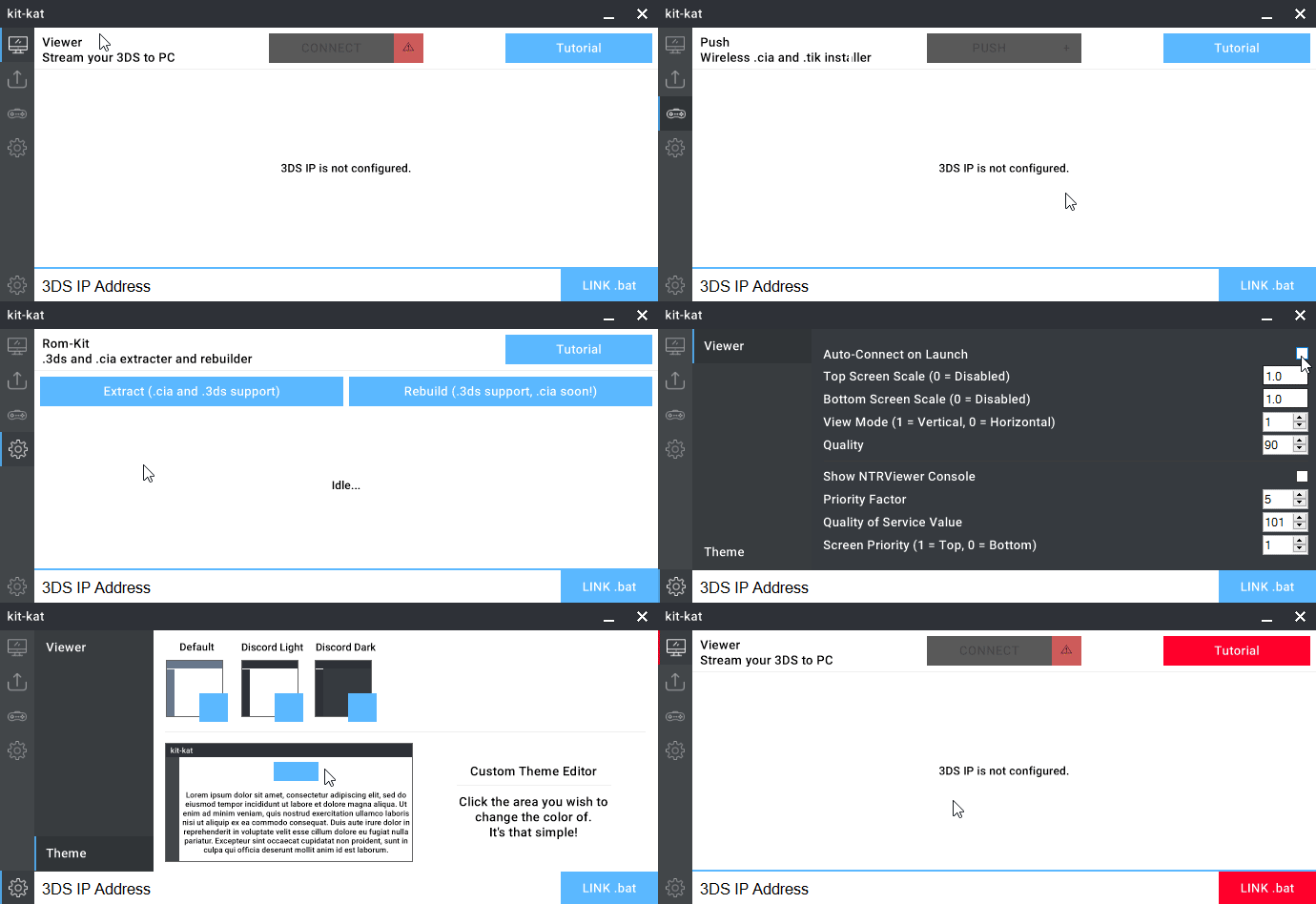
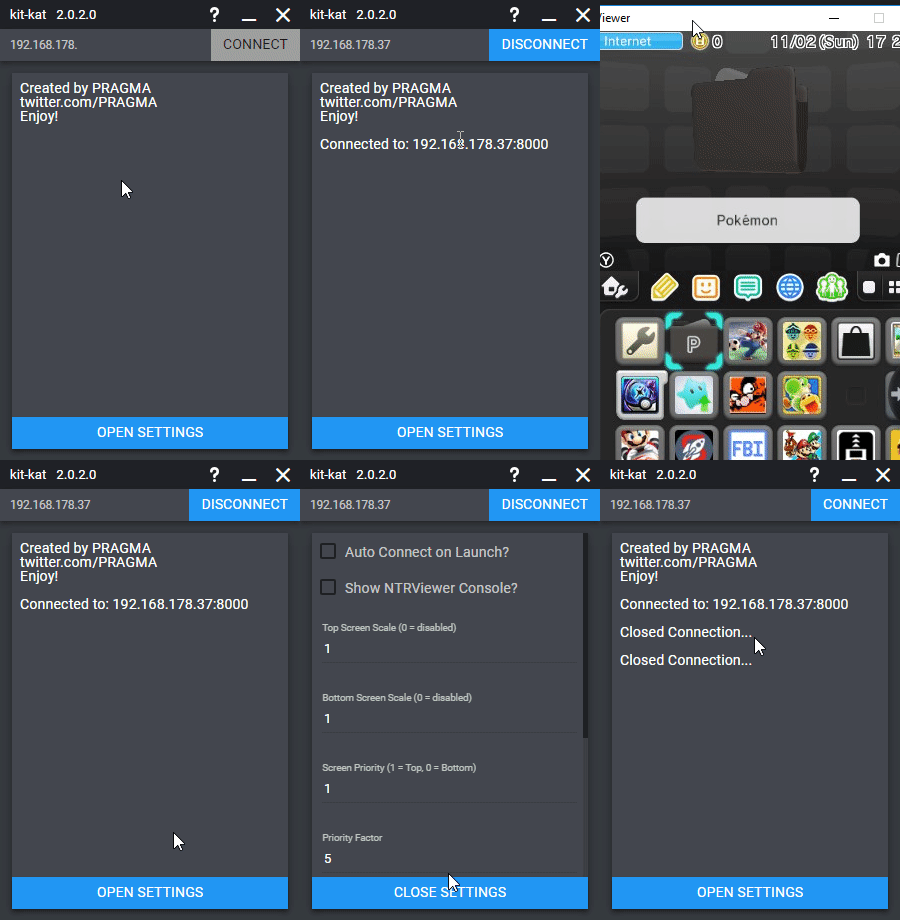
External links
- GitHub - https://github.com/imPRAGMA/kit-kat (archived)
- GBAtemp - https://gbatemp.net/threads/release-kit-kat-2-0-wireless-capture-card.453015
- GBAtemp - https://gbatemp.net/threads/release-kit-kat-2-0-wireless-capture-card.453015 (archived)
- GBAtemp - https://gbatemp.net/threads/release-kit-kat-the-ultimate-3ds-toolkit-pc-client.453015 (archived)