
Simple Text Editor Vita: Difference between revisions
From GameBrew
More actions
No edit summary |
No edit summary |
||
| Line 2: | Line 2: | ||
|title=Vita Homebrew Apps (Other Apps) - GameBrew | |title=Vita Homebrew Apps (Other Apps) - GameBrew | ||
|title_mode=append | |title_mode=append | ||
|image= | |image=simpletexteditorvita002.png | ||
|image_alt=Simple Text Editor | |image_alt=Simple Text Editor | ||
}} | }} | ||
{{Infobox Vita Homebrews | {{Infobox Vita Homebrews | ||
|title=Simple Text Editor | |title=Simple Text Editor | ||
|image= | |image=simpletexteditorvita002.png | ||
|description=Text editor for PSVITA. | |description=Text editor for PSVITA. | ||
|author=jakibaki | |author=jakibaki | ||
| Line 48: | Line 48: | ||
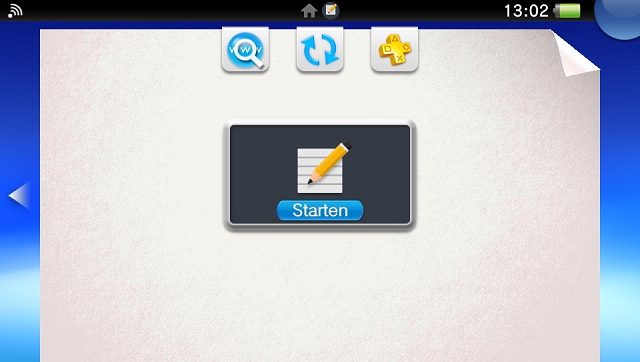
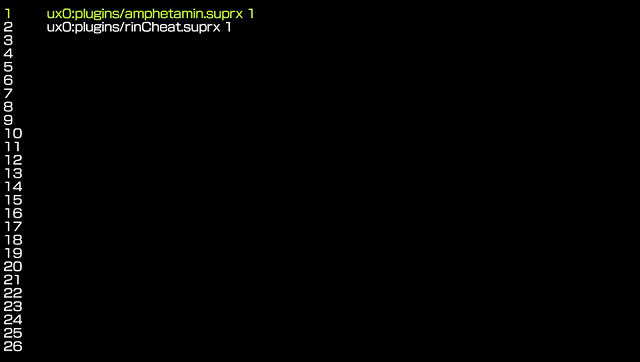
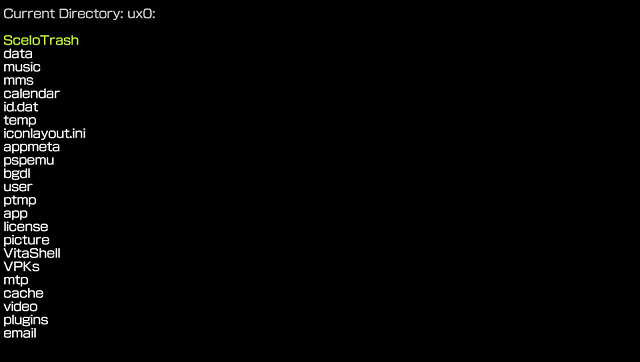
==Screenshots== | ==Screenshots== | ||
https://dlhb.gamebrew.org/vitahomebrews/ | https://dlhb.gamebrew.org/vitahomebrews/simpletexteditorvita9.png | ||
https://dlhb.gamebrew.org/vitahomebrews/ | https://dlhb.gamebrew.org/vitahomebrews/simpletexteditorvita10.png | ||
https://dlhb.gamebrew.org/vitahomebrews/ | https://dlhb.gamebrew.org/vitahomebrews/simpletexteditorvita11.png | ||
==Changelog== | ==Changelog== | ||
Revision as of 01:09, 6 December 2022
| Simple Text Editor | |
|---|---|
| File:Simpletexteditorvita002.png | |
| General | |
| Author | jakibaki |
| Type | Other Apps |
| Version | 1.1.1 |
| License | Mixed |
| Last Updated | 2016/09/06 |
| Links | |
| Download | |
| Website | |

This is a simple text editor made with Rinnegatamante's Lua Player Plus.
Controls
File selector:
Cross - Open file/folder
Circle - Go back one directory
Down/Up - Navigate on the screen
Left/Right - Scroll screen up/down
In the editor:
Cross - Open a popup to edit the current line
Triangle - Save the file
Circle - Close the editor
Down/Up - Navigate on the screen
Left/Right - Scroll screen up/down
L - Remove the current line
R - Add an empty line
Screenshots
Changelog
v1.1.1
- Bugfix.
v1.1
- Added GUI file selector.
v1.0
- First Release.