Vita Nearest Neighbour: Difference between revisions
More actions
m Text replacement - "https://vitadb.rinnegatamante.it/" to "https://www.rinnegatamante.eu/vitadb/" |
No edit summary |
||
| Line 1: | Line 1: | ||
{{Infobox Vita Homebrews | {{Infobox Vita Homebrews | ||
|title=Vita Nearest Neighbour | |title=Vita Nearest Neighbour | ||
|image= | |image=vitanearestneighbour.png | ||
|description=Plugin that makes blurry textures sharper by changing scaling algorithm. | |description=Plugin that makes blurry textures sharper by changing scaling algorithm. | ||
|author=MuxaJlbl4 | |author=MuxaJlbl4 | ||
Revision as of 09:33, 29 January 2025
| Vita Nearest Neighbour | |
|---|---|
 | |
| General | |
| Author | MuxaJlbl4 |
| Type | Plugins |
| Version | 1.0 |
| License | Mixed |
| Last Updated | 2021/03/31 |
| Links | |
| Download | |
| Website | |
| Source | |
Vita Nearest Neighbour is a simple taiHEN plugin for PlayStation Vita that overrides texture sampling.
Forces rendering with point filtering method (Nearest-Neighbor interpolation), instead of linear.
Installation
Download and put VitaNearestNeighbour.suprx into ux0(ur0):tai/.
Append *ALL section in ux0(ur0):tai/config.txt like so (change to ur0 if you store the plugin there)
*ALL
ux0:tai/VitaNearestNeighbour.suprx
Or create *TITLE_ID section to choose only specific game. For example Disgaea 3: Absence of Detention (EU region)
*PCSB00098
ux0:tai/VitaNearestNeighbour.suprx
Reload taiHEN config.txt from settings app or restart your Vita.
Screenshots
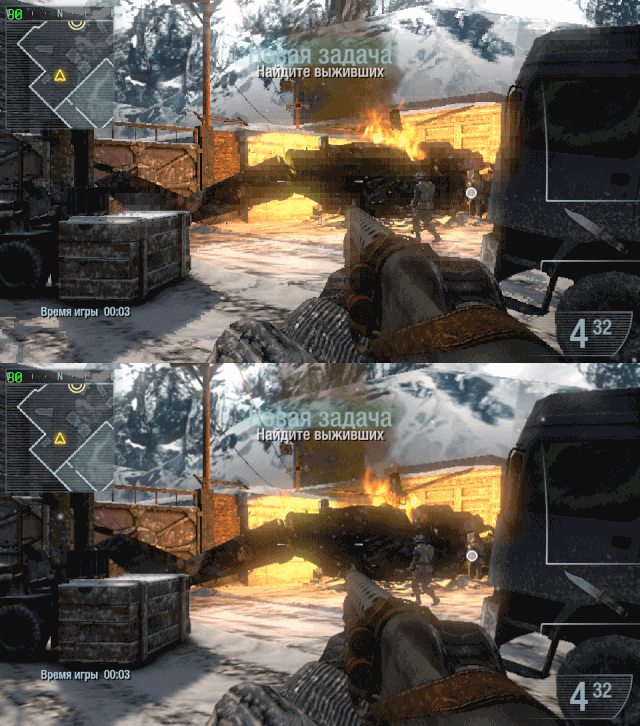
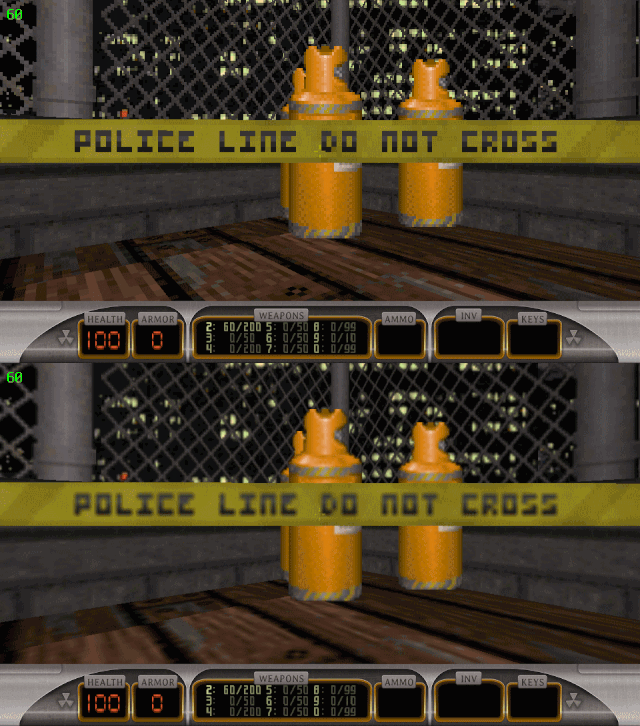
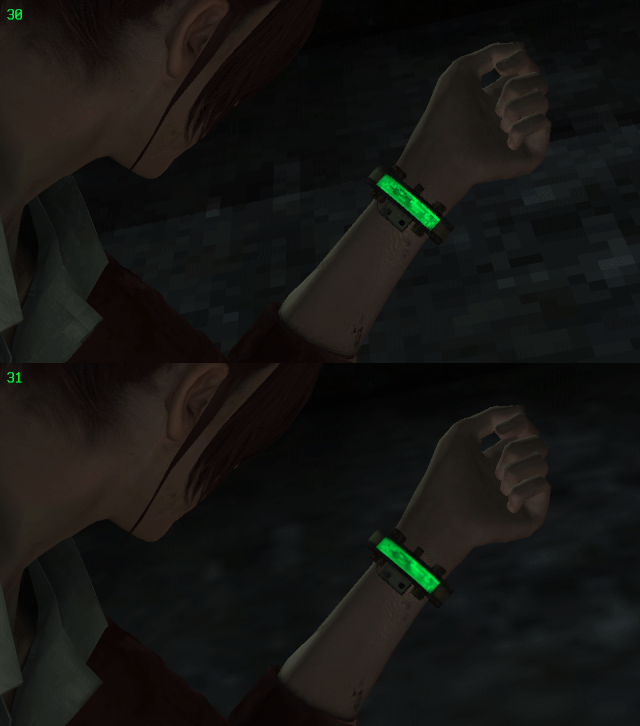
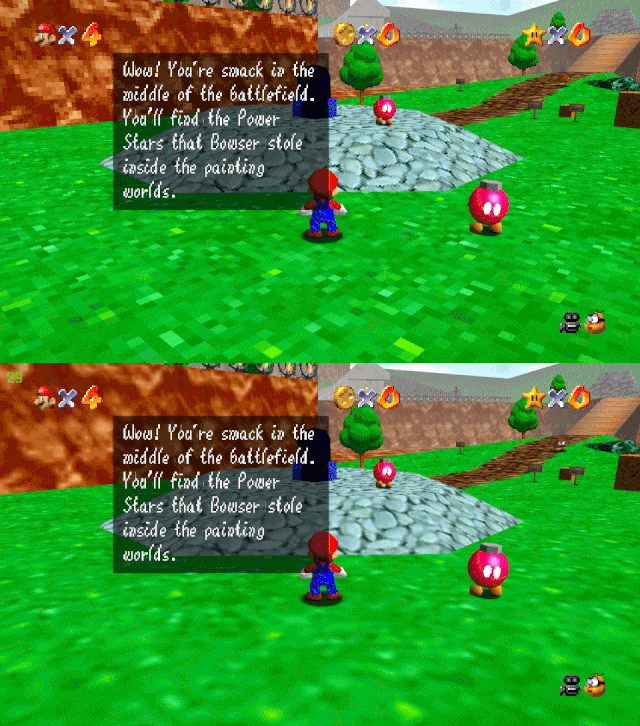
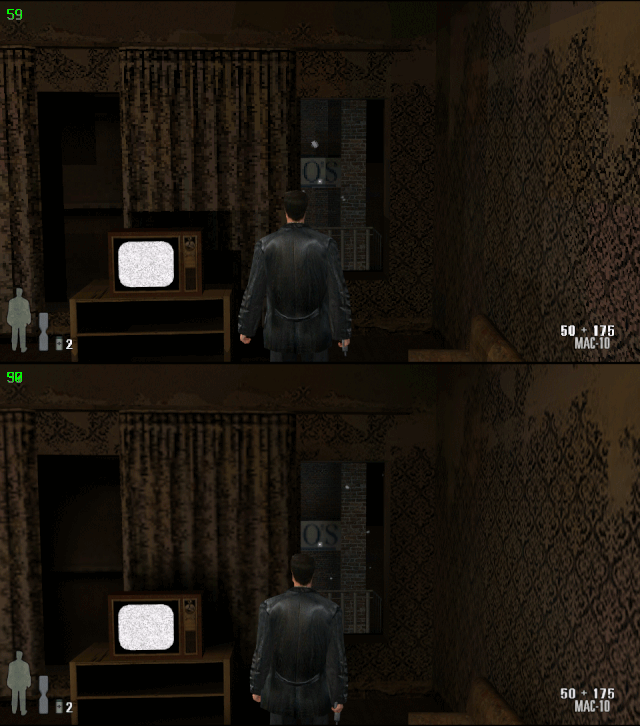
Screenshot with sharp pixelization - overrided point filtering; blurry - original.
Duke Nukem 3D: Megaton Edition
Resident Evil: Revelations 2 (960x544 VitaGrafix)
Super Mario 64 (HomeBrew)
Max Payne (HomeBrew)
Call of Duty: Black Ops: Declassified (720x408)