
VitA Sketch: Difference between revisions
From GameBrew
More actions
Created page with "{{Infobox Vita Homebrews |title=Vita Sketch |image=VitaSketch.png |description=Etch a Sketch recreation for PSVita. |author=AntHJ |lastupdated=2025/10/07 |type=Other Apps |version=1.0 |license=N/A |download=https://dlhb.gamebrew.org/vitahomebrews/VitaSketch.7z |website=https://anthj.itch.io/vita-sketch |source= |donation= }} {{#seo: |title=Vita Homebrew Apps (Other Apps) - GameBrew |title_mode=append |image=VitaSketch.png |image_alt=Vita Sketch }} Vita Sketch an 'Etch A..." |
No edit summary |
||
| Line 19: | Line 19: | ||
|image_alt=Vita Sketch | |image_alt=Vita Sketch | ||
}} | }} | ||
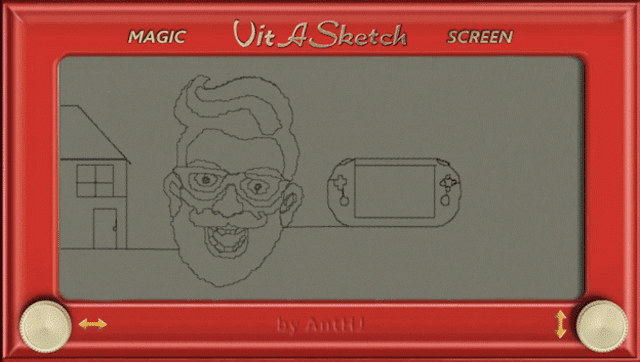
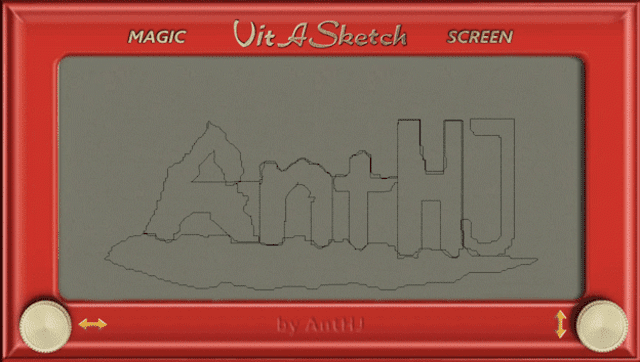
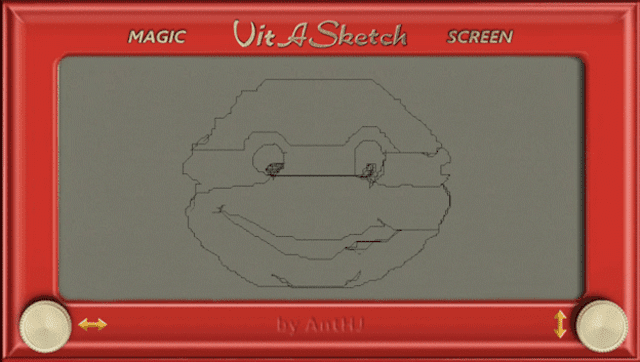
A recreation of the drawing toy Etch-A-Sketch (also known as magic screen) for the Vita. | |||
Made with [[Lua Player Plus Vita]] (lpp-vita). | |||
==Features== | |||
* Shake to clear the image. | |||
==Controls== | ==Controls== | ||
Left | Left Analog - Left/Right only | ||
Right | Right Analog - Up/Down only | ||
D-Pad - Multi-directional | |||
Icon buttons | Icon buttons - Multi-directional | ||
L - Toggle slower draw speed | |||
R - Toggle faster draw speed | |||
Start - Take a screenshot | |||
Shake - Clear the screen | |||
==Screenshots== | ==Screenshots== | ||
| Line 52: | Line 55: | ||
== External links == | == External links == | ||
* | * itch.io - https://anthj.itch.io/vita-sketch | ||
* VitaDB - https://www.rinnegatamante.eu/vitadb/#/info/1331 | * VitaDB - https://www.rinnegatamante.eu/vitadb/#/info/1331 | ||
Latest revision as of 01:44, 12 October 2025
| Vita Sketch | |
|---|---|
 | |
| General | |
| Author | AntHJ |
| Type | Other Apps |
| Version | 1.0 |
| License | N/A |
| Last Updated | 2025/10/07 |
| Links | |
| Download | |
| Website | |
A recreation of the drawing toy Etch-A-Sketch (also known as magic screen) for the Vita.
Made with Lua Player Plus Vita (lpp-vita).
Features
- Shake to clear the image.
Controls
Left Analog - Left/Right only
Right Analog - Up/Down only
D-Pad - Multi-directional
Icon buttons - Multi-directional
L - Toggle slower draw speed
R - Toggle faster draw speed
Start - Take a screenshot
Shake - Clear the screen
Screenshots
Changelog
v1.0
- First Release.