
battery icon PSP
More actions
| battery_icon | |
|---|---|
 | |
| General | |
| Author | nuxa17 |
| Type | Plugins |
| Version | 1.1 |
| License | Mixed |
| Last Updated | 2024/10/18 |
| Links | |
| Download | |
| Website | |
| Source | |
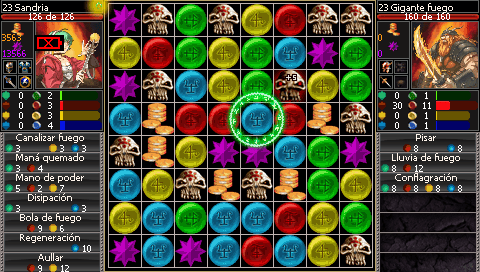
This plugin will show a blinking low battery indicator. It works by hooking the sceDisplay syscall and patching sceDisplaySetFrameBuffer(), instead of simply modifying the content of the buffer (flickering may show up).
It was made as an exercise for learning how to use PSPSDK, as well as a way to practice C.
Installation
Put battery_icon.prx and battery_icon.ini in the seplugins directory on your PSP Memory Stick.
On ARK
Open PLUGINS.txt in the same seplugins folder and append this line to the text file:
all, ms0:/seplugins/battery_icon.prx, on
For PSP Go, add this line instead:
all, ef0:/seplugins/battery_icon.prx, on
Reboot your PSP to take effect.
Other CFW
Open game.txt, vsh.txt, pops.txt in the same seplugins folder and append this line to the text files:
ms0:/seplugins/battery_icon.prx 1
For PSP Go, add this line instead to the text files:
ef0:/seplugins/battery_icon.prx 1
Reboot your PSP to take effect.
Screenshots
Changelog
v1.1
- Added options for resizing the icon (not the best scaling).
- Added options for changing the position of the icon.
- Various fixes.
v1.0
- First release.
Credits
Cool projects used for research:
- PSPSDK sample projects.
- PSP-HUD
- Brightness-Control
- ARK-4 VSH Menu
- Missyhud.prx
- ctrlHook
Documentation:
- PSPSDK
- PSPLibDoc
- PSP Dev Wiki (source from the PSP-PRX-Libraries-Documentation-Project)
Thanks to:
- Gamebrew for being my starting point.
- uOFW Team for the hooking libraries (see LICENSE_uOFW).
- PSP Homebrew Community Discord for helping out.
- Everyone who makes homebrew possible!