
Party Hard Vita
More actions
| Party Hard | |
|---|---|
 | |
| General | |
| Author | danssmnt |
| Type | Action |
| Version | 0.01 |
| License | N/A |
| Last Updated | 2025/12/31 |
| Links | |
| Download | |
| Website | |
A work-in-progress port for Party Hard developed by Pinokl Games.
Expect bugs, glitches and crashes to occur. See Issues for more info.
Installation
You need to have bought Party Hard from Steam legally. Buy the game here. This will only work with the latest Party Hard STEAM version for Windows or Linux.
Download the latest release from Releases and install the .vpk on your PS Vita. (Note: The game won't run on Vita3K.)
Windows
Locate your Party Hard installation directory on your PC (i.e. C:/Program Files (x86)/Steam/steamapps/common/Party Hard/)
Copy PartyHardGame.exe and steam_api.dll (from the installation dir.) to ux0:/data/PartyHard/ (create directories on your PSVita if needed)
Run game. (run at 500mHz for a smoother experience)
Linux
Locate your Party Hard installation directory on your PC (i.e. ~/.var/app/com.valvesoftware.Steam/.local/share/Steam/steamapps/common/Party Hard/)
Copy PartyHardGame.x86 (from the installation dir.) to ux0:/data/PartyHard/ (create directories on your PSVita if needed)
Run game. (run at 500mHz for a smoother experience)
If the game crashes on startup, you either skipped step 2 and 3 or your Party Hard copy is invalid.
Transferring Saves
You can, if you want, transfer your progress from your PC to PS Vita and vice-versa.
- PSVita's Party Hard save file is located at
ux0:/data/PartyHard/savedGames.gd - Windows's Party Hard save file is located at
C:/Users/{USERNAME}/AppData/LocalLow/PinoklGames/PartyHardGame/savedGames.gd
Just copy the save file from one path to another.
Screenshots
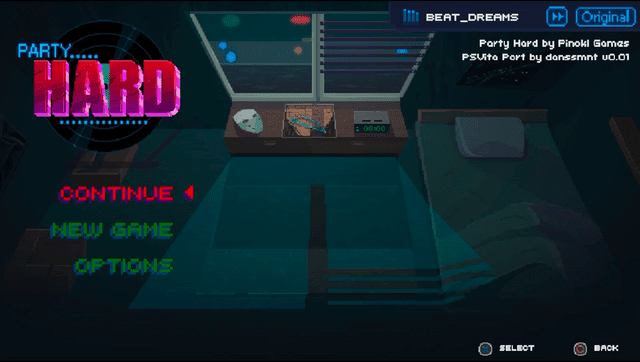
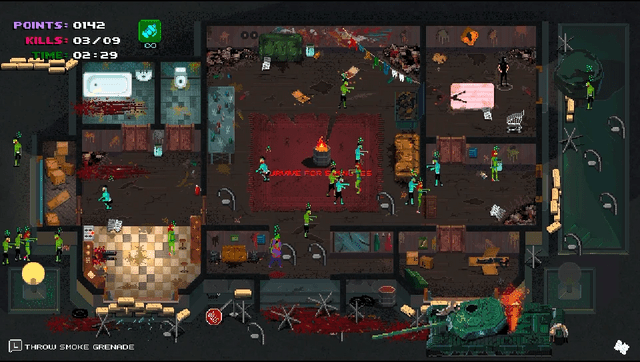
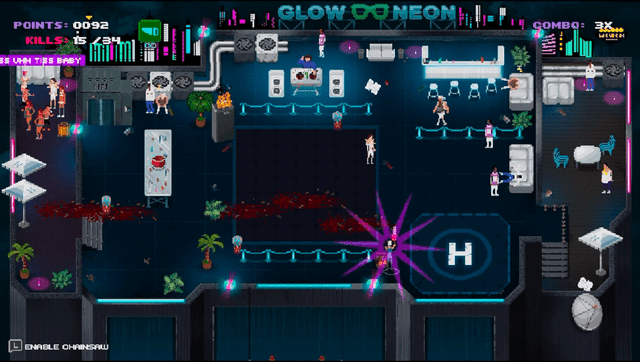
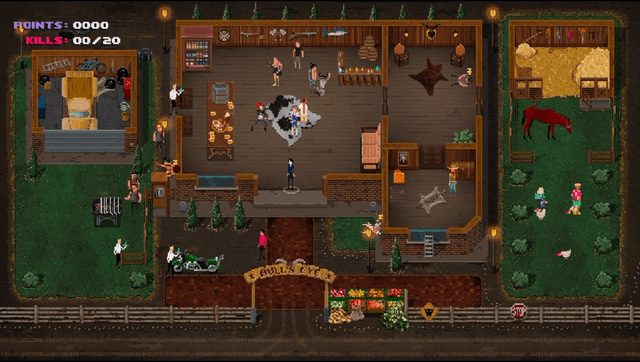
Media
Party Hard Launch Trailer (tinyBuildGAMES)
Changelog
v0.01
- First Release.
Special Thanks
- Pinokl Games / TinyBuild: for this awesome game!
- noradninja: go help him out!
- PatnosD
- All Vita Homebrew Community!