
Crispy Doom U
More actions
| Crispy Doom U | |
|---|---|
 | |
| General | |
| Author | thearst3rd, strejf79 |
| Type | Shooter |
| Version | 1.1 |
| License | GPL-2.0 |
| Last Updated | 2025/09/28 |
| Links | |
| Download | |
| Website | |
| Source | |
Crispy Doom U is a Wii U adaptation of Crispy Doom, an enhanced-resolution, limit-removing Doom source port based on Chocolate Doom. The name "Crispy" refers to its internally crisp 640x400 resolution, with a slight reference to its origin.
This Wii U port was made possible by collaborative efforts of Crispy/Chocolate Doom authors, devkitPro, and the SDL2 porting team.
Features
- Up to date with Crispy Doom 5.12.0.
- High feature parity with the PC version, retaining the full Crispy menu (excluding elements irrelevant to Wii U).
- Smooth analog control support for both movement and turning.
- Simple launcher for selecting IWADs and optional PWADs.
- Music support using OPL3 (with minor stutter when loading new tracks).
- Wii U Pro Controller and Wii Classic Controller support.
- Controller rebinding (currently via editing
crispy-doom.cfg). - Optional toggle to fix the blockmap bug (page 4 of the Crispy menu).
Installation
Extract the release into sd:/wiiu/apps/crispy-doom-u.
Place your WADs in sd:/wiiu/apps/crispy-doom-u/wads.
If you do not have any Doom WADs, you can use the free shareware version of Doom, or the Freedoom project.
Controls
Left stick - Move
Right stick - Aim
A - Use
ZR - Fire
B - Jump (if enabled)
Minus - Toggle automap
Y - Toggle automap overlay mode
X - Toggle automap rotation mode
L/R - Previous/Next weapon
D-Pad Up - Select shotgun
D-Pad Right - Select chaingun
D-Pad Down - Select rocket launcher
D-Pad Left - Select plasma rifle
Note: On the Wii Classic Controller, ZL and L are swapped, as well as ZR and R.
Screenshots
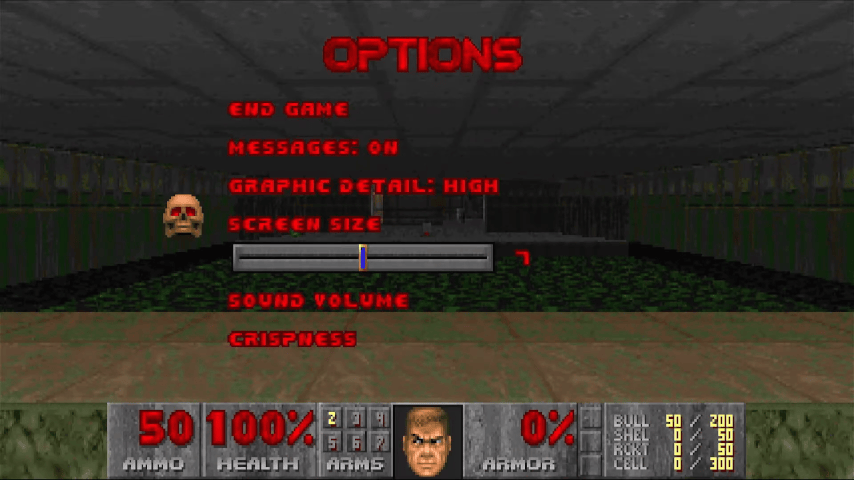
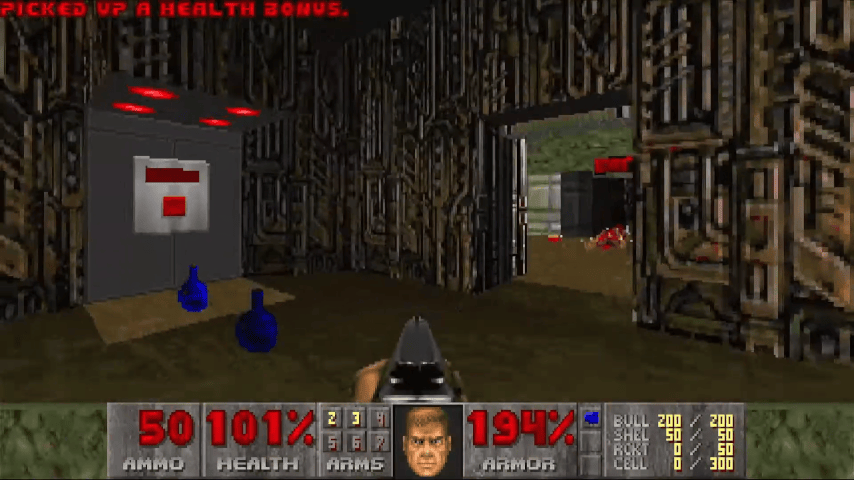
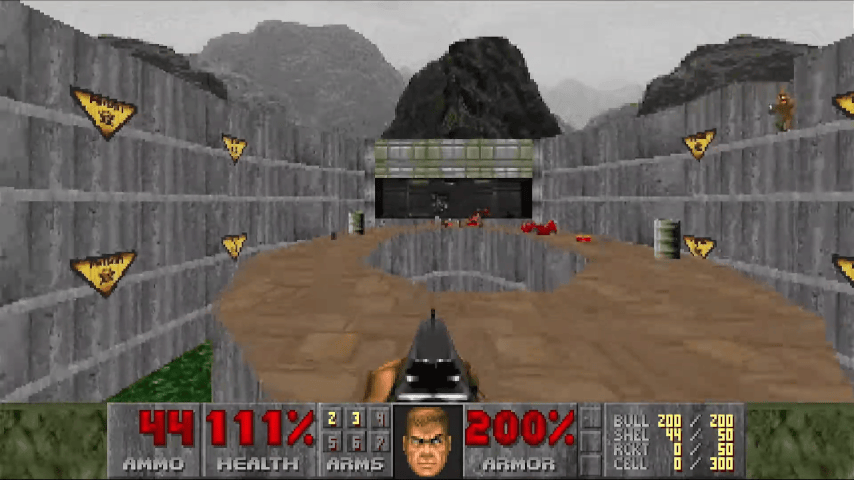
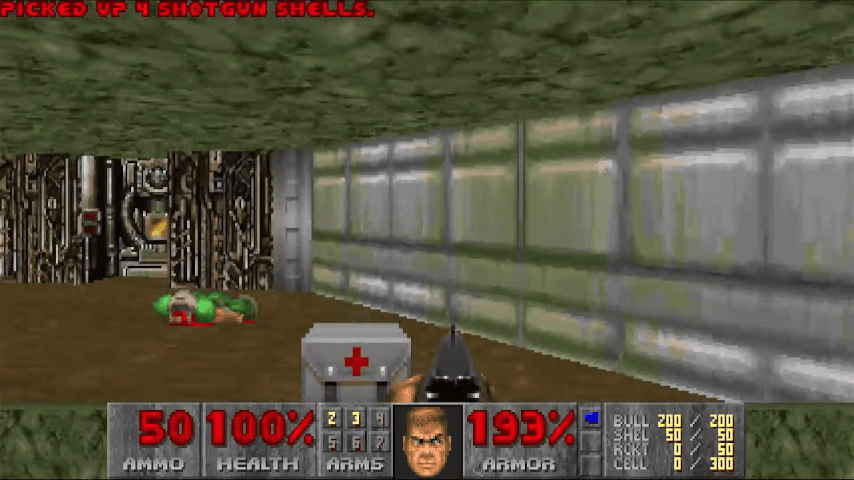
Known issues
Certain aspects are still under development or optimization, here a are list of some things to be aware of:
- High-resolution rendering can cause lag.
- No networking support (single-player only).
- Launcher lacks some features, with planned improvements.
- No cheats due to the absence of a keyboard.
Known bugs:
- Music issues with Freedoom WADs (and potentially others) may require stage switching to resolve the issue.
Changelog
v1.1-graphics-fix 2025/09/28
- Graphics flash eliminated - clean transition from launcher to game after WAD selection.
- Audio working perfectly - music and sound effects functioning properly.
- Smooth gameplay - graphics rendering correctly without artifacts.
- HOME button resume - proper suspend/resume functionality maintained.
- Clean quit - both in-game menu and system quit work correctly.
- WAD selection - no more visual artifacts during file selection.
- Delayed OSScreen shutdown system bridges the gap between the launcher (OSScreen) and the game (SDL).
- All known bugs have been resolved. The Crispy-Doom-U Aroma port is now stable and ready for production use.
aroma 2025/09/23
- Initial Aroma homebrew port release (forked from thearst3rd/crispy-doom-u).
- In-game quit menu now works perfectly - "Quit Game → Y" exits cleanly to Wii U home menu.
- HOME button functionality preserved.
- Robust exit handling - game exits properly regardless of quit method.
- Fixed in-game quit hanging - added immediate exit checks in main game loops.
- Robust ProcUI cleanup - implemented comprehensive shutdown with
atexit()registration. - Stable graphics during loading - added proper frame presentation before WAD loading.
- Bulletproof exit handling - works for normal quit, in-game quit, HOME button, and crash scenarios.
- Supports both
.wuhb(Aroma) and.rpx(manual install) formats. - Compatible with Aroma, Tiramisu, and all game variants (Doom, Doom II, Heretic, Hexen, Strife).
wiiu-0.3.3 2022/10/10
- Now up to date with Crispy Doom 5.12.0 commit 35dc15e.
wiiu-0.3.2 2021/09/09
- Launcher: Now scrolls through the WADs if there are too many to show on the screen at one time.
- Now up to date with Crispy Doom 5.10.3 commit 3cde09b.
wiiu-0.3.1 2021/08/31
- Name changed to "Crispy Doom U".
- This also means that the directory has moved from
sd:/wiiu/apps/crispy-doomtosd:/wiiu/apps/crispy-doom-u.
- This also means that the directory has moved from
- Now up to date with Crispy Doom 5.10.3 commit 99ca747.
wiiu-0.3 202/07/31
- Replaced SDL2 joystick code with code that directly checks VPAD/WPAD/KPAD
- Wii U Pro Controller and Wii Classic controller are now supported.
- Disconnecting/reconnecting controllers now correctly works.
- Now up to date with Crispy Doom 5.10.1 commit c072715.
wiiu-0.2.1 2021/04/17
- Launcher updates:
- The launcher now scans sub-folders in the WAD path for files and will show them all in the WAD list.
- You can now select PWADs in addition to the main IWAD.
- Now up to date with Crispy Doom 5.10.1 commit c028707.
wiiu-0.2 2021/04/11
- Added a simple launcher - you can now add as many WADs as you want to
sd:/wiiu/apps/crispy-doom/wadsand the launcher will let you pick between them. - Minor tweaks:
- Now up to date with Crispy Doom 5.10.1 commit 40fd021.
- When quitting the game (via the menu or by pressing Home), it will play a sound effect as in the original game.
wiiu-0.1 2021/04/04
- Initial release.
External links
- GitHub - https://github.com/thearst3rd/crispy-doom-u/
- GitHub (Aroma fork) - https://github.com/strejf79/crispy-doom-u-aroma
- Homebrew App Store - https://hb-app.store/wiiu/Crispy-Doom