
Chex Quest Vita
From GameBrew
More actions
| Chex Quest Vita | |
|---|---|
 | |
| General | |
| Author | DraxTube |
| Type | Shooter |
| Version | 1.0 |
| License | N/A |
| Last Updated | 2026/02/24 |
| Links | |
| Download | |
| Website | |
| Source | |
Port of Chex Quest (1996) to the PlayStation Vita, built on top of the doomgeneric source port of Doom.
A PSP version is also available: Chex Quest PSP.
Features
- Native Vita backend (no SDL), with video, audio, and input implemented directly against Vita system libraries.
- OPL3 FM music synthesis via Nuked-OPL3.
- Supports chex.wad, doom1.wad and doom.wad.
- Quick save/load functionality.
- Dual analog stick controls.
Installation
Requirements:
- PS Vita or PSTV running HENkaku/Enso (firmware 3.60-3.74).
- VitaShell.
chex.wadordoom1.wadordoom.wad.
Instructions:
- Download the VPK from the Releases page.
- Transfer it to the Vita and install it using VitaShell.
- Place your WAD file at
ux0:/data/chexquest/chex.wad - Launch the game from the LiveArea.
- Save files and debug logs are written to the same directory.
Controls
Left Analog - Move
Right Analog - Turn
Square or R - Fire
Cross - Use / Open
L - Run
Triangle - Automap
Circle - Strafe Modifier
Start - Menu
Select - Confirm
D-Pad Left/Right - Weapon Cycle
D-Pad Up - Quick Save (saves to slot 0)
D-Pad Down - Quick Load (saves to slot 0)
Quick Save and Quick Load have a 1-second cooldown. The in-game save/load menu does not work; use these button combos instead.
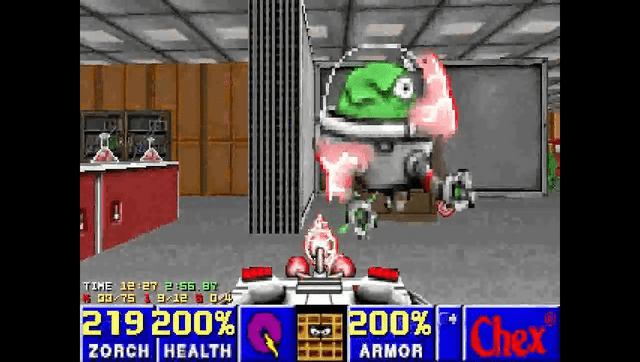
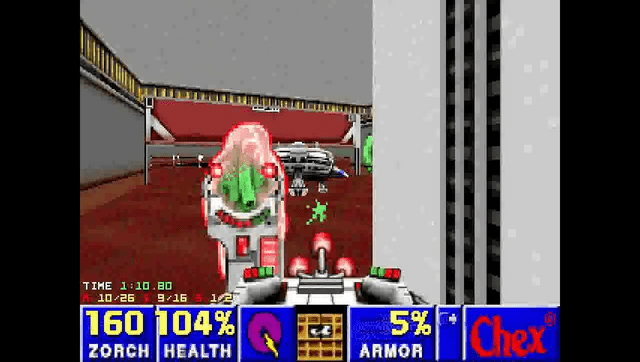
Screenshots
Media
Chex Quest (PC) - Angry Video Game Nerd (AVGN) (Cinemassacre)
Known issues
- Music is simplified: only 9 OPL voices, single-voice instruments only. Two-voice GENMIDI patches are not rendered correctly. Music sounds noticeably different from the original PC version.
- Pitch bend is parsed but ignored. Notes play at fixed pitch regardless of MUS pitch bend events.
- No gamma control (
usegammais hardcoded to 0). - Nearest-neighbor scaling only. The 320x200 framebuffer is scaled to 960x544 without filtering.
- No external controller or mouse support.
- If no WAD file is found, the game logs an error and exits after 5 seconds with no on-screen message.
Changelog
v1.0
- First Release.
Credits
- id Software - Doom
- Digital Café - Chex Quest
- ozkl - doomgeneric
- LatinWizard99 - Completing the assets and testing
- DraxTube - Porting work