
Party Hard Vita
From GameBrew
More actions
| Party Hard | |
|---|---|
 | |
| General | |
| Author | danssmnt |
| Type | Action |
| Version | 0.01 |
| License | N/A |
| Last Updated | 2025/12/31 |
| Links | |
| Download | |
| Website | |
Party Hard has an unofficial port for PlayStation Vita that runs the PC game using its original data files and requires a legally purchased copy of Party Hard on another platform.
Installation
Note: The game won't run on Vita3K.
Important: You need to have bought Party Hard from Steam legally! Buy the game here. This will only work with the latest Party Hard STEAM version for Windows or Linux.
- Download the latest release from Releases.
- Install the
.vpkon your PSVita.
Windows
- Locate your Party Hard installation directory on your PC (should be in
C:/Program Files (x86)/Steam/steamapps/common/Party Hard/) - Copy
PartyHardGame.exeandsteam_api.dll(from the installation dir.) toux0:/data/PartyHard/(create directories on your PSVita if needed) - Run game. (run at 500mHz for a smoother experience)
Linux
- Locate your Party Hard installation directory on your PC (mine is at
~/.var/app/com.valvesoftware.Steam/.local/share/Steam/steamapps/common/Party Hard/) - Copy
PartyHardGame.x86(from the installation dir.) toux0:/data/PartyHard/(create directories on your PSVita if needed) - Run game. (run at 500mHz for a smoother experience)
If the game crashes on startup, you either skipped step 2 and 3 or your Party Hard copy is invalid.
Transfering Saves
You can, if you want, transfer your progress from your PC to PSVita and vice-versa.
- PSVita's Party Hard save file is located at
ux0:/data/PartyHard/savedGames.gd - Windows's Party Hard save file is located at
C:/Users/{USERNAME}/AppData/LocalLow/PinoklGames/PartyHardGame/savedGames.gd
Just copy the save file from one path to another.
Media
Party Hard Launch Trailer (tinyBuildGAMES)
Screenshots
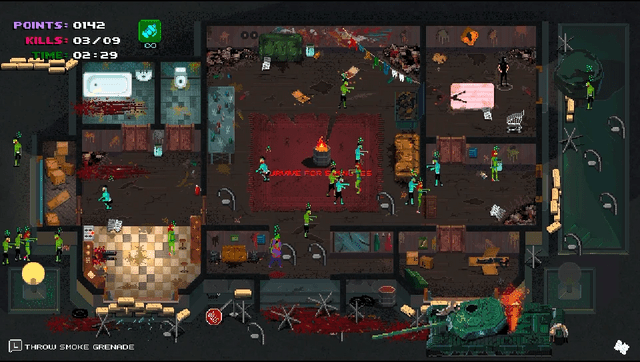
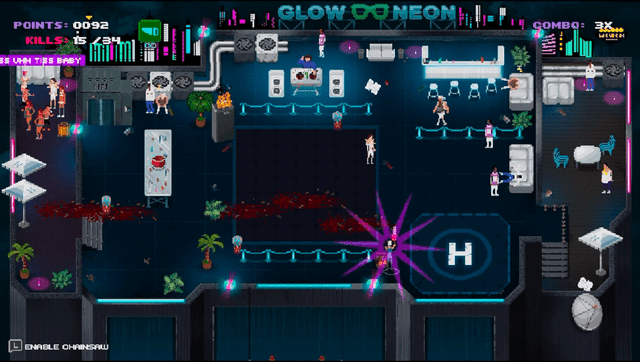
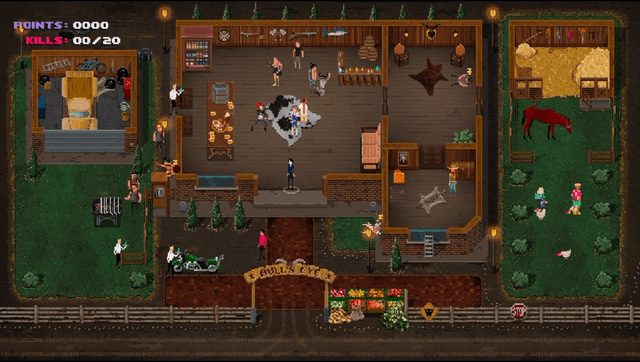
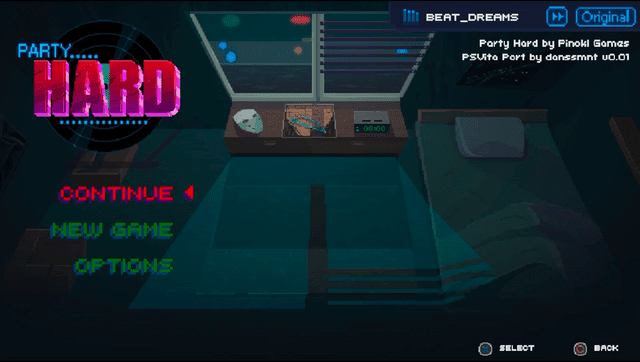
Known Issues
Refer to Issues.
Changelog
v0.01
- First Release.
Special Thanks
- Pinokl Games / TinyBuild: for this awesome game!
- noradninja: go help him out!
- PatnosD
- All Vita Homebrew Community!