
PSP Java Button
From GameBrew
More actions
| PSP Java Button | |
|---|---|
 | |
| General | |
| Author | 511V41 |
| Type | Other |
| Version | 1.0.0 |
| License | Mixed |
| Last Updated | 2021/05/04 |
| Links | |
| Download | |
| Website | |
| Source | |
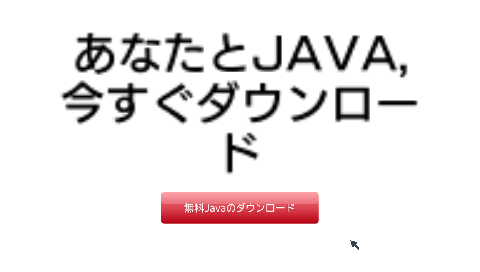
PSP used to be "not Java," but now it’s different. Anyone can press the Java button on the PSP now.
In front of you, there is the red shining button that says "Free Java Download." Now is the time to press it. May Java's blessing be with you.
Installation
Download the ZIP file from the release page.
Extract it into /PSP/GAME/.
Controls
D-Pad - Cursor
Circle - Press
Screenshots
Credits
- intraFont by BenHur
- liblzr by BenHur
- 全角文字表示ライブラリ by mediumgauge
- DX Library Portable Copyright (C) 2008-2010 Kawai Yuichi.