
Vita Deck
From GameBrew
More actions
| Vita Deck | |
|---|---|
 | |
| General | |
| Author | AntHJ |
| Type | Other Apps |
| Version | 1.0 |
| License | N/A |
| Last Updated | 2025/10/07 |
| Links | |
| Download | |
| Website | |
Stream Deck client for PSVita. Allows to use your PSVita as a shortcut interface for your devices.
How To Use
- Install the VPK onto your Vita
- Run the Config.exe app on your PC
- Create your own StreamDeck layout (or use the included sample keyset)
- Launch SreamDeck and Send the keyset to the Vita to update its functions
- Use the Receiver.exe app to link your Vita and PC using the IP address
- Close the Vita app and the PC app will disconnect so you can close it.
Screenshots
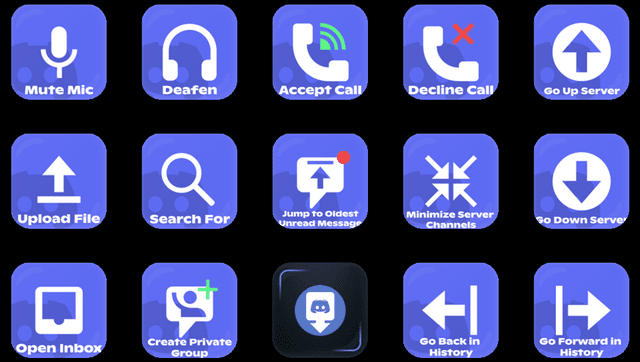
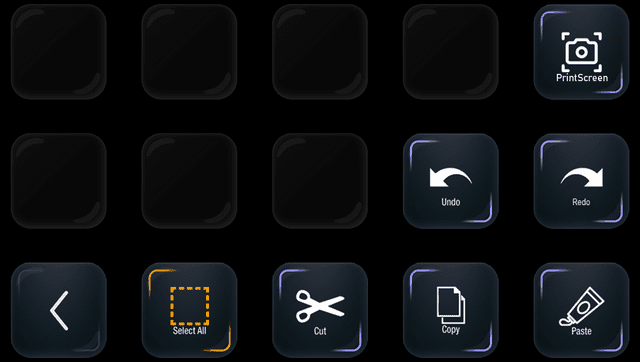
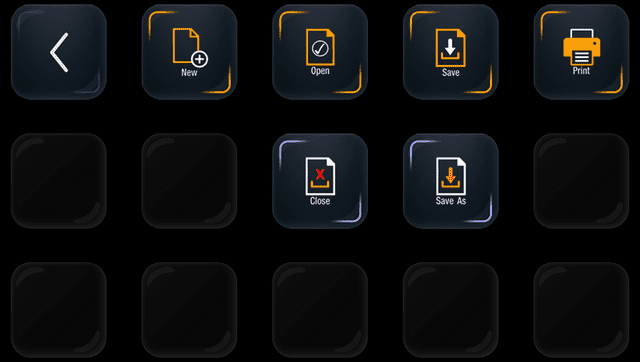
Changelog
v1.0
- First Release.
External links
- Itch.io - https://anthj.itch.io/vita-deck
- VitaDB - https://www.rinnegatamante.eu/vitadb/#/info/1332