
Scratch Everywhere Vita
From GameBrew
More actions
| Scratch Everywhere | |
|---|---|
 | |
| General | |
| Author | NateXS, Dogo6647 |
| Type | Other Apps |
| Version | Beta Build 22 |
| License | LGPL-3.0 |
| Last Updated | 2025/09/07 |
| Links | |
| Download | |
| Website | |
| Source | |
A custom C++ runtime for running Scratch 3 projects on the PlayStation Vita. Scratch Everywhere brings the creativity of Scratch to handheld consoles, supporting the vast majority of Scratch 3 features and allowing users to play, share, and experiment with Scratch projects outside the browser and on real hardware.
Features
- Runs most Scratch 3 projects directly on Vita hardware.
- Touch controls: interact with the front touchscreen for mouse input.
- Standard controller navigation in “Mouse Mode” (hold L to enter, use D-pad to move, R to click).
- Supports MP3, Ogg Vorbis, and WAV audio files.
- "Username" block returns the Vita's username.
- Allows simple collision detection and remapped block behaviors for compatibility.
- Frame rate tweaks available via TurboWarp (custom FPS).
- Many Scratch projects playable out of the box.
- Regular releases and updates, plus nightlies for testers.
Limitations
- Still a work-in-progress: expect some bugs or crashes, especially with advanced Scratch extensions.
- No support for pen, music, and other extensions yet.
- Cloud Variables not supported (planned).
- Large or complex projects with many clones or assets may impact performance.
- Some block features and costume effects remain unimplemented.
- No support for back touch panel on Vita.
Installation
- Download the scratch-vita.vpk file from the releases tab or nightly build, transfer it over to the Vita's storage, and install it using VitaShell on your Vita.
- Put your Scratch Projects in ux0:data/scratch-vita/ (you will need to create the folder yourself).
- Place your .sb3 Scratch projects here.
- Launch "ScratchEverywhere" from the LiveArea.
- Select and play your Scratch projects!
Media
The Most Impressive Scratch Projects (DenshiVideo)
Screenshots
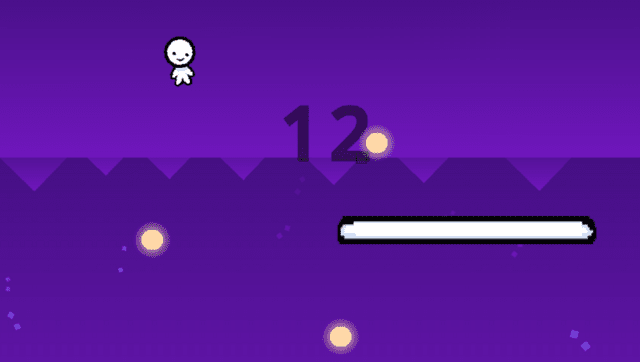
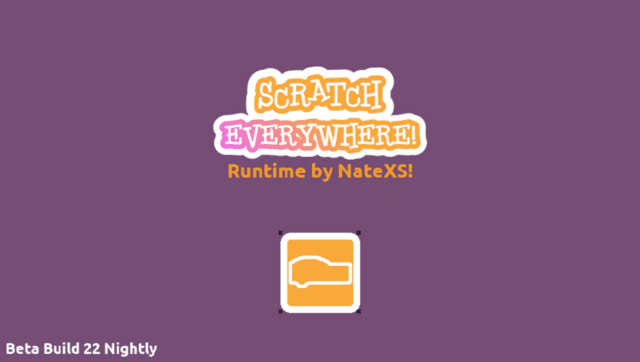
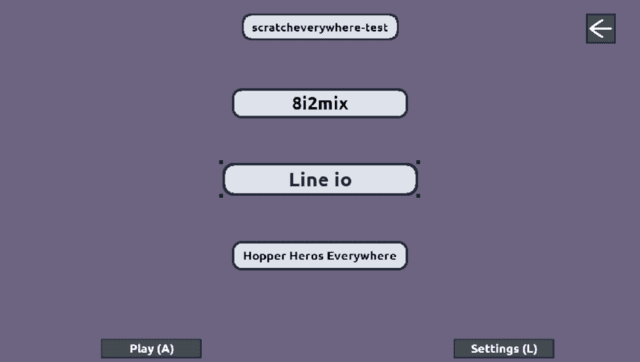
Changelog
v0.22
- New Features
- Brightness costume effect added!
- Logs now get saved to a log file
- Log file is located in the same spot your scratch projects are placed
- Runtime Fixes
- Fixed When this sprite clicked being ran for every sprite instead of only the sprite that's clicked
- Fixed When this sprite clicked being able to click multiple sprites in one click
- Fixed a few crashes that could happen related to audio
- Fixed backdrop rendering
- Added some new Main Menu splash text
- A bunch of code refactoring under the hood
v0.21
- Significantly improved performance!
v0.20
- First Release.