
PSP File Browser
From GameBrew
More actions
| PSP File Browser | |
|---|---|
 | |
| General | |
| Author | LIGHT |
| Type | File Browsers |
| Version | 1.00 |
| License | GPL-2.0 |
| Last Updated | 2012/02/02 |
| Links | |
| Download | |
| Website | |
| Source | |
This is a Japanese file browser for the PSP using a clean intraFont.
It was made with PSP Filer in mind, but it does not support tree-view display.
Installation
Extract the PSPFileBrowserVer1.00.zip file, then copy the resulting PSPFileBrowser folder to ms0:/PSP/GAME/.
If you place an image named Background.png in the same directory as EBOOT.PBP, it will be displayed as the background.
User guide
Supported formats: Text viewer - TXT, DB, INI. Image viewer - PNG. Music player - MP3.
Controls
Up - Select the folder/file one level up
Down - Select the folder/file one level down
Circle - Open selected folder, Open selected file (text/image/mp3)
Cross - Close the open file
Triangle - Open the main menu
Square - Open the file menu
R/L - Go to the next/previous page
Screenshots
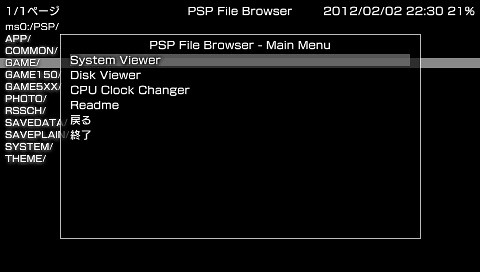
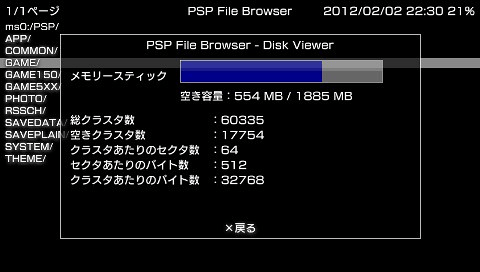
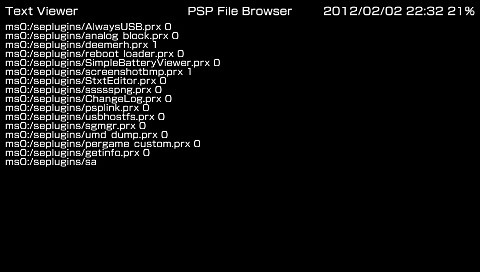
External links
- Author's website - http://pctoolone.com/?p=1110 (archived)