
Pureya Vita
From GameBrew
More actions
| Pureya | |
|---|---|
 | |
| General | |
| Author | PatnosDD |
| Type | Other Games |
| Version | 1.0 |
| License | N/A |
| Last Updated | 2024/09/20 |
| Links | |
| Download | |
| Website | |
| Support Author | |
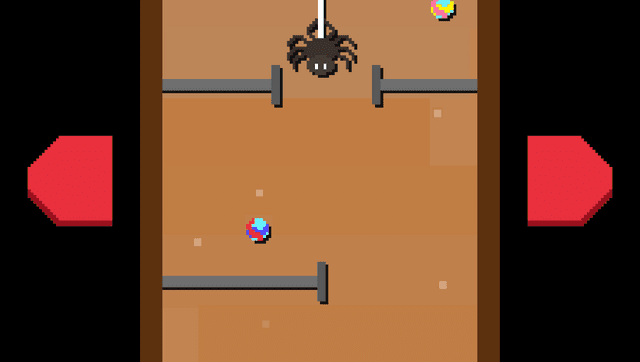
Pureya is a collection of arcade minigames that play with just 2 buttons.
Every 10 seconds, the game will jump from one random minigame to another.
Installation
Requirements:
- Steam version of the game.
- ioplus plugin installed on the PSP.
Instructions:
- Download Pureya vpk from Releases and install it through VitaShell.
- Go to the Release page and download PureyaVitaSTEAM.zip and extract it.
- Put the game's folder(..\steamapps\common\pureya) inside the extracted folder.
- Launch ApplyPatch.bat and wait( will need from 1 to 5 minutes depending on the system).
- Let it finish and there should be a .ZIP file named pureya.zip.
- Open the VitaShell, connect your PS Vita to your PC and copy the contents of the .ZIP file (not the ZIP file itself, just files inside it) over to ux0:app/PRYA22322/. It should contain the following files:
- Media/
- sec_module/
- sec_sys/
- eboot.bin
Screenshots

Media
pureya launch trailer (Majorariatto)
Known issues
Pause menu needs few seconds to load, so it may look like freeze.
Changelog
v1.0
- First Release.