3DS Tic Tac Toe: Difference between revisions
From GameBrew
More actions
No edit summary |
No edit summary |
||
| Line 8: | Line 8: | ||
|version=2018 | |version=2018 | ||
|license=Mixed | |license=Mixed | ||
|download=https://dlhb.gamebrew.org/ | |download=https://dlhb.gamebrew.org/3dshomebrews/3dstictactoealb.7z | ||
|website=https://gbatemp.net/threads/release-3ds-tic-tac-toe-gateway-cfw-ninjhax.380559 | |website=https://gbatemp.net/threads/release-3ds-tic-tac-toe-gateway-cfw-ninjhax.380559 | ||
|source=https://github.com/AlbertoSONIC/3DS_Tic_Tac_Toe | |source=https://github.com/AlbertoSONIC/3DS_Tic_Tac_Toe | ||
}} | }} | ||
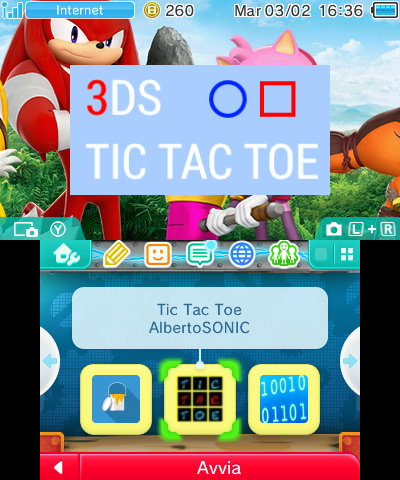
This is a Tic Tac Toe game for the 3DS. | |||
== | ==Installation== | ||
Available in CIA, 3DS, and 3DSX formats. | |||
* 3DSX - Use the .3dsx provided with the homebrew launcher. | |||
* CIA - Copy .cia to your SD card and install it with the CIA manager of your choice. | |||
* 3DS - Copy .3ds to your SD card. | |||
==Screenshots== | |||
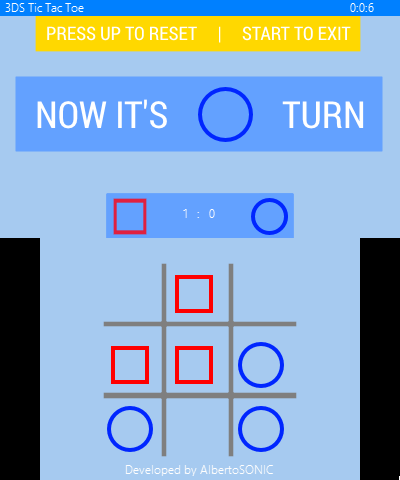
https://dlhb.gamebrew.org/3dshomebrews/3dstictactoealb2.png | |||
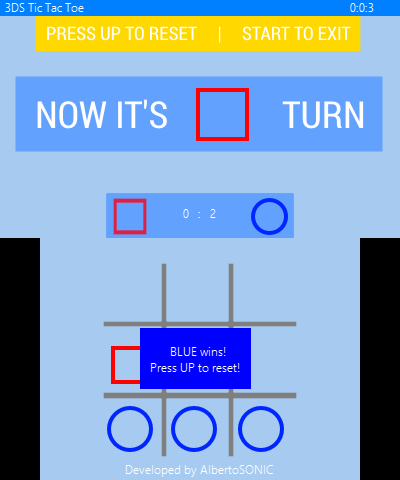
https://dlhb.gamebrew.org/3dshomebrews/3dstictactoealb3.png | |||
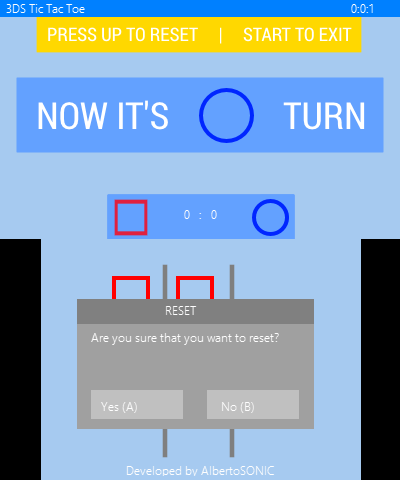
https://dlhb.gamebrew.org/3dshomebrews/3dstictactoealb4.png | |||
https://dlhb.gamebrew.org/3dshomebrews/3dstictactoealb5.png | |||
==Credits== | |||
* [https://gbatemp.net/members/318416/ filfat] - For testing folder and draw sprite code. | |||
* [https://gbatemp.net/members/38848/ smealum] - For CTRULIB and Homebrew Launcher. | |||
[[Category:3DS homebrew games]] | |||
[[Category:Homebrew board games on 3DS]] | |||
Revision as of 12:47, 17 December 2021
| 3DS Tic Tac Toe | |
|---|---|
| File:3DS-Tic-Tac-Toe.jpeg | |
| General | |
| Author | AlbertoSONIC |
| Type | Board |
| Version | 2018 |
| License | Mixed |
| Last Updated | 2018/09/06 |
| Links | |
| Download | |
| Website | |
| Source | |

This is a Tic Tac Toe game for the 3DS.
Installation
Available in CIA, 3DS, and 3DSX formats.
- 3DSX - Use the .3dsx provided with the homebrew launcher.
- CIA - Copy .cia to your SD card and install it with the CIA manager of your choice.
- 3DS - Copy .3ds to your SD card.
Screenshots