Qix: Difference between revisions
From GameBrew
More actions
No edit summary |
No edit summary |
||
| Line 21: | Line 21: | ||
==User guide== | ==User guide== | ||
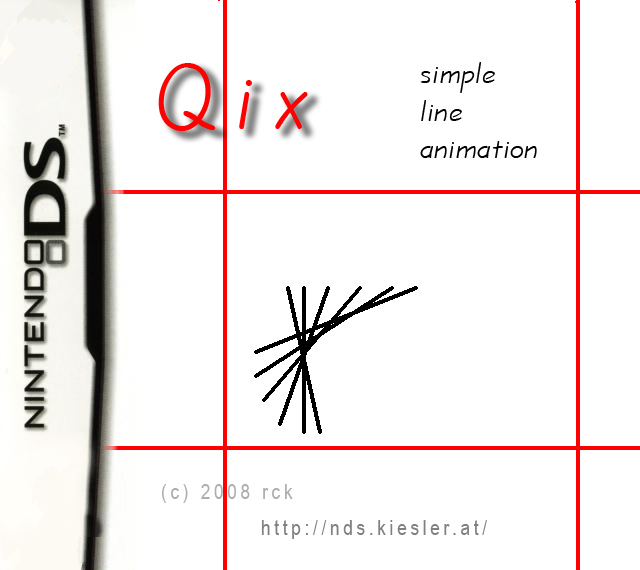
As soon as the application is launched, you will see the current settings on the top screen and the Qix animation | As soon as the application is launched, you will see the current settings on the top screen and the Qix animation, along with the limiter, on the bottom screen. | ||
==Controls== | ==Controls== | ||