Lights Off!: Difference between revisions
From GameBrew
More actions
No edit summary |
No edit summary |
||
| Line 19: | Line 19: | ||
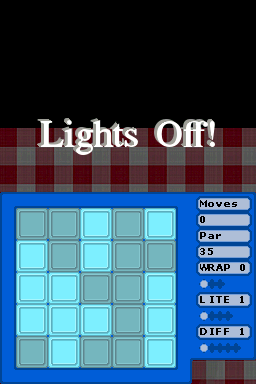
You can change variants by using the sliders to the right of the game board and play the game by trying to turn off all of the lights. | You can change variants by using the sliders to the right of the game board and play the game by trying to turn off all of the lights. | ||
Click on a button to toggle between its different light settings | Click on a button to toggle between its different light settings. For instance, in the most basic mode, this is a simple on/off action, but in the more advanced variants there are multiple light states. | ||
Not only that, but the lights to either side of it as well as above and below it toggle as well. | Not only that, but the lights to either side of it as well as above and below it toggle as well. | ||