Toggle menu
Toggle preferences menu
Toggle personal menu
Not logged in
Your IP address will be publicly visible if you make any edits.

PspWeather PSP: Difference between revisions

From GameBrew
No edit summary
No edit summary
Line 20: Line 20:
'''Search for your location code:'''


Go to [http://xoap.weather.com/search/search?where= The Weather Channel] and type your location there.
You can search for your location ID at https://weather.codes.


(i.e. http://xoap.weather.com/search/search?where=Rome Italy)
Type your location there and it will display location ID, choose the one you need.


Then read the displayed location id's, and choose which one you need.
For instance Rome Italy would be ITXX0067, so use ITXX0067 in the config file.
 
(i.e. <loc id="ITXX0067" type="1">Rome, Italy</loc>)
 
So use ITXX0067 in the config file.


'''Note from developer:'''

Revision as of 06:36, 30 August 2021

pspWeather
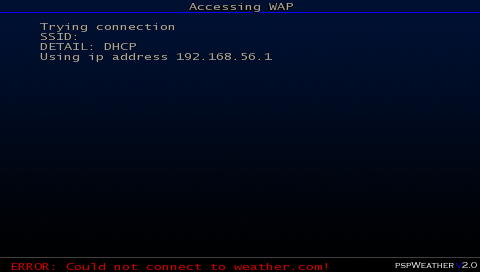
pspweathermcdongle.png
General
Author(s)mcdongle
TypeOther
Version2.0b (7 Apr 2007)
LicenceMixed
Links
Download
Website
Advertisements

<htmlet>adsense</htmlet>

Advertising: