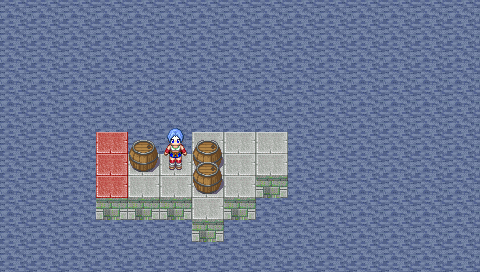
KOPBAN - Create your own levels PSP: Difference between revisions
From GameBrew
More actions
No edit summary |
|||
| Line 14: | Line 14: | ||
==User guide== | ==User guide== | ||
===How to create levels=== | ===How to create levels=== | ||
When you load the program, a black screen will appear with a box of white and red color at the top corner. | When you load the program, a black screen will appear with a box of white and red color at the top corner. | ||
| Line 22: | Line 20: | ||
When you finished your stage, tap on the Floppy disk icon and it will be saved in a folder on your PSP within creator called levels, with the creation order Nivel000.dat, Nivel001.dat, etc (to be applied in the main game). | When you finished your stage, tap on the Floppy disk icon and it will be saved in a folder on your PSP within creator called levels, with the creation order Nivel000.dat, Nivel001.dat, etc (to be applied in the main game). | ||
A detailed manual can be found [https://psp.scenebeta.com/tutorial/kopbanpsp-crea-tus-propios-niveles here] (in Spanish). | |||
===Types of objects=== | ===Types of objects=== | ||