
NXShare Switch: Difference between revisions
More actions
No edit summary |
|||
| Line 21: | Line 21: | ||
NXShare is a Nintendo Switch homebrew app to transfer screenshots and videos to any device via browser. | NXShare is a Nintendo Switch homebrew app to transfer screenshots and videos to any device via browser. | ||
NXShare starts a small web server on | NXShare starts a small web server on your Switch. Open the displayed URL in any browser on a PC, phone or tablet (same WiFi required), and you get a clean gallery view of all your screenshots and videos - with thumbnails, filters and multi-select download. | ||
== Features == | == Features == | ||
| Line 34: | Line 31: | ||
Download the latest <code>NXShare.nro</code> from the Releases page and copy it to the <code>switch/</code> folder on your SD card. | Download the latest <code>NXShare.nro</code> from the Releases page and copy it to the <code>switch/</code> folder on your SD card. | ||
NXShare is also available in the Homebrew App Store. | NXShare is also available in the [[Homebrew App Store Switch|Homebrew App Store]]. | ||
==User guide== | |||
Make sure your Switch is connected to WiFi. | |||
Launch NXShare from the Homebrew Launcher in Applet Mode. | |||
The screen shows a URL/QR code. | |||
Open the URL in any browser on the same network, or scan the QR code. | |||
Browse, preview and download your media. | |||
==Screenshots== | ==Screenshots== | ||
| Line 52: | Line 52: | ||
https://dlhb.gamebrew.org/switchhomebrews/images/NXShareSwitch-04.png | https://dlhb.gamebrew.org/switchhomebrews/images/NXShareSwitch-04.png | ||
|} | |} | ||
==Compatibility== | |||
* Atmosphère - Tested 1.9.3 and 1.11.1 | |||
* Firmware - Tested 20.3.0 and 22.0.0 | |||
* Storage - SysMMC and emuMMC (auto-detected) | |||
== Changelog == | == Changelog == | ||
Latest revision as of 08:12, 28 June 2026
| NXShare | |
|---|---|
 | |
| General | |
| Author | musebrot1 |
| Type | Utilities |
| Version | 1.8.1 |
| License | MIT License |
| Last Updated | 2026/06/22 |
| Links | |
| Download | |
| Website | |
| Source | |
NXShare is a Nintendo Switch homebrew app to transfer screenshots and videos to any device via browser.
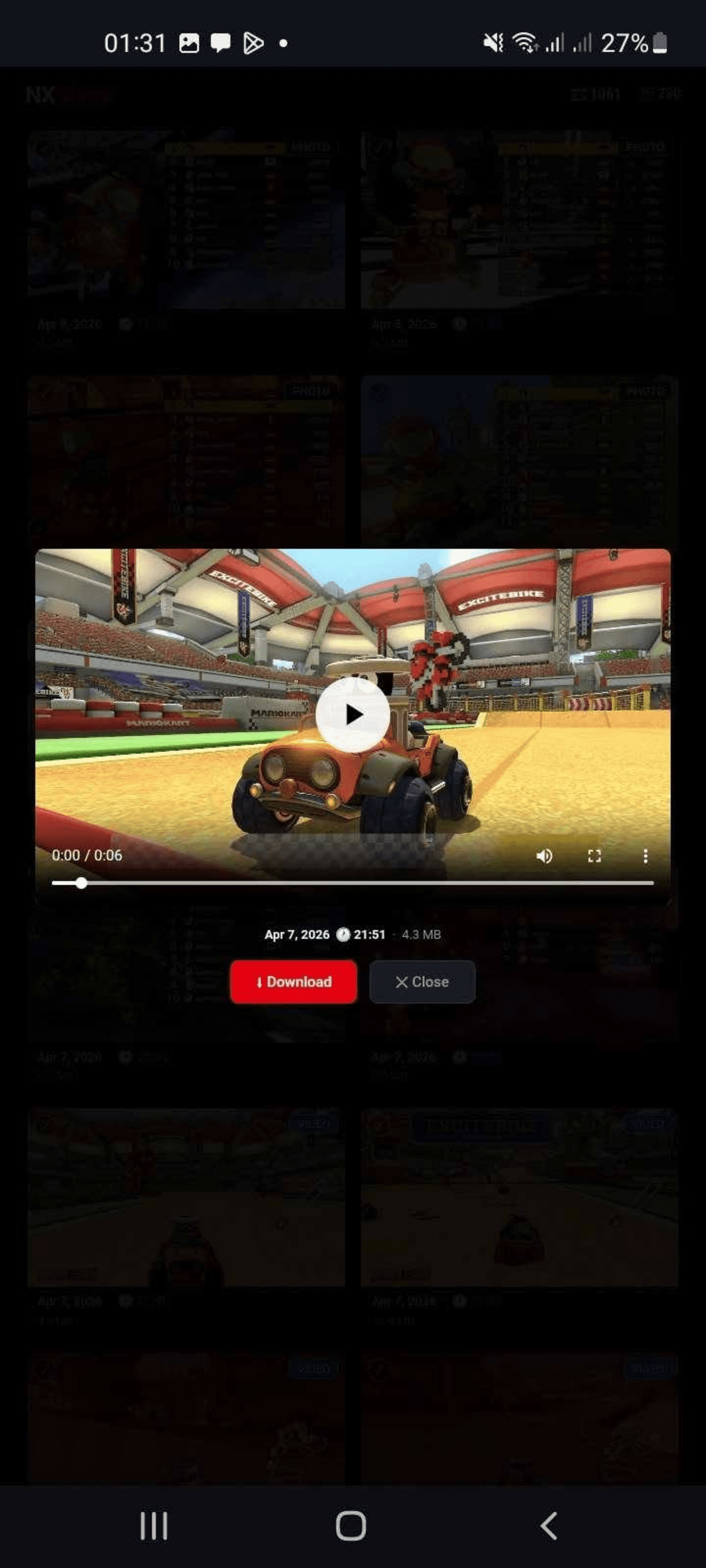
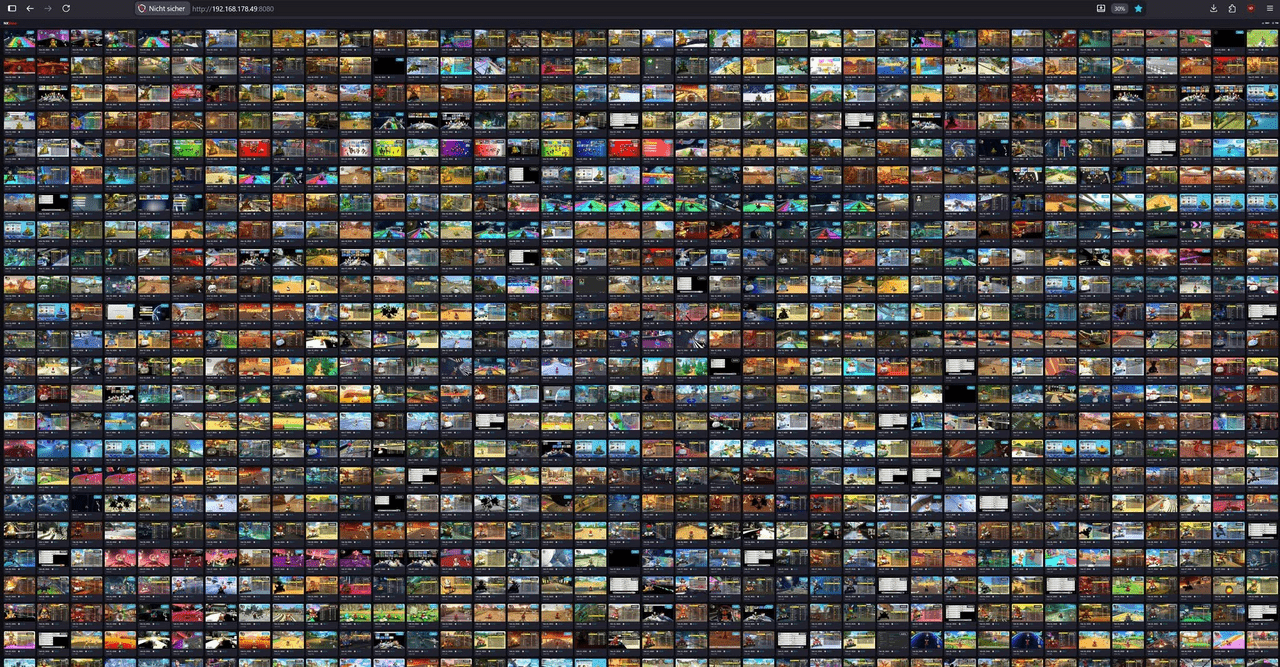
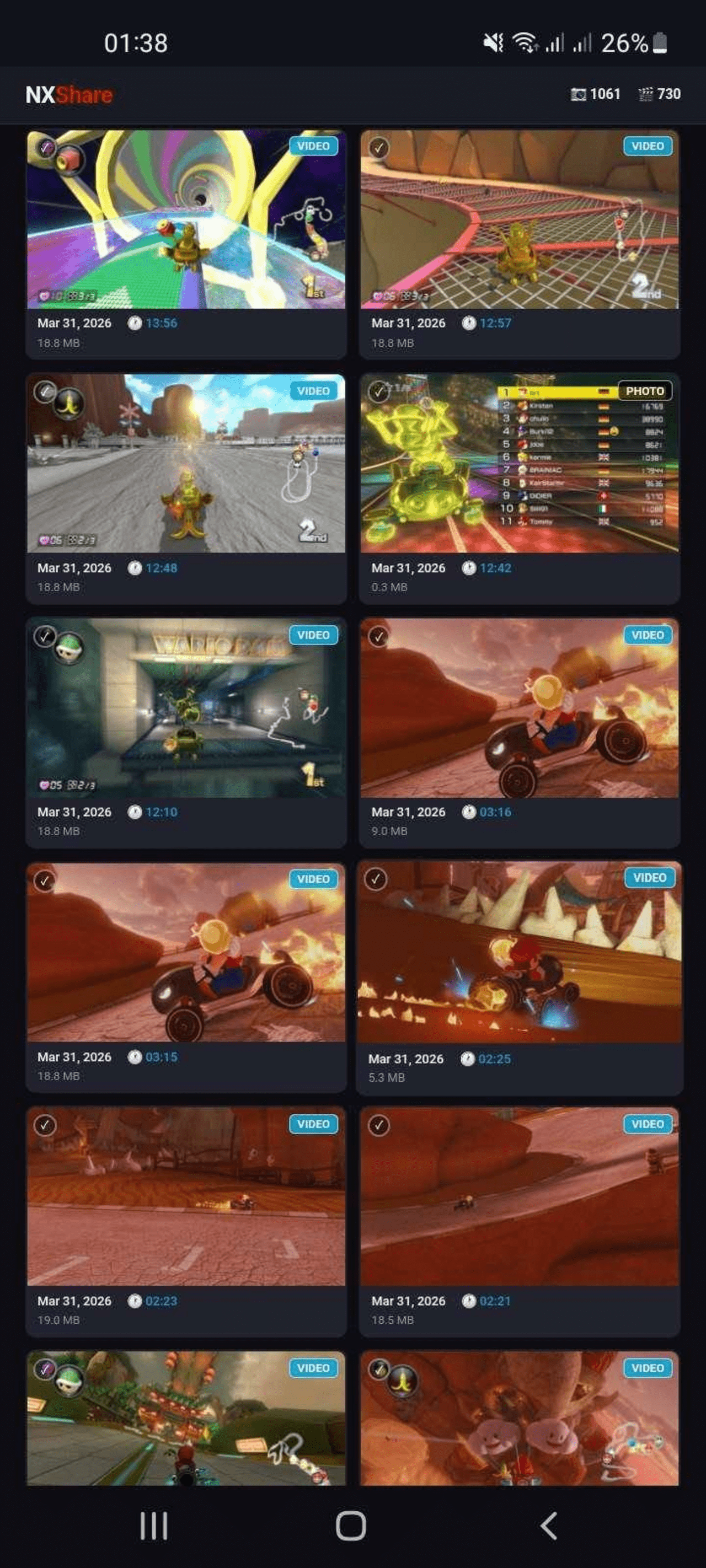
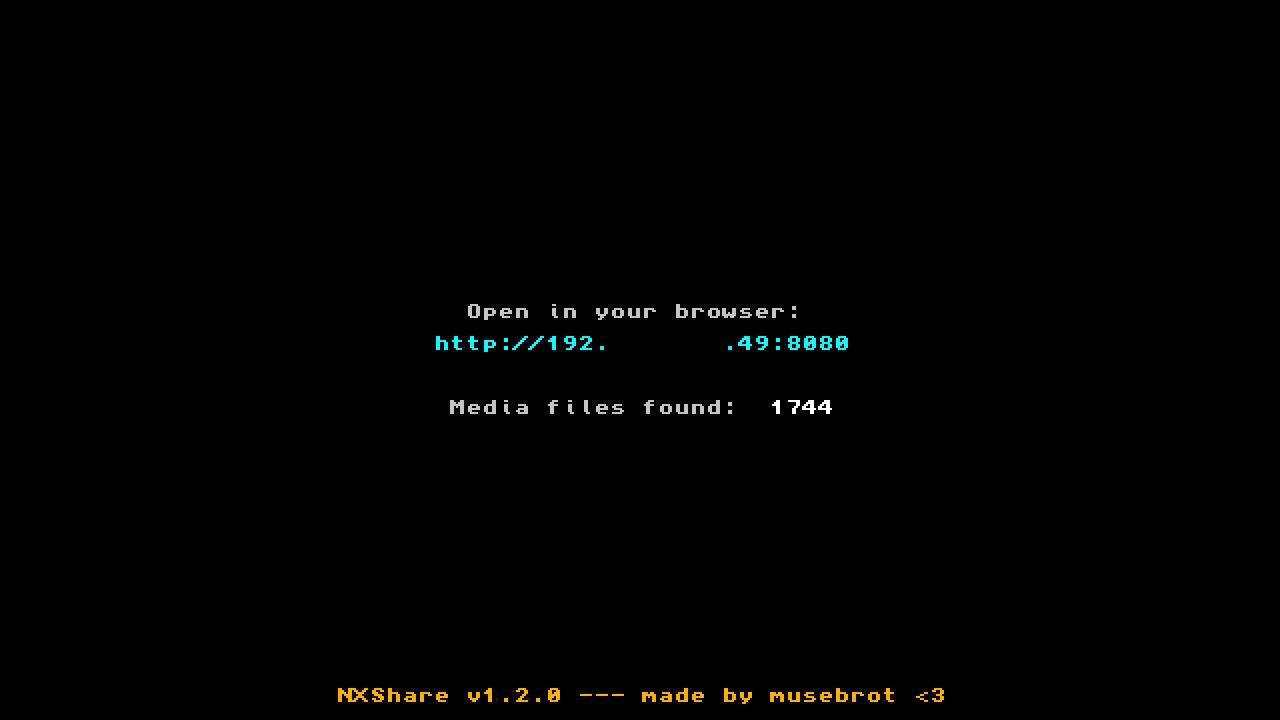
NXShare starts a small web server on your Switch. Open the displayed URL in any browser on a PC, phone or tablet (same WiFi required), and you get a clean gallery view of all your screenshots and videos - with thumbnails, filters and multi-select download.
Features
- Browse and view all screenshots and videos.
- Filter by screenshots/videos or by game.
- Download individual files or select multiple files at once.
Installation
Download the latest NXShare.nro from the Releases page and copy it to the switch/ folder on your SD card.
NXShare is also available in the Homebrew App Store.
User guide
Make sure your Switch is connected to WiFi.
Launch NXShare from the Homebrew Launcher in Applet Mode.
The screen shows a URL/QR code.
Open the URL in any browser on the same network, or scan the QR code.
Browse, preview and download your media.
Screenshots
|
|
Compatibility
- Atmosphère - Tested 1.9.3 and 1.11.1
- Firmware - Tested 20.3.0 and 22.0.0
- Storage - SysMMC and emuMMC (auto-detected)
Changelog
1.8.1
- Web UI layout adjustments.
1.8.0
- added Date filter.
1.7.6
- fixed JSON escaping for control characters.
1.7.5
- fixed media sorting issue.
1.7.4
- more fixes.
1.7.3
- fixed how png files are getting saved.
1.7.2
- more fixes.
1.7.1
- some fixes.
1.7.0
- in full size view there are now left/right buttons to jump to the previous/next file.
- now also reads PNG files.
1.6.0
- added games filter.
1.5.0
- some fixes.
- new UI.
- now shows app icon in browser tab.
1.4.0
- URL now shows as QR code too.
- some layout adjustments for both desktop and mobile browsers.
1.3.1
- some minor fixes and layout changes.
- exit the app with [+].
1.3.0
- Nintendo Switch Homebrew app to transfer screenshots and videos via browser
Credits
External links
- Github - https://github.com/musebrot1/NXShare
- HB-App - https://hb-app.store/switch/NXShare