
GoldenIdol-Vita: Difference between revisions
More actions
No edit summary |
No edit summary |
||
| Line 19: | Line 19: | ||
|image_alt=GoldenIdol-Vita | |image_alt=GoldenIdol-Vita | ||
}} | }} | ||
A port of The Case of the Golden Idol for the PlayStation Vita, adapted from the original Godot Engine PC release | A port of The Case of the Golden Idol for the PlayStation Vita, adapted from the original Godot Engine PC release. | ||
'''Note''': You must own the original game on Steam to generate the Vita playable files. No game assets are provided | '''Note''': You must own the original game on Steam to generate the Vita playable files. No game assets are provided. | ||
== Installation == | == Installation == | ||
| Line 28: | Line 28: | ||
Extract <code>GoldenIdol-Patch.zip</code> into a new folder on your PC. | Extract <code>GoldenIdol-Patch.zip</code> into a new folder on your PC. | ||
Open Steam, right-click on "The Case of the Golden Idol", go to "Manage" | Open Steam, right-click on "The Case of the Golden Idol", go to "Manage" > "Browse local files". | ||
Copy the file named <code>game.pck</code> from that folder into the <code>DataSteam</code> folder of your extracted patcher. | Copy the file named <code>game.pck</code> from that folder into the <code>DataSteam</code> folder of your extracted patcher. | ||
| Line 69: | Line 69: | ||
'''The Case of the Golden Idol - Official Reveal Trailer''' ([https://www.youtube.com/watch?v=jhyFCDbIeEU GameTrailers]) <br> | '''The Case of the Golden Idol - Official Reveal Trailer''' ([https://www.youtube.com/watch?v=jhyFCDbIeEU GameTrailers]) <br> | ||
<youtube width="640">jhyFCDbIeEU</youtube> | <youtube width="640">jhyFCDbIeEU</youtube> | ||
== Known issues == | == Known issues == | ||
A slightly longer loading time for screens and levels (about 5 seconds). | A slightly longer loading time for screens and levels (about 5 seconds). | ||
==Changelog== | ==Changelog== | ||
Revision as of 07:09, 22 June 2026
| GoldenIdol-Vita | |
|---|---|
 | |
| General | |
| Author | WolffsRoom |
| Type | Puzzle |
| Version | 0.7.1 |
| License | N/A |
| Last Updated | 2026/06/21 |
| Links | |
| Download | |
| Website | |
| Source | |
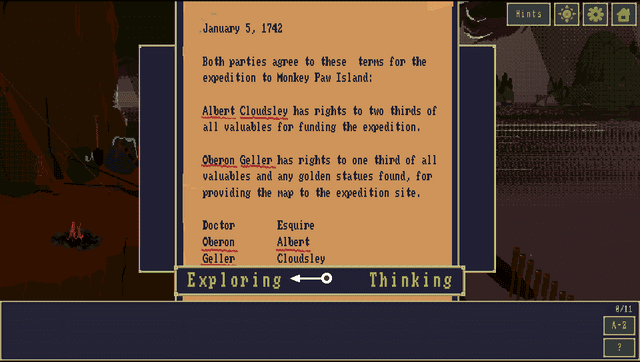
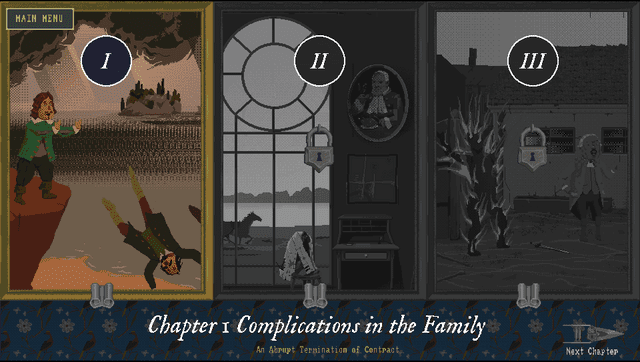
A port of The Case of the Golden Idol for the PlayStation Vita, adapted from the original Godot Engine PC release.
Note: You must own the original game on Steam to generate the Vita playable files. No game assets are provided.
Installation
Download the latest GoldenIdol-Patch.zip and GoldenIdol-Vita-x.x.x.vpk from Releases.
Extract GoldenIdol-Patch.zip into a new folder on your PC.
Open Steam, right-click on "The Case of the Golden Idol", go to "Manage" > "Browse local files".
Copy the file named game.pck from that folder into the DataSteam folder of your extracted patcher.
Go back to the main patcher folder and run ApplyPatch.bat. Follow the on-screen instructions to select your language.
Wait for the process to finish. It will automatically apply the patch and create a new folder named game_data containing your patched game file.
Install the GoldenIdol-Vita-0.3.0.vpk on your PS Vita using VitaShell or FMVita (the author's personalized VitaShell).
Connect your Vita via FTP or USB, and copy the entire newly created game_data folder into your Vita's game app folder at: ux0:app/IDOL00001/ (this ensures the file ends up exactly at ux0:app/IDOL00001/game_data/game.pck, not just the root app folder).
Update warning: If you want to update the game, update the game files too, not just the VPK.
Controls
D-Pad Up/Down - Zoom in/out
Touchscreen - Interact (click)
Cross - Confirm, Interact
Circle - Cancel, Back
Triangle/Square - Open Thinking Panel
Screenshots
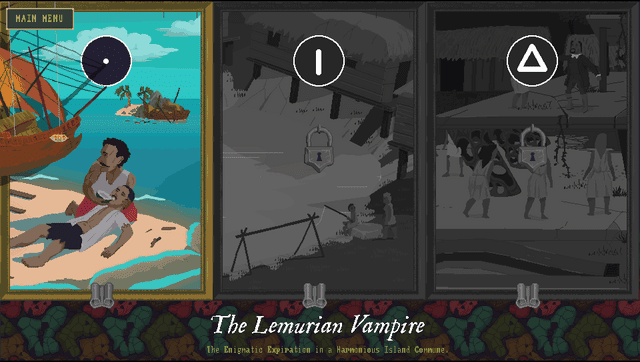
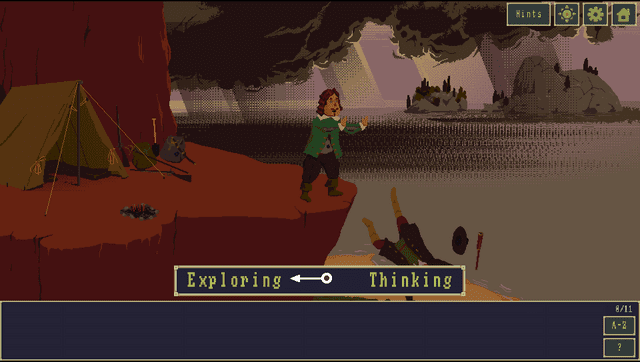
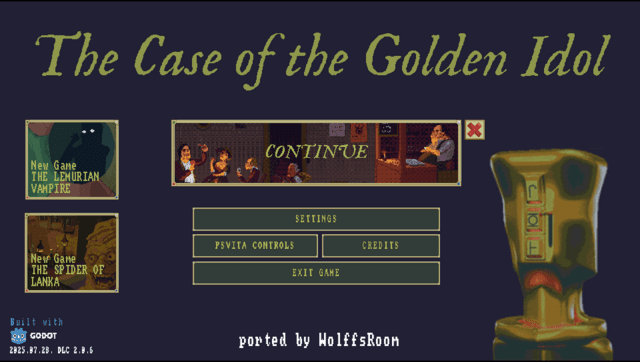
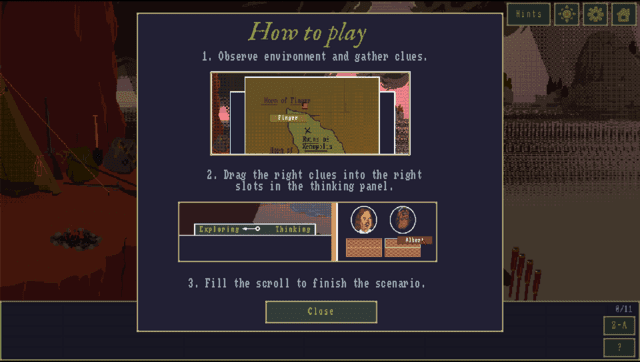
Media
The Case of the Golden Idol - Official Reveal Trailer (GameTrailers)
Known issues
A slightly longer loading time for screens and levels (about 5 seconds).
Changelog
v0.7.1 (Hotfix)
- Removed debug mouse logs on Vita builds.
v0.7.0
- This release of The Case of the Golden Idol for the PS Vita is fully adapted to run natively on the console, with a custom UI, virtual mouse/cursor support, touch-optimized screens, animated menu transitions, and reworked controls that make better use of the Vita's buttons.
v0.3.0
- First Release.