
Century Of Pirates Vita: Difference between revisions
From GameBrew
More actions
No edit summary |
|||
| Line 19: | Line 19: | ||
|image_alt=Century Of Pirates | |image_alt=Century Of Pirates | ||
}} | }} | ||
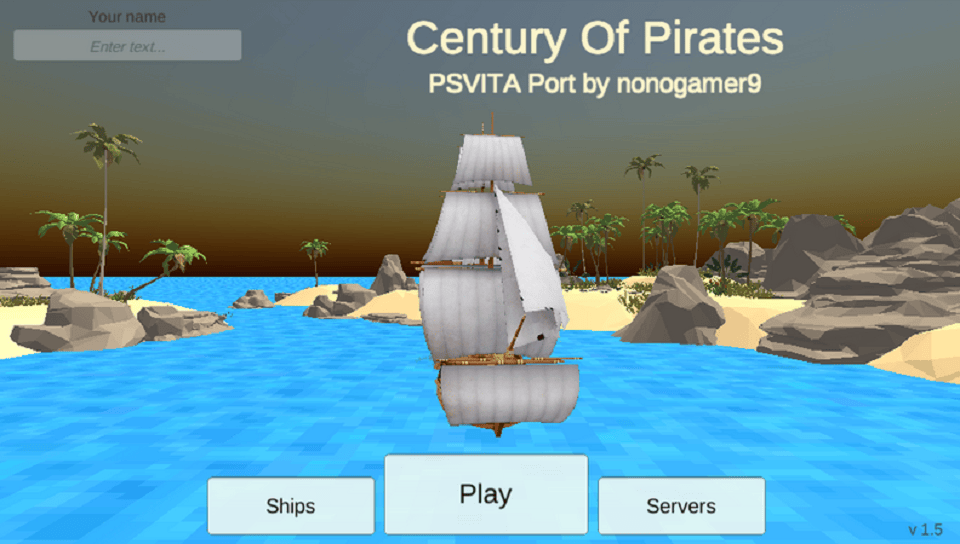
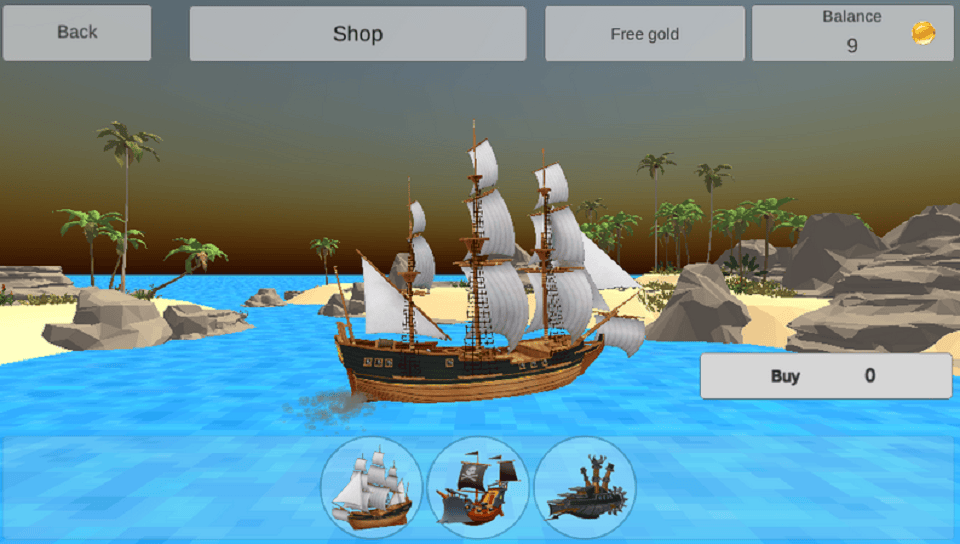
PS Vita port of Century of Pirates by ChaloApps, based on version 1.4 of the original game from 2016. | |||
==Installation== | ==Installation== | ||
PS Vita: | |||
* Transfer the .vpk file to your console (commonly to the ux0:/vpk/ folder) using [[VitaShell]] via USB or FTP. | |||
* Open VitaShell on your Vita, navigate to the location of the .vpk file. | |||
* Select the .vpk file, and press the Cross button to install, confirming any permission prompts that appear. | |||
Vita3k: | |||
* Drag and drop the .vpk file into the Vita3K window, or use the menu option File > Install .vpk/.zip to select and install your VPK. | |||
* Make sure the game folder is named after the correct Title ID for proper booting. | |||
==Screenshots== | ==Screenshots== | ||
| Line 36: | Line 37: | ||
https://dlhb.gamebrew.org/vitahomebrews/images/CenturyOfPiratesVita-05.png | https://dlhb.gamebrew.org/vitahomebrews/images/CenturyOfPiratesVita-05.png | ||
|} | |} | ||
==Media== | |||
'''Century Of Pirates - mobile game for iOS and Android''' ([https://www.youtube.com/watch?v=yY_xXDqNnKw Chalo Apps]) <br> | |||
<youtube width="640">yY_xXDqNnKw</youtube> | |||
==Changelog== | ==Changelog== | ||
Revision as of 05:07, 11 January 2026
| Century Of Pirates | |
|---|---|
 | |
| General | |
| Author | nonogamer9 |
| Type | Simulation |
| Version | 1.0 |
| License | N/A |
| Last Updated | 2026/01/06 |
| Links | |
| Download | |
| Website | |
PS Vita port of Century of Pirates by ChaloApps, based on version 1.4 of the original game from 2016.
Installation
PS Vita:
- Transfer the .vpk file to your console (commonly to the ux0:/vpk/ folder) using VitaShell via USB or FTP.
- Open VitaShell on your Vita, navigate to the location of the .vpk file.
- Select the .vpk file, and press the Cross button to install, confirming any permission prompts that appear.
Vita3k:
- Drag and drop the .vpk file into the Vita3K window, or use the menu option File > Install .vpk/.zip to select and install your VPK.
- Make sure the game folder is named after the correct Title ID for proper booting.
Screenshots
|
|
Media
Century Of Pirates - mobile game for iOS and Android (Chalo Apps)
Changelog
v1.0
- First Release.