Image Illusion PSP: Difference between revisions
From GameBrew
More actions
Created page with "{{Infobox PSP Homebrews |title=Image Illusion |image=imageillusionpsp.png |description=Experience the negative optical illusion. |author=youresam |lastupdated=2006/09/04 |type=Other |format= |version=2006 |license=Mixed |download=https://dlhb.gamebrew.org/psphomebrew/imageillusionpsp.7z |website=http://forums.qj.net/f-psp-development-forum-11/t-release-imageillusion-by-youresam-69138.html |source= }} This is an application of negative illusion where you stare at an inver..." |
No edit summary |
||
| Line 13: | Line 13: | ||
|source= | |source= | ||
}} | }} | ||
This is an application of negative illusion where you stare at an inverted picture, then look at the black and white version and it appears in color. | This is an application of demonstrating negative illusion where you stare at an inverted picture, then look at the black and white version and it appears in color. | ||
== User guide == | == User guide == | ||
Latest revision as of 11:35, 28 December 2024
| Image Illusion | |
|---|---|
 | |
| General | |
| Author | youresam |
| Type | Other |
| Version | 2006 |
| License | Mixed |
| Last Updated | 2006/09/04 |
| Links | |
| Download | |
| Website | |
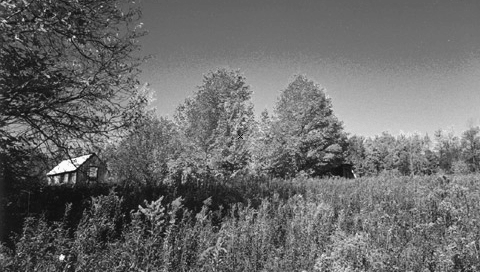
This is an application of demonstrating negative illusion where you stare at an inverted picture, then look at the black and white version and it appears in color.
User guide
Simply stare at the image for about 30 seconds, then hold Cross, the image should then be in color!
There is a small X in the center of the screen, try to stare directly at it.
If you want to use your own images, simply place them in the /images folder.
Note that the PSP screen size is 480x272, and you can't load any images above 512x512.
Screenshots