
T-Rex Game 3DS: Difference between revisions
From GameBrew
More actions
No edit summary |
|||
| Line 1: | Line 1: | ||
{{Infobox 3DS Homebrews | {{Infobox 3DS Homebrews | ||
|title=T-Rex Game 3DS | |title=T-Rex Game 3DS | ||
|image= | |image=TRexGame3DS2.png | ||
|description=Google Chrome T-Rex game clone that runs natively on the Nintendo 3DS. | |description=Google Chrome T-Rex game clone that runs natively on the Nintendo 3DS. | ||
|author=BlyZeYT | |author=BlyZeYT | ||
| Line 27: | Line 27: | ||
==Screenshots== | ==Screenshots== | ||
[[image: | [[image:TRexGame3DS2.png|link=]] | ||
==Media== | ==Media== | ||
Revision as of 04:36, 6 October 2024
| T-Rex Game 3DS | |
|---|---|
 | |
| General | |
| Author | BlyZeYT |
| Type | Action |
| Version | 1.0.0 |
| License | MIT License |
| Last Updated | 2024/10/04 |
| Links | |
| Download | |
| Website | |
| Source | |
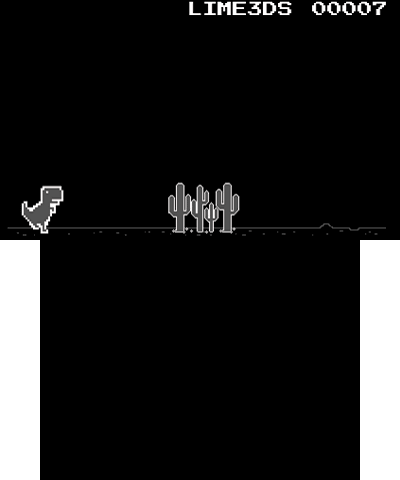
A simple clone of Google Chrome T-Rex game that runs on the 3DS.
Installation
Available in 3DSX and CIA formats.
- 3DSX - Copy .3dsx the 3ds folder on your SD card and run it via Homebrew Launcher.
- CIA - Install the .cia with the CIA manager of your choice.
Screenshots
Media
Chrome Dino Game (Kertor)
Changelog
v1.0
- First Release.