
3DS DQ11 SaveDate Editor: Difference between revisions
From GameBrew
More actions
m Text replacement - "Category:Homebrew hack utility for 3DS games" to "" |
m Text replacement - "Category:3DS homebrew rom hacks" to "" |
||
| Line 43: | Line 43: | ||
* GitHub - https://github.com/turtle-insect/DQ11_3DS/ | * GitHub - https://github.com/turtle-insect/DQ11_3DS/ | ||
* GBAtemp - https://gbatemp.net/threads/release-dq11-save-editor.481193/ | * GBAtemp - https://gbatemp.net/threads/release-dq11-save-editor.481193/ | ||
Latest revision as of 06:09, 6 May 2024
| 3DS DQ11 SaveDate Editor | |
|---|---|
 | |
| General | |
| Author | turtle-insect (kamemushi) |
| Type | Save Editors |
| Version | 2.30 |
| License | GPL-3.0 |
| Last Updated | 2018/10/27 |
| Links | |
| Download | |
| Website | |
| Source | |
This is a save data editor for Dragon Quest 8 (JP).
Note: Always backup your save file before you start making your edits.
User guide
Requirements:
- Windows 10 (may also work on other os but it was not tested).
- .NET Framework 4.5.
How to use:
- Extract your save with a homebrew (e.g. JK's Save Manager and Checkpoint), you should have the following files:
- Data0(Data1, Data2).
- mini_0(mini_1, mini_2).
- system.
- Open Data0(Data1, Data2) with the program, edit and then save the changes.
- Re-import your save with a homebrew (e.g. JK's Save Manager and Checkpoint).
Screenshots
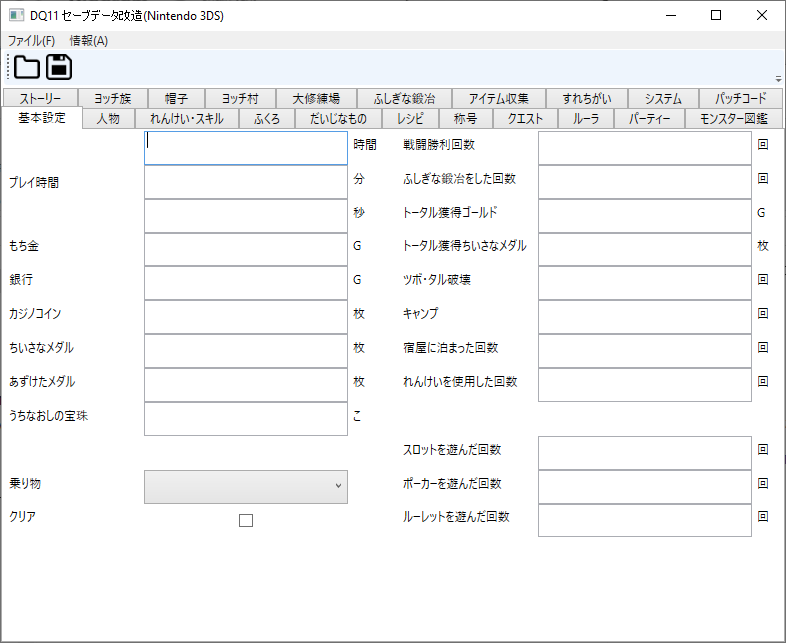
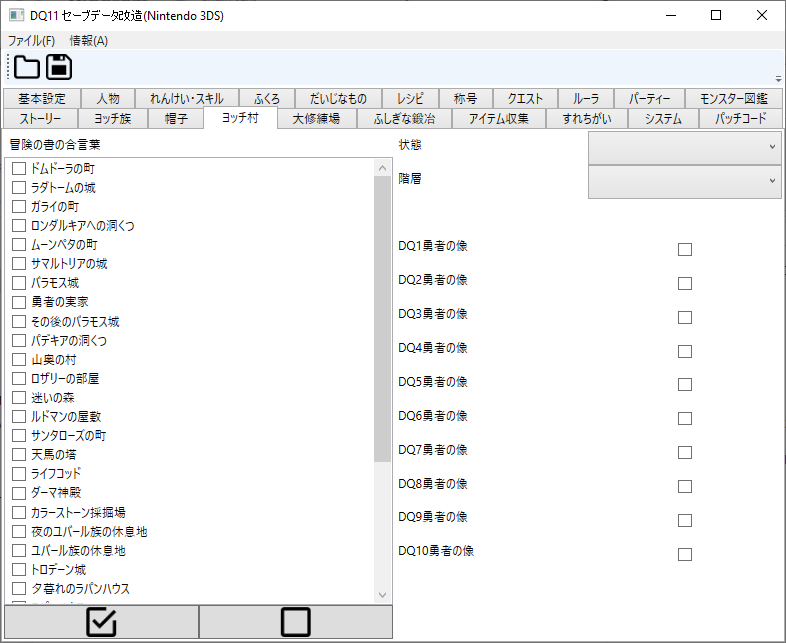
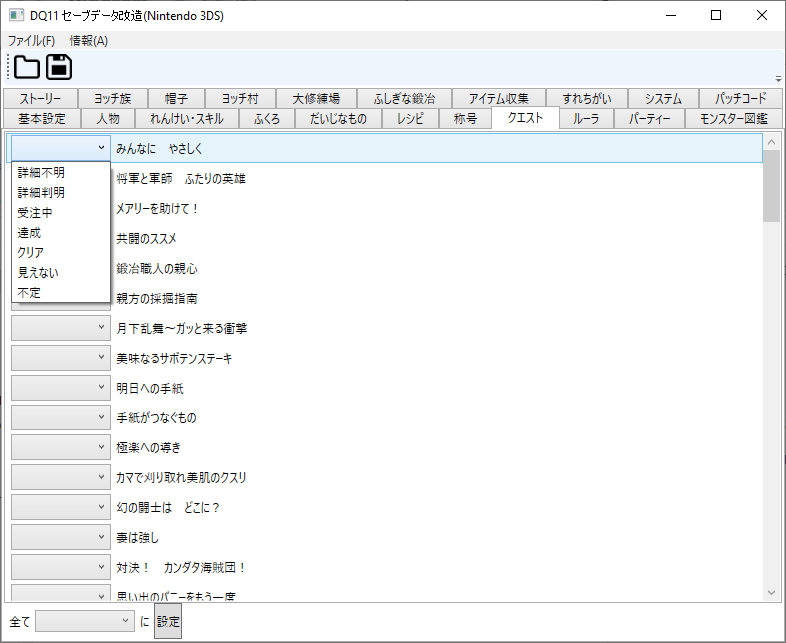
Compatibility
The edited save has been tested by the author on actual console and emulator (citra).
External links
- Author's website - http://turtleinsect.php.xdomain.jp/
- GitHub - https://github.com/turtle-insect/DQ11_3DS/
- GBAtemp - https://gbatemp.net/threads/release-dq11-save-editor.481193/