Qix: Difference between revisions
From GameBrew
More actions
No edit summary |
No edit summary |
||
| Line 22: | Line 22: | ||
==User guide== | ==User guide== | ||
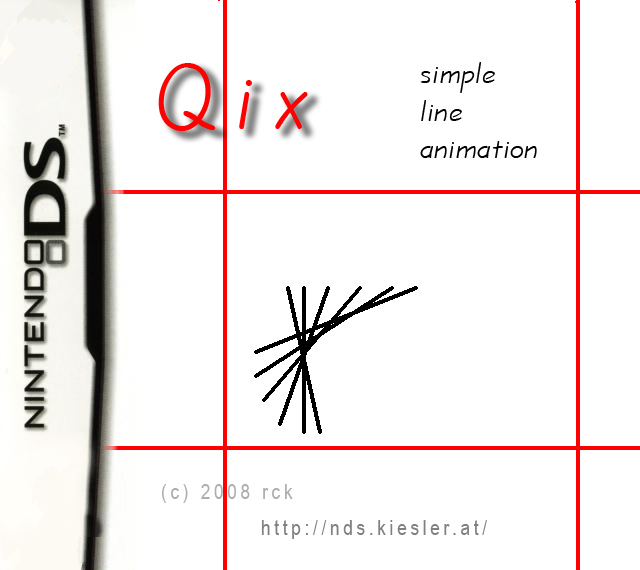
As soon as the application is launched, there are two displays of the Nintendo DS in different ways. While the top screen shows the current limits as well as a short usage introduction to the keys available, the lower screen shows the limiters as well as the Qix animation. | As soon as the application is launched, there are two displays of the Nintendo DS in different ways. While the top screen shows the current limits as well as a short usage introduction to the keys available, the lower screen shows the limiters as well as the Qix animation. | ||
==Controls== | |||
Up/Dpwn - Adjust upper limit | |||
Left/Right - Adjust left limit | |||
Y/A - Adjust right limit | |||
X/B - Adjust lower limit | |||
==Screenshots== | ==Screenshots== | ||