
Hollow Knight Vita: Difference between revisions
From GameBrew
More actions
m Text replacement - "https://vitadb.rinnegatamante.it/" to "https://www.rinnegatamante.eu/vitadb/" |
No edit summary |
||
| Line 4: | Line 4: | ||
|description=Port of Hollow Knight. | |description=Port of Hollow Knight. | ||
|author=PatnosDD | |author=PatnosDD | ||
|lastupdated= | |lastupdated=2025/01/22 | ||
|type=Adventure | |type=Adventure | ||
|version=0. | |version=0.81 hotflix | ||
|license=Mixed | |license=Mixed | ||
|download=https://dlhb.gamebrew.org/vitahomebrews/hollowknightvita.7z | |download=https://dlhb.gamebrew.org/vitahomebrews/hollowknightvita.7z | ||
| Line 60: | Line 60: | ||
https://dlhb.gamebrew.org/vitahomebrews/hollowknightvita-04.jpg | https://dlhb.gamebrew.org/vitahomebrews/hollowknightvita-04.jpg | ||
== | ==Troubleshooting== | ||
* | * Ensure that your PS Vita is properly overclocked. | ||
* Verify that you have the correct game version (Steam or GOG) and have followed the steps for your version. | |||
* If ux0:app does not appear in File Explorer, make sure you have visibility of hidden directories enabled. | |||
==Changelog== | ==Changelog== | ||
'''0.8.1 - hotfix''' | |||
Fixed credits text in tutorial scene. | |||
Fixed bench control(again). | |||
Lower Ram usage. | |||
Re-added GOG version patcher. | |||
'''0.8.0''' | |||
* Bug Fixes: | |||
** Fixed broken animations in the Main Menu. | |||
** Fixed an issue where the game would freeze when selecting a save slot. | |||
** Fixed controller glyphs. | |||
** Fixed player vignette. | |||
** Fixed a bug where the player could move while sitting on a bench. | |||
** Fixed right stick movement in the map. | |||
* Performance Improvements: | |||
** Began preloading SFX audio clips to prevent CPU lag spikes during playback. | |||
** Reduced CPU usage by optimizing components of the PlayMaker plugin. | |||
** Improved loading times. | |||
* Changes: | |||
** Moved save file location from ux0:data to ux0:data/HollowKnight. | |||
** (You can move your existing save files to this new location.) | |||
** Updated Power Mode to ensure it no longer disables WiFi. | |||
'''0.7.9''' | '''0.7.9''' | ||
* Fixed the Quick Cast/Quick Map not working correctly. | * Fixed the Quick Cast/Quick Map not working correctly. | ||
Revision as of 01:18, 26 January 2025
| Hollow Knight | |
|---|---|
 | |
| General | |
| Author | PatnosDD |
| Type | Adventure |
| Version | 0.81 hotflix |
| License | Mixed |
| Last Updated | 2025/01/22 |
| Links | |
| Download | |
| Website | |
| Support Author | |
This is a patch that allows you to run Hollow Knight on the PS Vita.
Installation
Requires a copy of the game in order to work, you can purchase the game on Steam or GOG.com (only Windows version is supported).
First, you might want to install the .VPK using VitaShell. Don't try to launch the game, because it will crash without the neccesary files.
Steam version
- Download Hollow Knight VPK and install it.
- Go to the Release page and download HollowKnightVitaPatch.zip.
- Extract it.
- Put the game's folder(../steamapps/common/Hollow Knight) inside the extracted folder (make sure there is no Config.ini file, if there is one, delete it.)
- Launch ApplyPatch.bat and wait (may take 15-25 minutes depending on the system).
- Let it finish and there should be a .ZIP file named HollowKnightDATA.zip.
- Turn up VitaShell, connect your PS Vita to your PC and copy the contents of the .ZIP file (Zip file should be around 300-400MB before unpacking) over to ux0:app/HKVT12222/.
- Click on "Replace the files in destination" when it asks you to.
GOG version
- Download Hollow Knight VPK from vitadb and install it.
- Go to the Release page and download HollowKnightVitaGOG.zip.
- Extract it.
- Put the game's folder(../GOG/Hollow Knight/Hollow Knight_Data) inside the extracted folder (make sure there is no Config.ini file, if there is one, delete it.)
- Launch ApplyPatch.bat and wait (may take 15-25 minutes depending on the system).
- Let it finish and there should be a .ZIP file named HollowKnightVITA.zip.
- Turn up VitaShell, connect your PS Vita to your PC and copy the contents of the .ZIP file (Zip file should be around 300-400MB before unpacking) over to ux0:app/HKVT12222/.
- Click on "Replace the files in destination" when it asks you to.
User guide
Forge your own path in Hollow Knight! An epic action adventure through a vast ruined kingdom of insects and heroes.
Explore twisting caverns, battle tainted creatures and befriend bizarre bugs, all in a classic, hand-drawn 2D style.
Screenshots
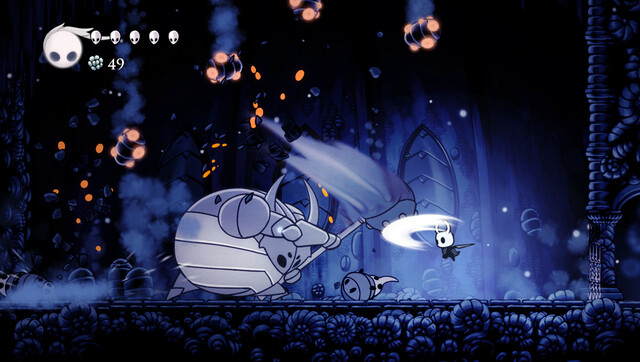
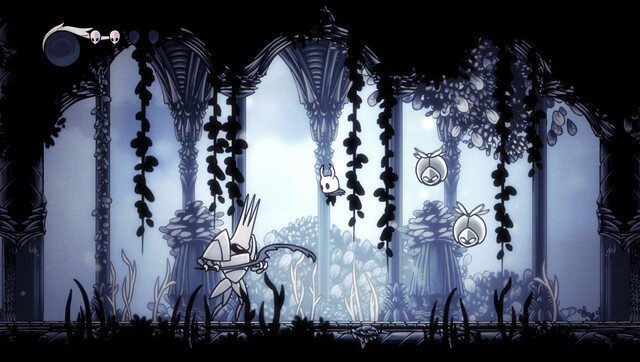
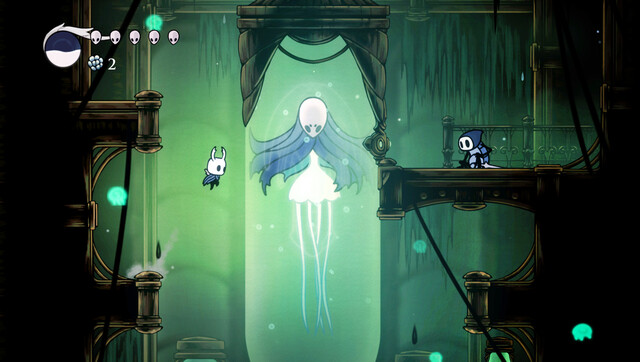
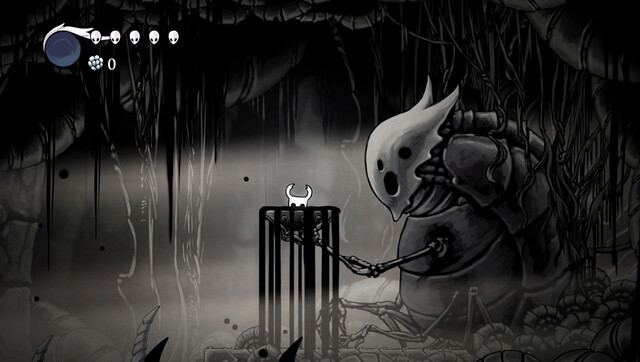
Troubleshooting
- Ensure that your PS Vita is properly overclocked.
- Verify that you have the correct game version (Steam or GOG) and have followed the steps for your version.
- If ux0:app does not appear in File Explorer, make sure you have visibility of hidden directories enabled.
Changelog
0.8.1 - hotfix Fixed credits text in tutorial scene. Fixed bench control(again). Lower Ram usage. Re-added GOG version patcher. 0.8.0
- Bug Fixes:
- Fixed broken animations in the Main Menu.
- Fixed an issue where the game would freeze when selecting a save slot.
- Fixed controller glyphs.
- Fixed player vignette.
- Fixed a bug where the player could move while sitting on a bench.
- Fixed right stick movement in the map.
- Performance Improvements:
- Began preloading SFX audio clips to prevent CPU lag spikes during playback.
- Reduced CPU usage by optimizing components of the PlayMaker plugin.
- Improved loading times.
- Changes:
- Moved save file location from ux0:data to ux0:data/HollowKnight.
- (You can move your existing save files to this new location.)
- Updated Power Mode to ensure it no longer disables WiFi.
0.7.9
- Fixed the Quick Cast/Quick Map not working correctly.
- Fixed right stick constantly pulling left/right.
- Fixed overall issues with the left stick while moving/using UI/etc.
- Fixed some of the visual bugs present in previous versions.
- Fixed Video player/Cutscenes.
- Higher FPS in some scenarios.
- Changed the Icon.
- Overall better made patcher
0.7.8
- Fixed the input not being detected after turning the screen off & on .(Rewrote input manager scripts so its not yet perfect, but it overall feels better.)
- Fixed Menu title music playing in other parts of the game
- Fixed the input not being detected in pre-menu scene(a.k.a language selection).
- 5%-10% performance improvement in overall FPS, and load times.
- Fixed bug some of the existing achievements.
- Higher Texture resolutions in some scenes.
- Higher FPS in some of the boss fights.
- Other minor bug fixes.
0.7.5
- Replaced icon with the one used in PC version of the game.
- Higher Texture resolution in some scenes.
- Fixed broken cutscenes in "Dream" part of the game.
- Removed some of the lag spikes from the game.
- TROPHY SUPPORT! (Although partially. You need NoTrpDrm installed)
- Added GOG version support.
- Fixed the bug where only touch input were working in initial language selection.
- Fixed Pre-Menu intro.
0.7.1
- Fixed the patcher.
0.7
- First Release.