
IPSPhone: Difference between revisions
From GameBrew
More actions
Created page with "{{Infobox PSP Homebrews |title=iPSPhone |image=ipsphone.png |description=iPhone on PSP. |author=ArkTRT, PSPFreak.DE Dev Team |lastupdated=2008/02/04 |type=Operating Systems |format= |version=4.0 |license=Mixed |download=https://dlhb.gamebrew.org/psphomebrew/ipsphone.7z |website=https://web.archive.org/web/20080208215747/http://pspsource.de/hdp_plugins/forum/forum_viewtopic.php?139551 |source=https://dlhb.gamebrew.org/psphomebrew/ipsphone.7z }} iPSPhone (German) is a mult..." |
No edit summary |
||
| Line 117: | Line 117: | ||
* PSPSource - http://pspsource.de/hdp_plugins/forum/forum_viewtopic.php?139551 | * PSPSource - http://pspsource.de/hdp_plugins/forum/forum_viewtopic.php?139551 | ||
* QuickJump - http://forums.qj.net/f-psp-development-forum-11/t-releaseipsphone-300-final-133686.html | * QuickJump - http://forums.qj.net/f-psp-development-forum-11/t-releaseipsphone-300-final-133686.html | ||
[[Category:Lua applications on PSP]] | |||
Latest revision as of 08:49, 24 October 2024
| iPSPhone | |
|---|---|
 | |
| General | |
| Author | ArkTRT, PSPFreak.DE Dev Team |
| Type | Operating Systems |
| Version | 4.0 |
| License | Mixed |
| Last Updated | 2008/02/04 |
| Links | |
| Download | |
| Website | |
| Source | |
iPSPhone (German) is a multi-functional Lua homebrew app with an interface of an iPhone.
User guide
Application list from top to bottom, left to right:
- Calculator.
- Pixel flasher.
- File browser.
- Clock.
- Slots for your own lua codes.
- Credtis.
- Sysinfo.
- Lotto number generator.
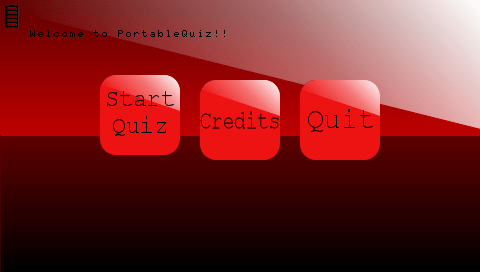
- Portable quiz
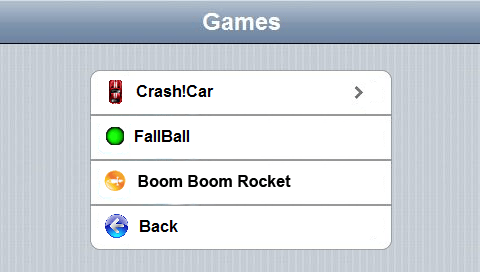
- Games.
To change the application's background, open the program folder and navigate to /background/mbg.png, replacing mbg.png with the image you want (keeping the same name: mbg.png).
There are a few backgrounds you can add to the application (simply change the name to mbg.png and place it in the previously mentioned folder).
Controls
Up/Down - Change option (left/right)
Cross - Confirm option
Pong:
Up/Down - Player 1 movement
Triangle/Cross - Player 2 movement
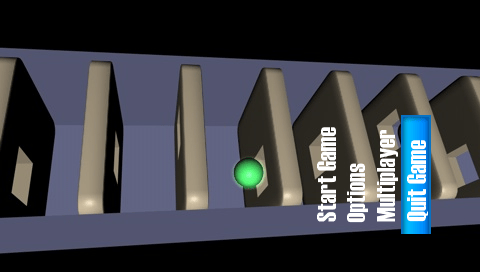
Screenshots
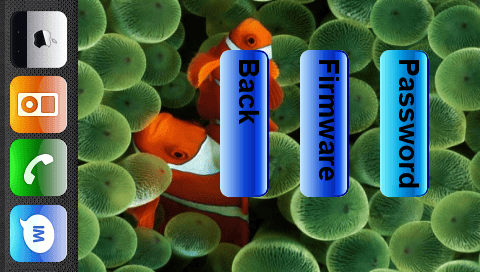
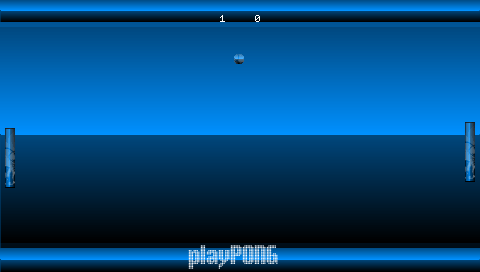
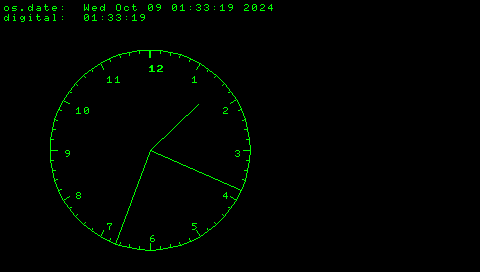
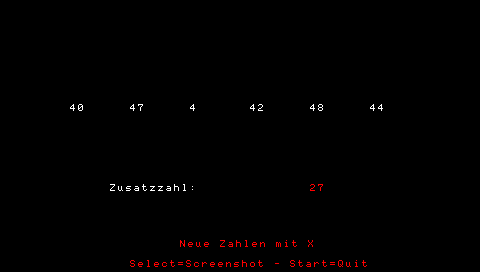
Changelog
2nd Generation 4.0 2008/02/04 (by grafele)
- SLIM CAPABLE.
- You can now switch up and down in the menu.
- Design update to reflect our team.
- Our three games included.
- Overhauled the system info menu.
- Added password recovery.
- Fixed additional bugs!
2nd Generation 3.0 2008/01/27
- Bugfix.
- All Games/Apps Can Quit by pressing START.
- New Battery Icon.
- PortableQuiz Added.
- Its the last Version by ME.
- USB Mode [L > Off+R > On].
- Has a Intro.
2nd Generation 2007/12/23
- Some Graphix Changed.
- Its Easier to Change the Background -> background Pictur rename to mbg -> Put it in Folder "Background".
- Based on FW 1.0 Luaplayer(Now has just 1 Folder/Should work on PSP Slim(Not Tested)).
- Lottery v 1.0 Added (by Marc Hansen).
- Shows 6 Random Numbers for the German Lottery "Lotto".
- Creditz Remade.
- Now has Fully working Battery Icon.
- Changes on 75%,50%,20%,0% the Picture.
- Fixed Some Bugs Again.
- New Icon and background in XMB.
- Has a Splash Screen now.
- Common Creative Licensed.
- With 5 Additional backgrounds.
- 2mb More Data Then before.
1.9 2007/12/16
- Customation: Change wallpaper:tak a image in size of a psp wallpaper an rename it in mbg and put it in the icons folder,done.
- sysinfo.
- pspname.
- Firmware check.
- Cleaned the code.
- Fixed some bugs.
1.0 2007/12/10 (by DGGC92)
- It has a menu like the i phone.
- It has the new playPSP version installed.
- A filebrowser.
- Credits.
- Clock.
- 2 slots for own lua codes.
Credits
- DGGC92 aka ArkTRT.
- PSPFreak.DE Dev Team.