
AdvRemap Vita: Difference between revisions
From GameBrew
More actions
No edit summary |
No edit summary |
||
| Line 1: | Line 1: | ||
{{Infobox Vita Homebrews | {{Infobox Vita Homebrews | ||
|title=AdvRemap | |title=AdvRemap | ||
|image=advremapvita2.png | |image=advremapvita2.png | ||
|description=Button remapper for | |description=Button remapper for PS Vita. | ||
|author=ShadowPrince | |author=ShadowPrince | ||
|lastupdated=2017/01/29 | |lastupdated=2017/01/29 | ||
| Line 18: | Line 12: | ||
|source=https://github.com/ShadowPrince/advremap | |source=https://github.com/ShadowPrince/advremap | ||
}} | }} | ||
{{#seo: | |||
|title=Vita Homebrew Apps (Other Apps) - GameBrew | |||
|title_mode=append | |||
|image=advremapvita2.png | |||
|image_alt=AdvRemap | |||
}} | |||
PS Vita homebrew for remapping controls and configuring deadzones. | PS Vita homebrew for remapping controls and configuring deadzones. | ||
Revision as of 23:27, 11 April 2023
| AdvRemap | |
|---|---|
 | |
| General | |
| Author | ShadowPrince |
| Type | Other Apps |
| Version | 00.10 |
| License | GPL-3.0 |
| Last Updated | 2017/01/29 |
| Links | |
| Download | |
| Website | |
| Source | |
PS Vita homebrew for remapping controls and configuring deadzones.
You need taiHEN enabled to use this plugin.
Features
- Remap any button, sticks (4 directions), back touchscreen (4 virtual buttons).
- Remap single button to button combination.
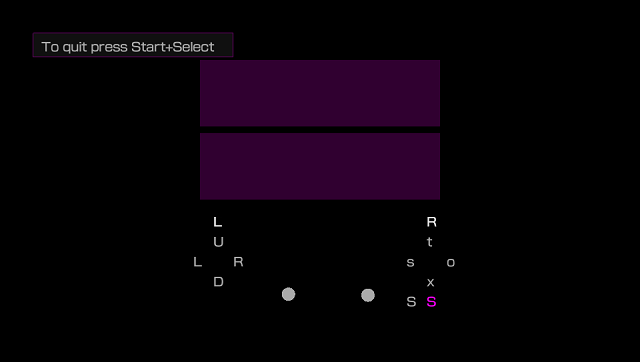
- Configure touchscreen and analog sticks deadzone.
- GUI.
User guide
How to use:
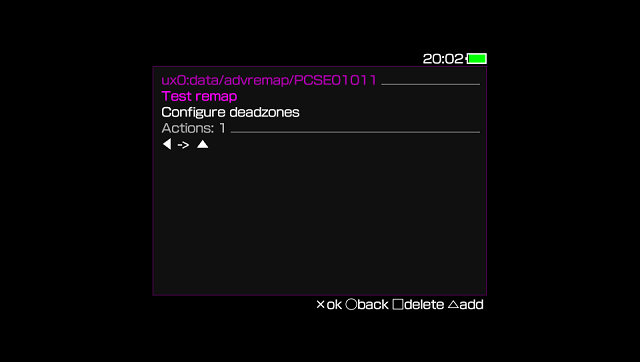
- Select application for remapping.
- Hit Triangle to add new item.
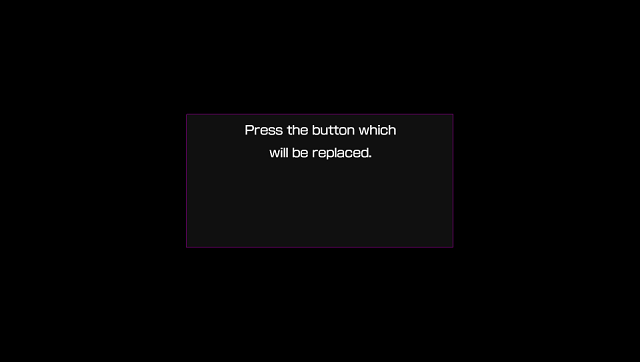
- Press the trigger (button, stick or back touchscreen zone which will be replaced).
- Hold the actions (the buttons which will replace the trigger) until the message disappear.
- Press Circle to save configuration.
If you haven't enabled the plugin for this application previously:
- Go to molecularShell, open
ux0:tai/config.txt. - The two last lines will be commented out, uncomment them (remove #).
- Save the file, open Start menu and hit
Reload taiHEN's config.txt.
Troubleshoot
Plugin doesn't work:
- Dumped games not supported.
- If the notice message doesn't appear in the game: make sure that you've edited taiHEN's
config.txtand reloaded it through molecularShell. - Other way the game may be unsupported.
Config not saving:
- Make sure that you've added at least 1 button.
Screenshots
Changelog
v00.10
- First alpha. Check Issues section for already reported issues.
Credits
Project use source code from following repositories:
Special thanks to #vitasdk and Scorpeg's ButtonSwap.