
Arx Libertatis Vita: Difference between revisions
More actions
Created page with "{{Infobox Vita Homebrews |title=Arx Libertatis |image=ArxLibertatisVita.png |description=Port of Arx Fatalis to PSVita. |author=KingTorro |lastupdated=2026/02/14 |type=Role Playing |version=1.001 |license=GPL-3.0 |download=https://dlhb.gamebrew.org/vitahomebrews/ArxLibertatisVita.7z |website=https://github.com/TheLostPantheon/ArxLibertatis |source=https://github.com/TheLostPantheon/ArxLibertatis |donation= }} {{#seo: |title=Vita Homebrew Games (Role Playing) - GameBrew |..." |
No edit summary |
||
| (2 intermediate revisions by 2 users not shown) | |||
| Line 4: | Line 4: | ||
|description=Port of Arx Fatalis to PSVita. | |description=Port of Arx Fatalis to PSVita. | ||
|author=KingTorro | |author=KingTorro | ||
|lastupdated=2026/02/ | |lastupdated=2026/02/18 | ||
|type=Role Playing | |type=Role Playing | ||
|version=1. | |version=1.003 | ||
|license=GPL-3.0 | |license=GPL-3.0 | ||
|download=https://dlhb.gamebrew.org/vitahomebrews/ArxLibertatisVita.7z | |download=https://dlhb.gamebrew.org/vitahomebrews/ArxLibertatisVita.7z | ||
| Line 19: | Line 19: | ||
|image_alt=Arx Libertatis | |image_alt=Arx Libertatis | ||
}} | }} | ||
Full port of [https://arx-libertatis.org/ Arx Fatalis] to PS Vita via vitaGL. Runs at 20-60 FPS at 720x408 render resolution (upscaled to native 960x544) with controller input, front touchscreen mouse, and optional back touchpad support. | |||
'''Note:''' You must provide your own legally sourced game files. Arx Fatalis is available on [https://www.gog.com/game/arx_fatalis GOG.com] and [https://store.steampowered.com/app/1700/Arx_Fatalis/ Steam]. | '''Note:''' You must provide your own legally sourced game files. Arx Fatalis is available on [https://www.gog.com/game/arx_fatalis GOG.com] and [https://store.steampowered.com/app/1700/Arx_Fatalis/ Steam]. | ||
== Installation == | == Installation == | ||
Install <code>arx.vpk</code> on your Vita using [[VitaShell]]. | |||
Copy your Arx Fatalis game data (PC version) to <code>ux0:data/arx/</code>: | |||
* <code>data.pak</code> | |||
* <code>data2.pak</code> | |||
* <code>loc.pak</code> | |||
* <code>sfx.pak</code> | |||
* <code>speech.pak</code> | |||
Copy the <code>misc/</code> folder for non-Latin language support (e.g. arx_russian.ttf, arx_chinese.ttf). | |||
Launch from the home screen. | |||
== Controls == | == Controls == | ||
Left Analog - Move | |||
Right Analog - Look | |||
Cross - Action, Attack | |||
Circle - Jump | |||
Square - Inventory | |||
Triangle - Magic | |||
L - Ready weapon | |||
R - Use equipped object | |||
D-Pad - Quick slots | |||
Start - Pause menu | |||
Select - Map | |||
Front touchscreen - Mouse cursor | |||
Back touchpad - Secondary click (can be disabled in Vita settings) | |||
== Compatibility == | == Compatibility == | ||
Also see: [[Arx_Libertatis_Switch|Arx Libertatis Switch]] | Also see: [[Arx_Libertatis_Switch|Arx Libertatis Switch]] | ||
==Screenshots== | ==Screenshots== | ||
| Line 85: | Line 75: | ||
https://dlhb.gamebrew.org/vitahomebrews/images/ArxLibertatisVita-04.png | https://dlhb.gamebrew.org/vitahomebrews/images/ArxLibertatisVita-04.png | ||
==Media== | |||
'''Arx Fatalis Trailer - Arkane 20 Celebration''' ([https://www.youtube.com/watch?v=KMm22gl2dJo Bethesda Softworks]) <br> | |||
<youtube width="640">KMm22gl2dJo</youtube> | |||
== Changelog == | == Changelog == | ||
'''v1.003 2026/02/18''' | |||
* Additional Improvements and Fixes | |||
** Multi Language Support | |||
** Performance Flags for VitaGl recommended by Rinnegatamante | |||
** Settings Menu Background fix/icon fix | |||
** MiniMap character position Fix | |||
* Additional Vita Options | |||
** Toggle Magic Option | |||
** Lock Fps option | |||
'''v1.002 2026/02/16''' | |||
* Disable Back Touch Pad (Default Enabled) | |||
* Fog distance toggle used as base for dynamic fog distance based on frame rate. (Default 3) | |||
'''v1.001 2026/02/13''' | '''v1.001 2026/02/13''' | ||
* Initial release for PS Vita. | * Initial release for PS Vita. | ||
== External links == | == External links == | ||
* | * GitHub - https://github.com/TheLostPantheon/ArxLibertatis | ||
* VitaDB - https://www.rinnegatamante.eu/vitadb/#/info/1367 | * VitaDB - https://www.rinnegatamante.eu/vitadb/#/info/1367 | ||
Latest revision as of 07:21, 23 February 2026
| Arx Libertatis | |
|---|---|
 | |
| General | |
| Author | KingTorro |
| Type | Role Playing |
| Version | 1.003 |
| License | GPL-3.0 |
| Last Updated | 2026/02/18 |
| Links | |
| Download | |
| Website | |
| Source | |
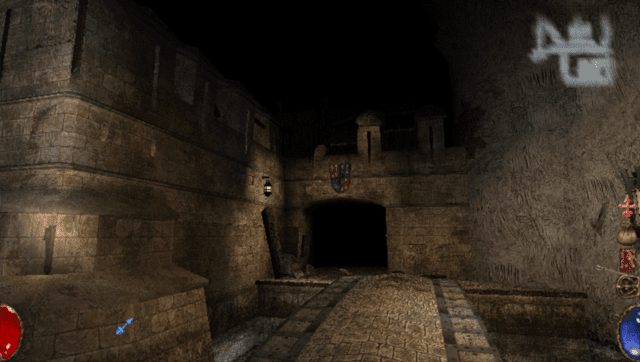
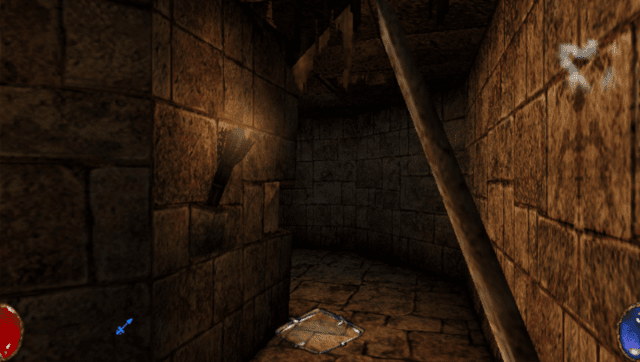
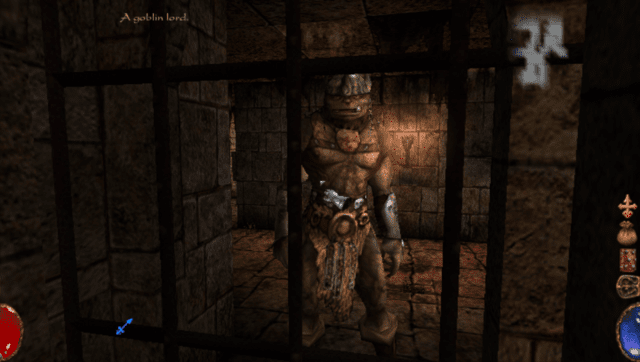
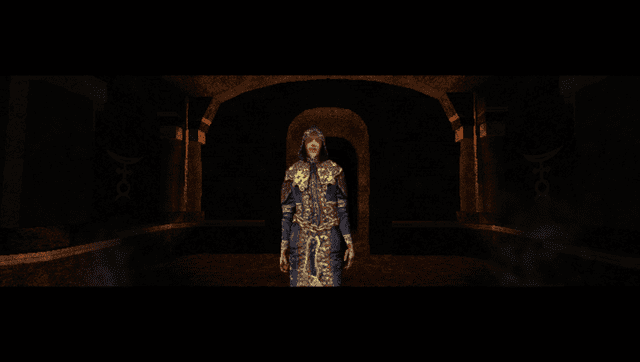
Full port of Arx Fatalis to PS Vita via vitaGL. Runs at 20-60 FPS at 720x408 render resolution (upscaled to native 960x544) with controller input, front touchscreen mouse, and optional back touchpad support.
Note: You must provide your own legally sourced game files. Arx Fatalis is available on GOG.com and Steam.
Installation
Install arx.vpk on your Vita using VitaShell.
Copy your Arx Fatalis game data (PC version) to ux0:data/arx/:
data.pakdata2.pakloc.paksfx.pakspeech.pak
Copy the misc/ folder for non-Latin language support (e.g. arx_russian.ttf, arx_chinese.ttf).
Launch from the home screen.
Controls
Left Analog - Move
Right Analog - Look
Cross - Action, Attack
Circle - Jump
Square - Inventory
Triangle - Magic
L - Ready weapon
R - Use equipped object
D-Pad - Quick slots
Start - Pause menu
Select - Map
Front touchscreen - Mouse cursor
Back touchpad - Secondary click (can be disabled in Vita settings)
Compatibility
Also see: Arx Libertatis Switch
Screenshots
Media
Arx Fatalis Trailer - Arkane 20 Celebration (Bethesda Softworks)
Changelog
v1.003 2026/02/18
- Additional Improvements and Fixes
- Multi Language Support
- Performance Flags for VitaGl recommended by Rinnegatamante
- Settings Menu Background fix/icon fix
- MiniMap character position Fix
- Additional Vita Options
- Toggle Magic Option
- Lock Fps option
v1.002 2026/02/16
- Disable Back Touch Pad (Default Enabled)
- Fog distance toggle used as base for dynamic fog distance based on frame rate. (Default 3)
v1.001 2026/02/13
- Initial release for PS Vita.