
PSP Black System: Difference between revisions
From GameBrew
More actions
Created page with "{{Infobox PSP Homebrews |title=PSP Black System |image=pspblacksystem.png |description=A multi-utility homebrew. |author=NOS32 |lastupdated=2009/06/23 |type=Utilities |format= |version=0.3 |license=Mixed |download=https://dlhb.gamebrew.org/psphomebrew/BlackSystem0.3.rar |website=http://forums.qj.net/psp-development-forum/153267-psp-black-system-v0-3-a.html |source=https://dlhb.gamebrew.org/psphomebrew/BlackSystem0.3.rar }} A multi-utility homebrew developed in Lua. == F..." |
No edit summary |
||
| Line 61: | Line 61: | ||
== External links == | == External links == | ||
* QuickJump - http://forums.qj.net/psp-development-forum/153267-psp-black-system-v0-3-a.html | * QuickJump - http://forums.qj.net/psp-development-forum/153267-psp-black-system-v0-3-a.html | ||
[[Category:Lua applications on PSP]] | |||
Latest revision as of 12:11, 28 December 2024
| PSP Black System | |
|---|---|
 | |
| General | |
| Author | NOS32 |
| Type | Utilities |
| Version | 0.3 |
| License | Mixed |
| Last Updated | 2009/06/23 |
| Links | |
| Download | |
| Website | |
| Source | |
A multi-utility homebrew developed in Lua.
Features
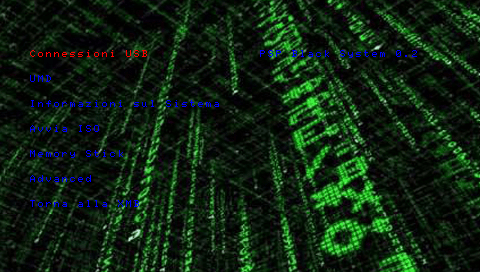
- See the information on PSP.
- Dump UMD.
- Start ISO.
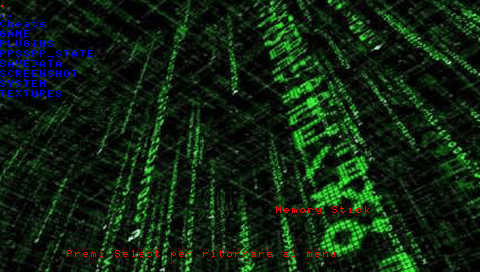
- File Manager.
- Enable USB.
- Disable USB.
- Enable the USB (flash 0).
- Start the UMD from 'HB.
Controls
Up/Down - Move through options
Cross - Select option
Select - Back to menu
File explorer:
Cross - Open a directory
Triangle - Go up a directory
Square - Move selected file
Circle - Delete selected file (there is no warning, use with caution)
Screenshots
Known issues
UMD bug.
Changelog
v0.3
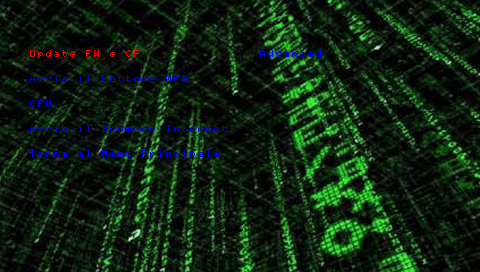
- An mp3-player.
- You can configure the speed of the cpu.
- Allows you to update the firmware and custom firmware.
- The Internet-Browser.