
YAPE 4 U Wii U: Difference between revisions
More actions
m Text replacement - "ForTheUsers - " to "Homebrew App Store - " |
|||
| Line 80: | Line 80: | ||
== External links == | == External links == | ||
* GitHub - https://github.com/xhp-creations/yapesdl | * GitHub - https://github.com/xhp-creations/yapesdl | ||
* | * Homebrew App Store - https://hb-app.store/wiiu/yapesdl | ||
* Twitter - https://twitter.com/xhp_creations/status/1172676555753033728 | * Twitter - https://twitter.com/xhp_creations/status/1172676555753033728 | ||
Latest revision as of 12:01, 23 November 2025
| YAPE 4 U | |
|---|---|
 | |
| General | |
| Author | xhp-creations |
| Type | Computer |
| Version | 0.7.0.2 |
| License | GPL-2.0 |
| Last Updated | 2019/09/14 |
| Links | |
| Download | |
| Website | |
| Source | |
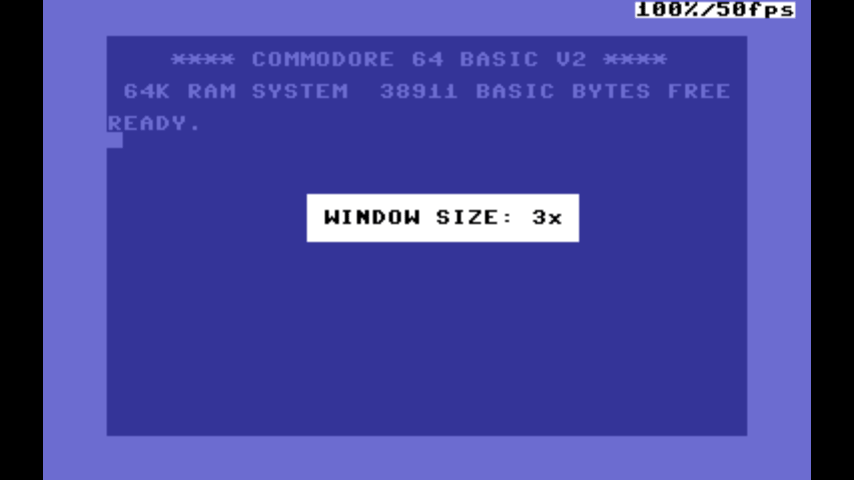
YAPE 4 U is a port of yapesdl by calmopyrin. It is a Commodore 64 and 264 family emulator written in C++ using SDL2.
Some functions, such as the external monitor and disassembler are not fully implemented in the Wii U version yet, because we cannot show the "console" and GPU graphics at the same time.
A USB keyboard is not required, but for the best experience, it is recommended.
Installation
Copy the wiiu folder to the root of the SD card.
Supported file formats from YapeSDL:
- PRG, P00 and T64 for instant loading.
- TAP for slow tape loading.
- D64 format for disk drives.
Controls
GamePad mappings:
Home - Exit emulator and go back to HBL
Minus - Enter/exit options menus
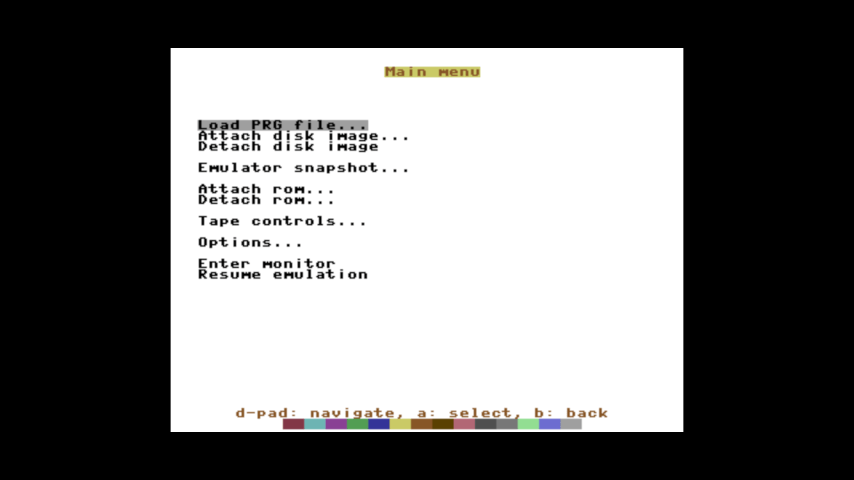
A, B, D-Pad - Navigate options menu and make selections or go back.
Plus - Change windows size
B - Joystick button 1
A - Joystick button 2 (for games like Super Mario Bros. that use the UP direction for a second button)
Y - Switch emulated joystick port
X - Toggle between unlimited speed and 50 Hz frame rate (original speed)
L - Send 'LOAD"$",8' to the keyboard buffer
ZL - Send 'LIST' to the keyboard buffer
R - Send 'LOAD"*",8,1' to the keyboard buffer
ZR - Send 'RUN:' to the keyboard buffer
Left Thumb - Forced reset (memory remains intact)
Right Thumb - Hard reset (clear memory, reloads ROMs, rewinds tape)
Touch Screen - Bring up keyboard overlay for reference only
If you are using a USB keyboard, most shortcuts are the same as the other versions, only a few that aren't mapped to the GamePad or in the options menu are not included.
Screenshots
Compatibility
Tested on Tiramisu.
Credits
The Wii U version was ported by brienj of XHP Creations from calmopyrin's SDL version.
Full credit to calmopyrin for making the original SDL version.
External links
- GitHub - https://github.com/xhp-creations/yapesdl
- Homebrew App Store - https://hb-app.store/wiiu/yapesdl
- Twitter - https://twitter.com/xhp_creations/status/1172676555753033728