
ShogunTool Switch
From GameBrew
More actions
| ShogunTool | |
|---|---|
 | |
| General | |
| Author | SimonMKWii |
| Type | PC Utilities |
| Version | 7 |
| License | Mixed |
| Last Updated | 2018/06/11 |
| Links | |
| Download | |
| Website | |
| Source | |
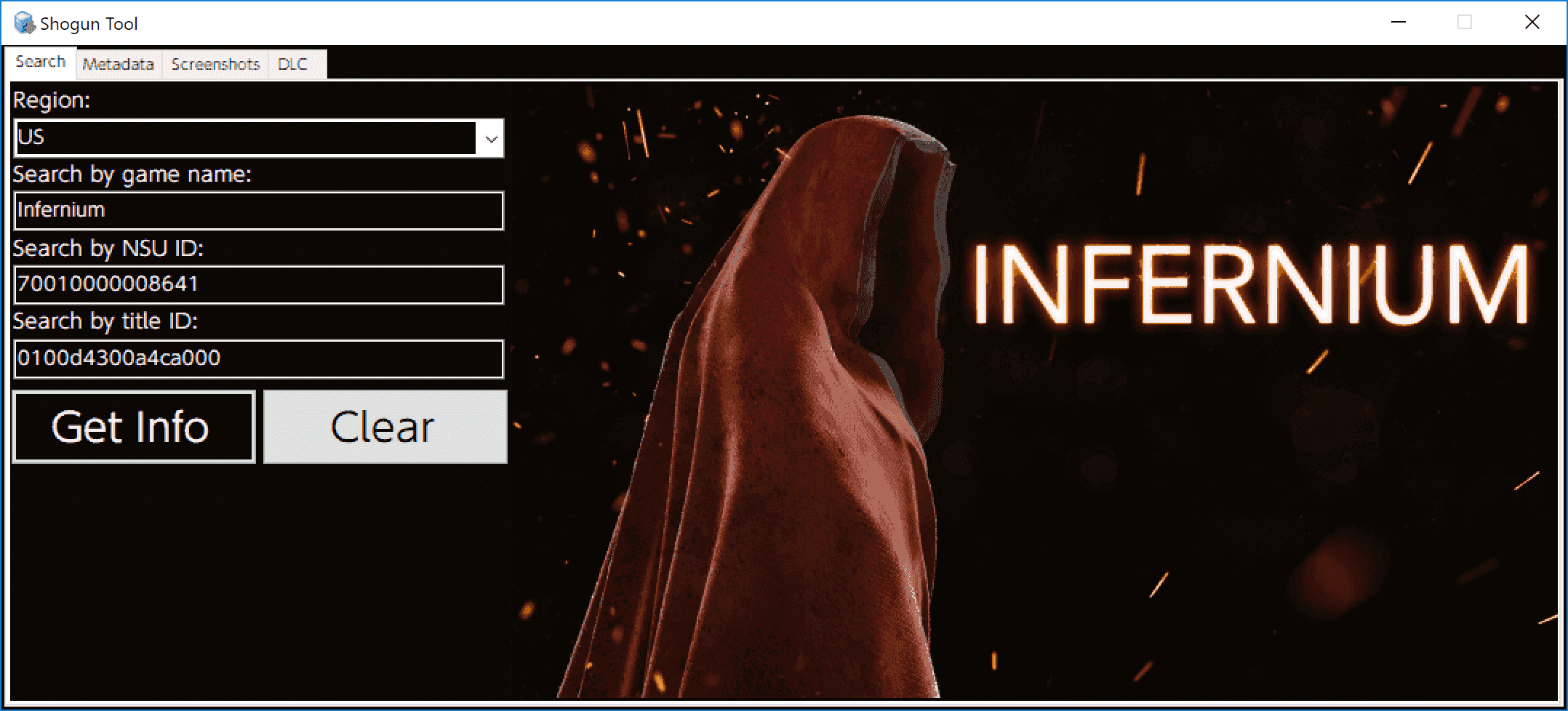
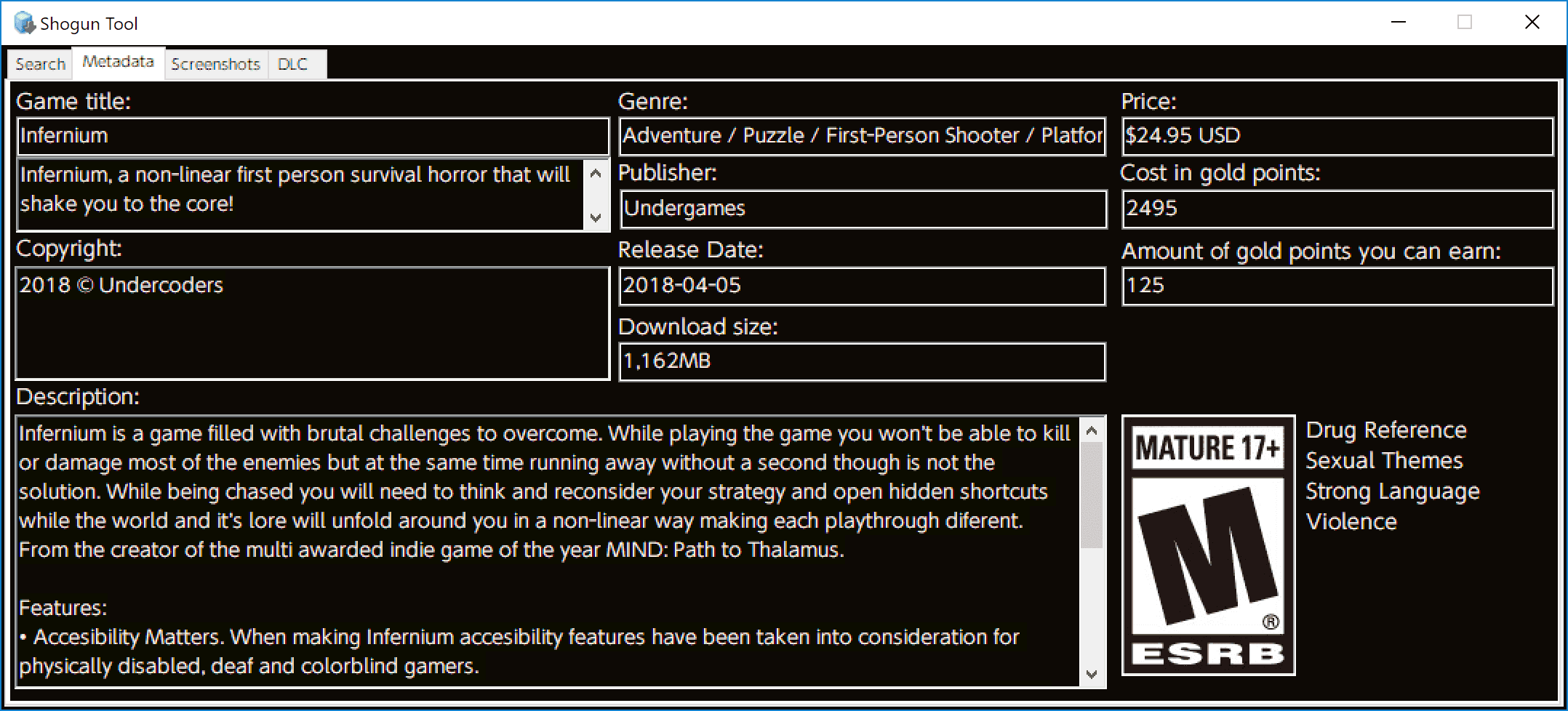
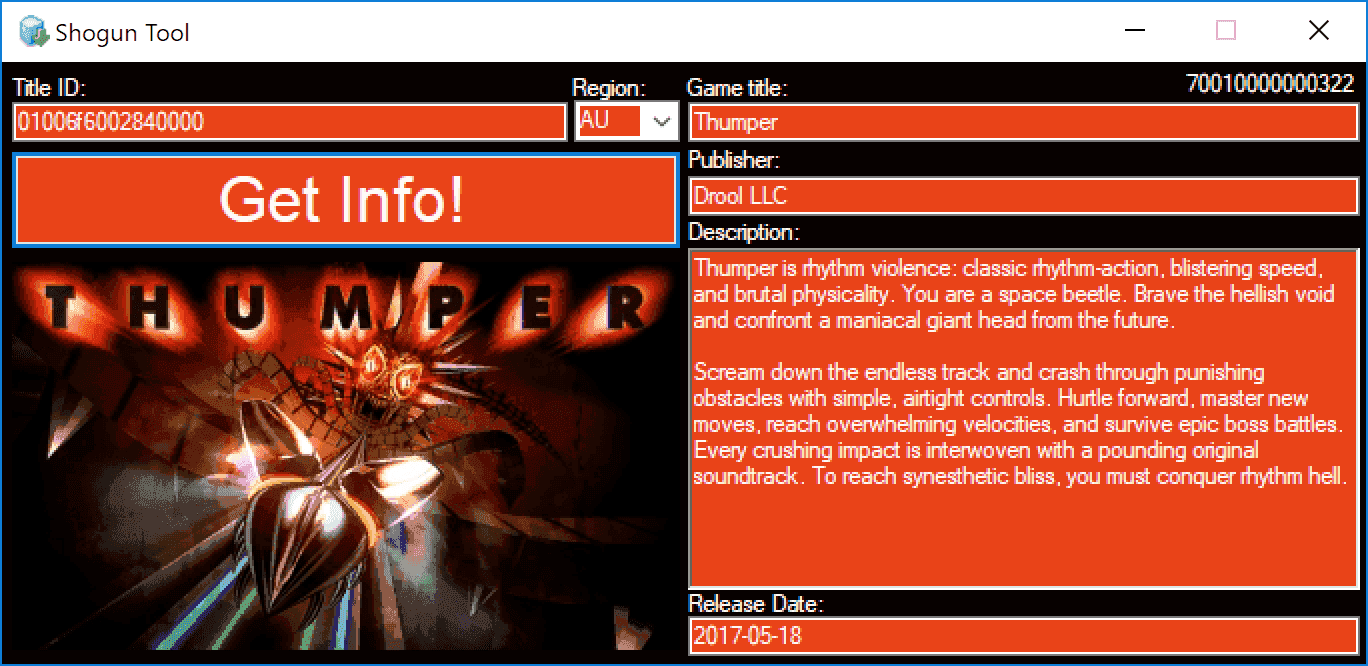
Get game information from Title IDs.
Note: No longer works.
Features
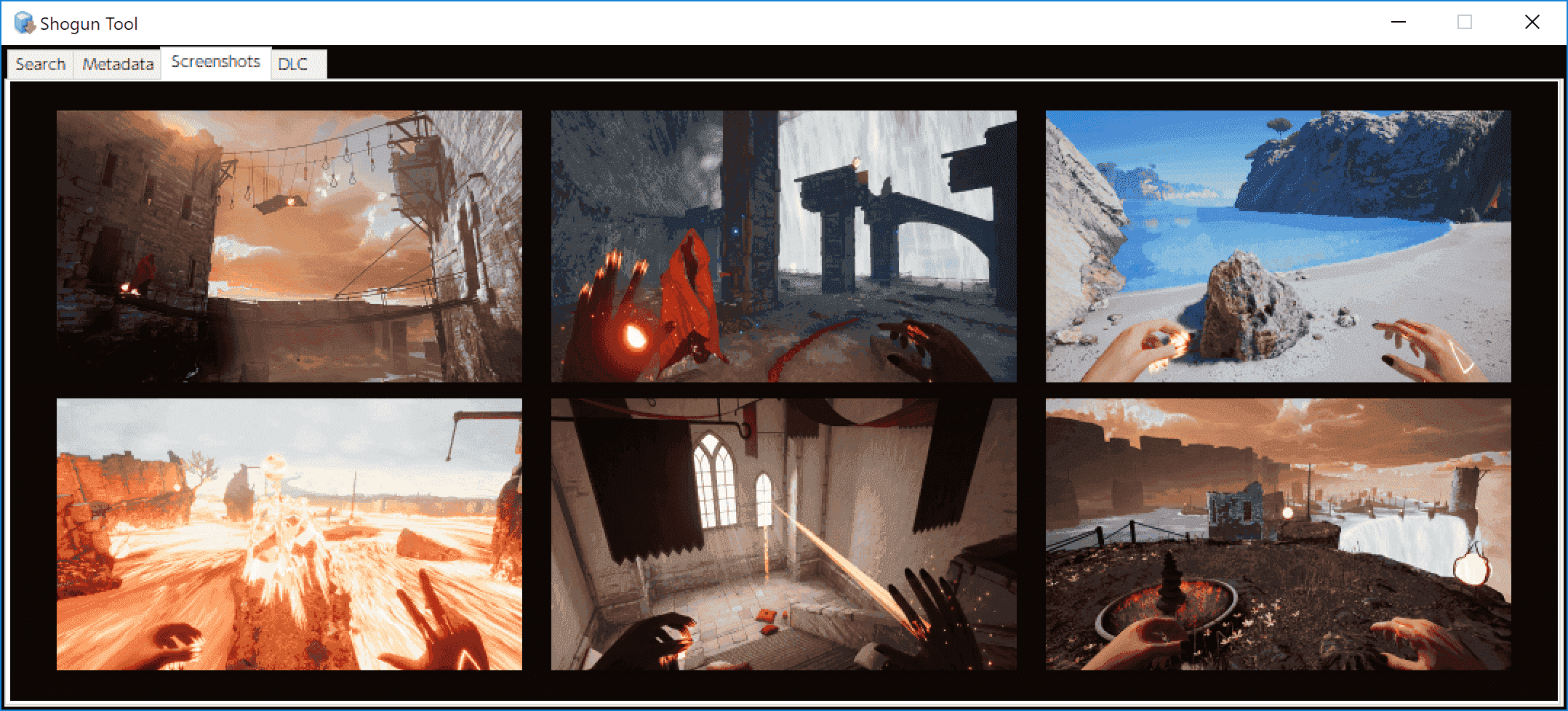
- Returns literally everything from an eShop listing, including prices, gold point amounts, screenshots, etc.
- Backups the JSON files.
- Clutters the folder with game images.
User guide
Requires the ShopN common cert to use.
Simply put in a game name (or title ID) and select a region.
Screenshots
|
|
Changelog
v7
- You can get the title ID from the name of the game.
v3
- Fixed issue with displaying colours.
- Fixed hard-to-read text size.
- Added update ID detection, converts to game ID.
v2
- Adjusts window colours based on the eShop page colours.
- Fixed a few bugs.
- Demo titles now get parsed, but do not display as demos.