
Fuse-NX Switch
From GameBrew
More actions
| Fuse-Nx | |
|---|---|
 | |
| General | |
| Author | averne |
| Type | PC Utilities |
| Version | 1.1 |
| License | GPL-3.0 |
| Last Updated | 2021/02/24 |
| Links | |
| Download | |
| Website | |
| Source | |
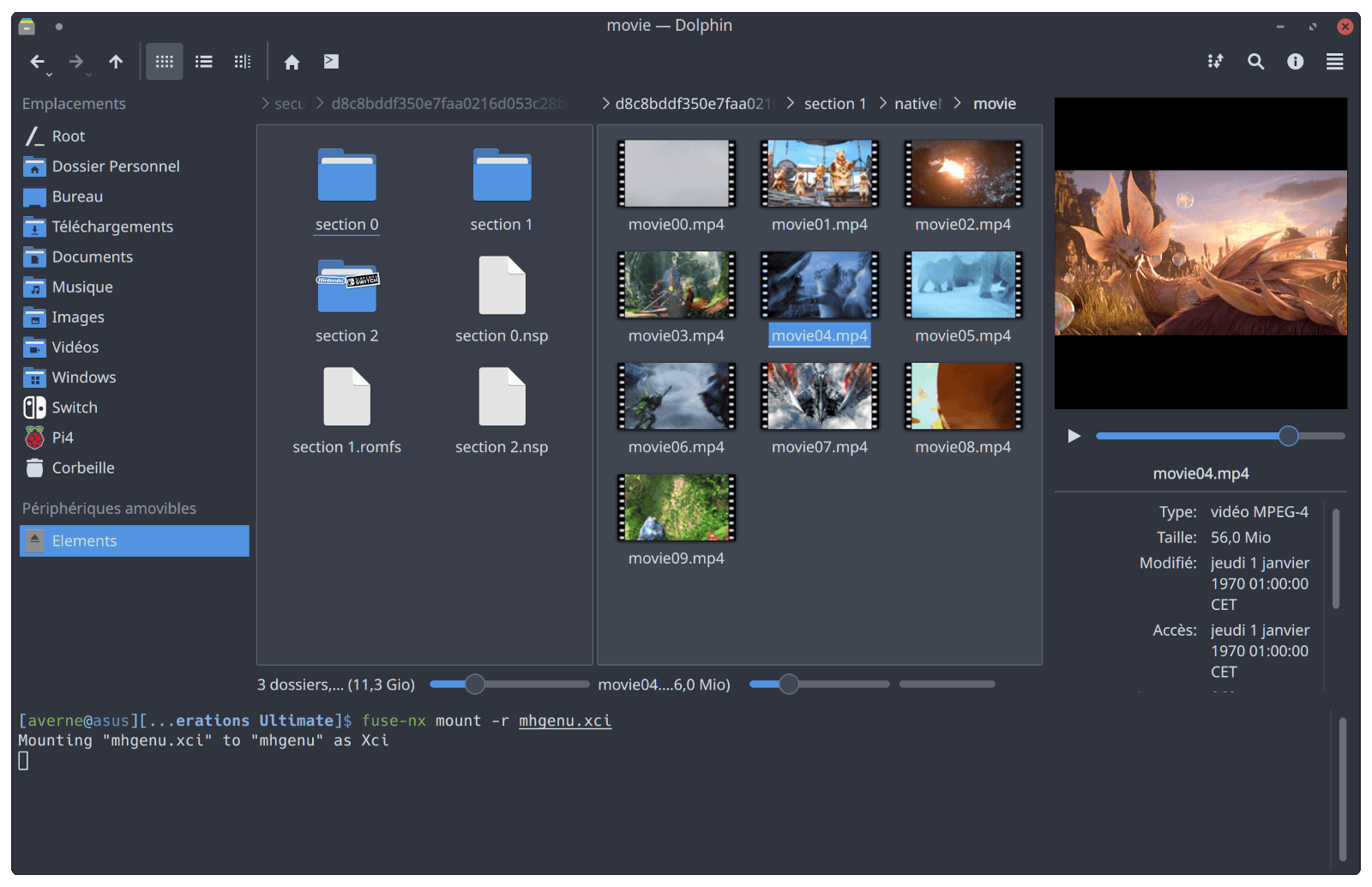
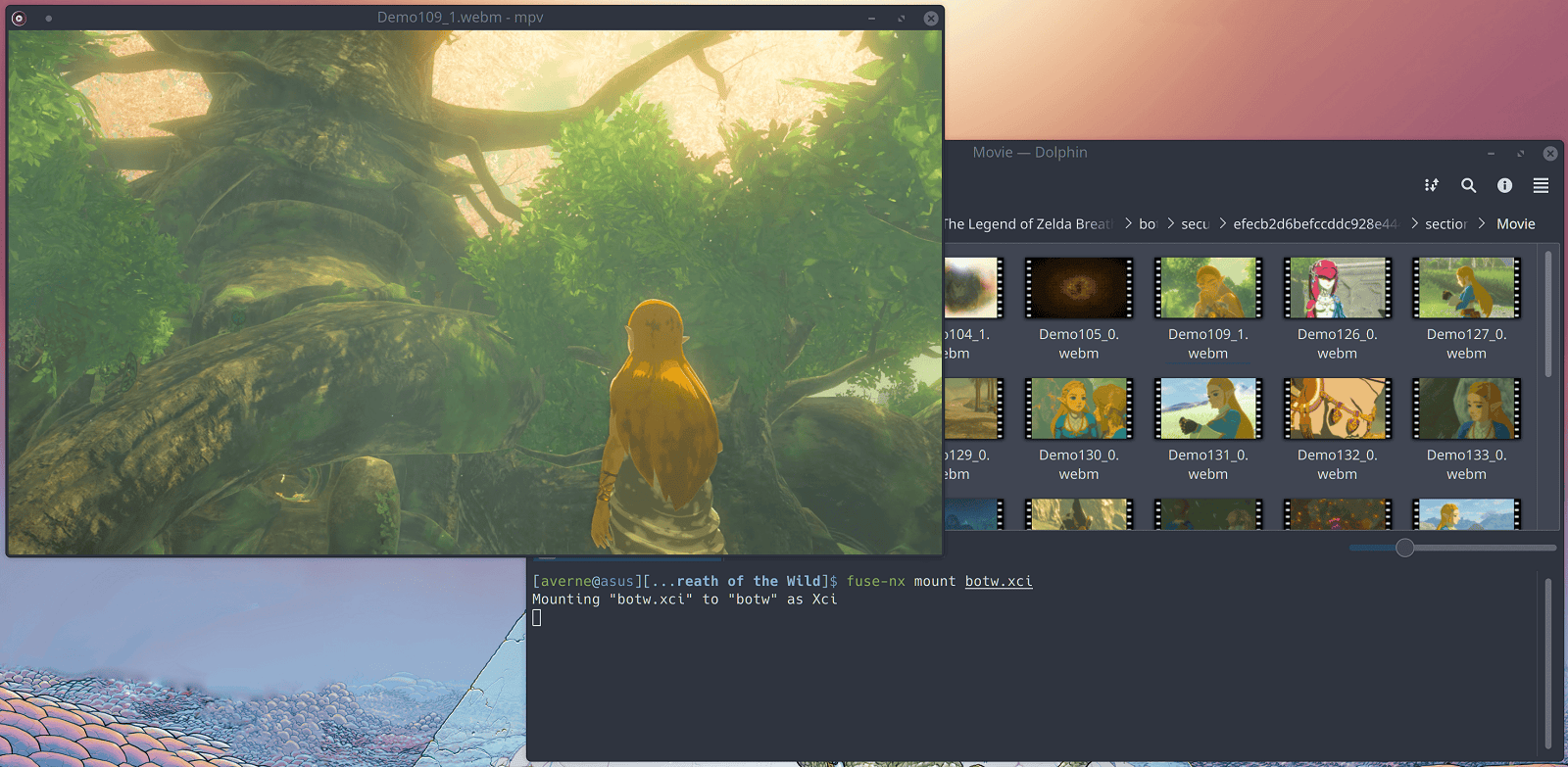
Fuse-Nx is an utility tool that exposes the internals of various Nintendo Switch formats as a filesystem though FUSE.
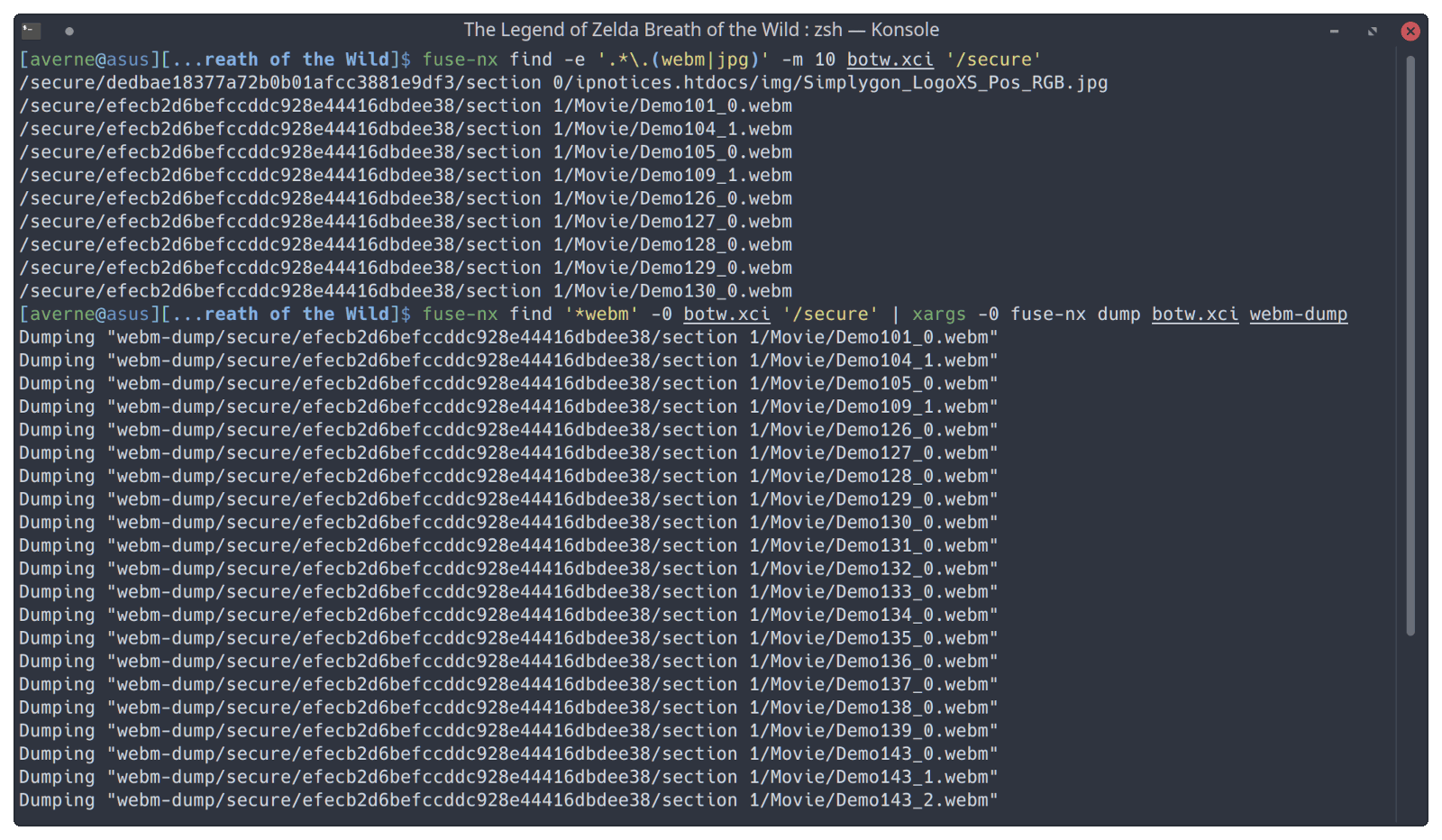
It can also search for file inside archives, and directly extract them.
Installation
fuse-nx:
sudo meson install -C build- For users of Arch-based distros, an AUR package is available.
Python bindings:
sudo python setup.py install- Or just
pip install -U git+https://github.com/averne/Fuse-Nx.git.
User guide
Supported formats
- Nca (only AES-CTR encrypted/plaintext NCA3s are supported, BKTR encryption (for update NCAs) is unsupported)
- Xci
- Pfs
- Hfs
- Romfs
Formats are recognized based on magicnums/numeric contants present in their headers, and not their extensions.
How to use
Refer to the built-in help (-h/--help). You can find help on a specific subcommand using fuse-nx <subcmd> --help, or fuse-nx --help-all.
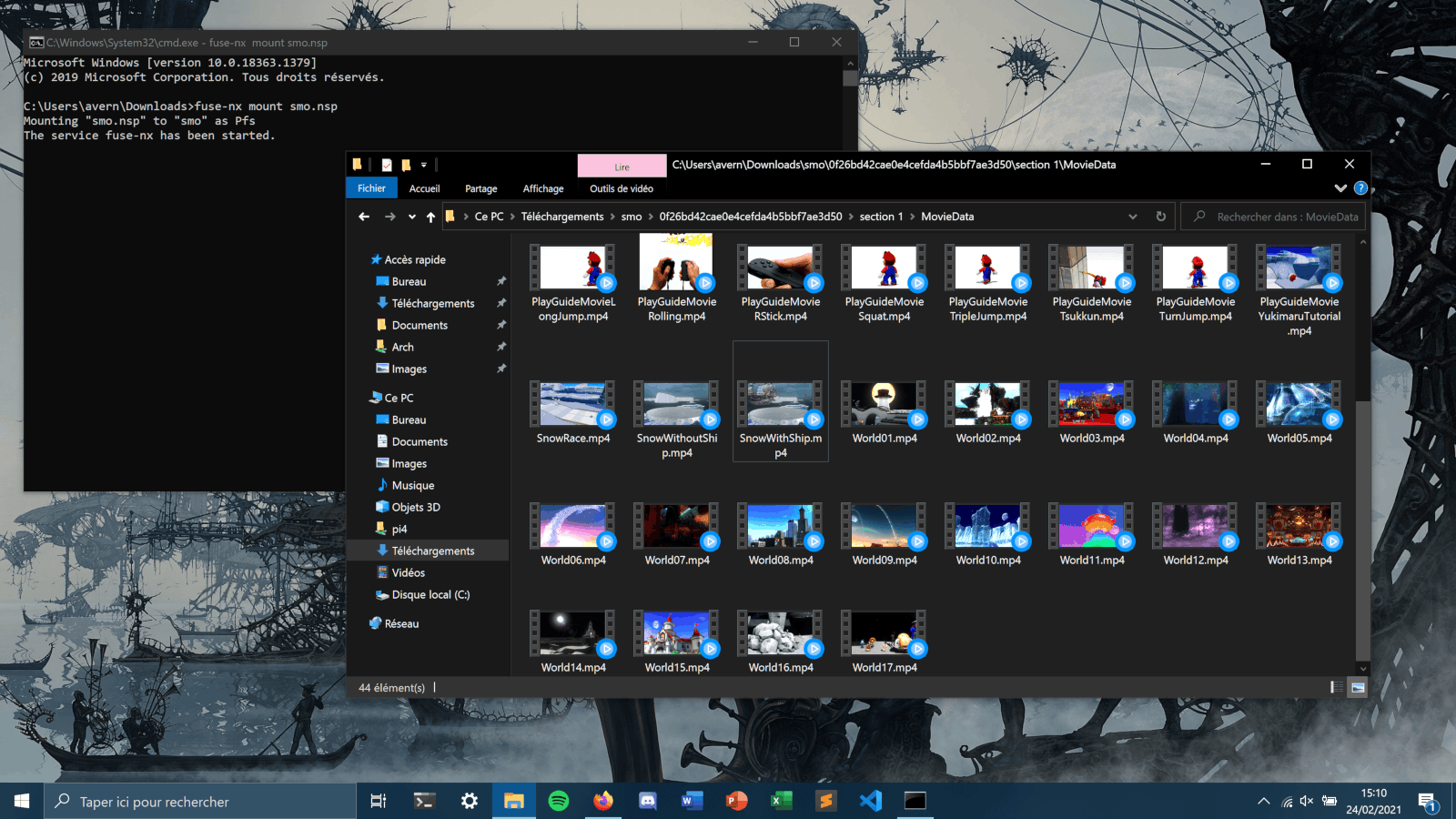
Windows is supported via:
- WinFsp - Make sure that
winfsp-x64.dll(found inC:\Program Files (x86)\WinFsp\binafter installing) is present in the same directory as the executable; - WSL - To access the filesystem through the explorer, you will need to pass the
-o allow_otherflag to FUSE when mounting, and adduser_allow_otherto/etc/fuse.conf.
Project layout
Screenshots
|
|
Changelog
v1.1
- Native windows support.
External links
- GitHub - https://github.com/averne/Fuse-Nx
- GBAtemp - https://gbatemp.net/threads/fuse-nx.574503/