3DS Button Tester
From GameBrew
More actions
| 3DS Button Tester | |
|---|---|
 | |
| General | |
| Author | TheCoolesttOne |
| Type | System Tools |
| Version | 1 |
| License | N/A |
| Last Updated | 2024/09/14 |
| Links | |
| Download | |
| Website | |
| Source | |
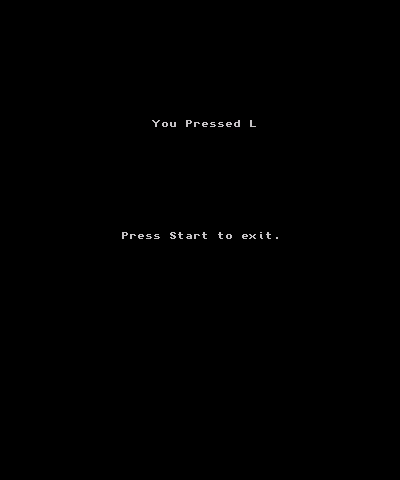
A 3DS Homebrew troubleshooting application for testing each individual button.
Notes: every button including cpad, cstick, ZL, ZR, and the touch screen should be detected (since the size of the cstick is so small, it may only detect small movements meaning if you push too hard to the right, it may detect a down so only do small movements as if playing Minecraft).
Installation
CIA:
- Put in cia folder of your root.
- Open FBI and go to sd section and then cias, find button tester.cia, now press install and delete.
3DSX:
- Put in 3ds folder of your sd.
- Open homebrew launcher and find button tester.3dsx and open it,
Controls
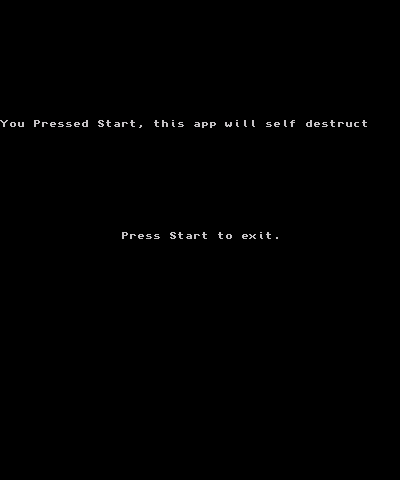
Start - Exit
Screenshots