
FNF: Switch Funkin
More actions
| FNF: Switch Funkin' | |
|---|---|
 | |
| General | |
| Type | Music |
| Version | 1.0.4 |
| License | Apache-2.0 |
| Last Updated | 2026/01/31 |
| Links | |
| Download | |
| Website | |
| Source | |
| Support Author | |
Switch Funkin' is a port of Psych Engine 1.0.4 (a Friday Night Funkin' engine) for the Nintendo Switch. It is not a recreation or inspiration, but the real HaxeFlixel engine running natively on the Switch as homebrew.
This is made possible through Lime-NX, an experimental fork of Lime that allows compiling Lime/OpenFL projects for the Nintendo Switch using DevKitPro and DevKitA64.
Features
- Full Psych Engine 1.0.4 functionality on the Nintendo Switch
- HScript and Lua scripting support
- Shader support
- Mod folder support (works the same as standard Psych Engine)
- Touchscreen hitbox support for playing
- Available on the Homebrew App Store for direct download to the console
Considerations
- Video playback is not supported, as there is currently no way to get hxvlc working on the Switch target
- The engine cannot cache assets, so loading screens can be slow
- Keyboard and mouse input are not supported on the Switch
- The Nintendo Switch hardware dates from around 2016 with 4 GB of RAM, so performance-heavy mods may require optimization
- Mods that use special mechanics requiring extra keys will need modifications to support controllers
Installation
Download the latest release from GitHub, GameBanana, or the Homebrew App Store.
The Homebrew App Store option allows downloading the game directly to the console.
For manual installation, place the .nro file from the downloaded ZIP into the switch folder on the console's SD card. Then open the Homebrew Menu from an official game (by holding the R button while launching a game from the HOME menu), find "FNF: Switch Funkin'", and open it.
Mods
After opening the game at least once, a Switch-Funkin folder will be created inside the switch folder on the SD card. Inside it, there is a mods folder which works exactly like normal Psych Engine. The folder also contains crash logs, shader error logs, and the saves folder which stores save data.
Media
Friday Night Funkin: The Full Ass Game Kickstarter Trailer (newgrounds)
Screenshots
|
|
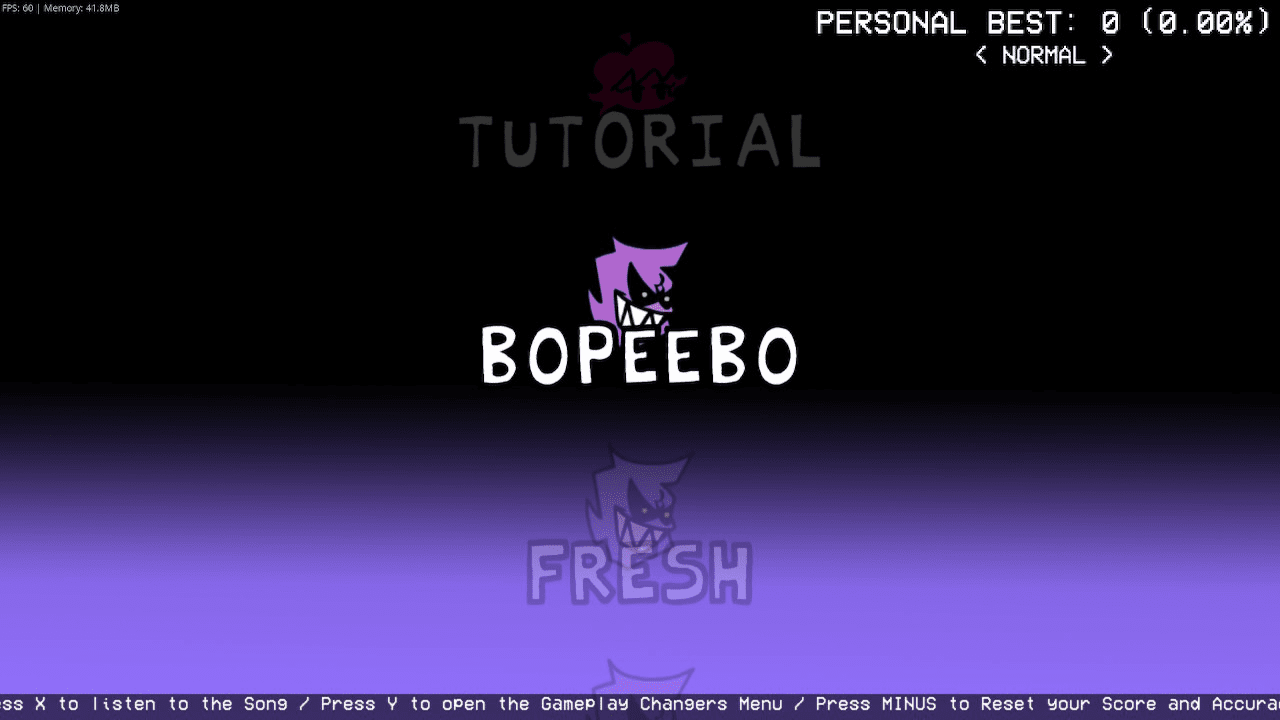
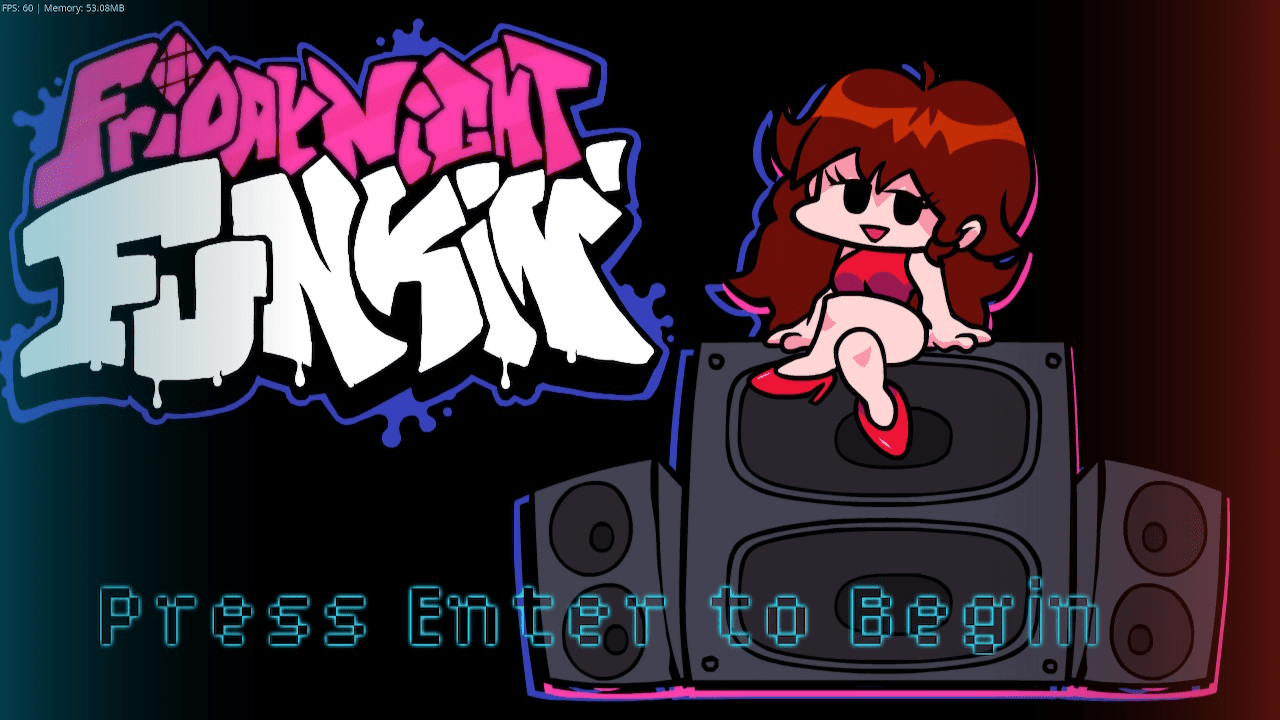
Changelogs
v1.0.4
- The way to check if the current version is really old has been corrected (I forgot to upload the changes to GitHub).
- Fixed an issue that prevented mods from being disabled.
v1.0.3
- A series of problems were fixed when it came to using the controls substate.
- Now the colors of the Joy-Con controllers in the title state are displayed correctly even if you return to a previously created state.
- Fixed an issue with the update check, where it showed that the current version was old when it was not.
v1.0
- First published version, I hope everything goes well, hehe.
Credits
- Psych Engine (ShadowMario) - The base engine for Switch Funkin'.
- P-Slice - Code used for the touchscreen hitbox implementation.
- Roxy - Helped discover performance issues in the Weekend songs (rain shader and Nene's speaker visualizer).
- Lime-NX (Slushi) - Experimental Lime fork enabling compilation for Nintendo Switch.
- Vupx Engine and Slushi Engine - Some code used in Switch Funkin'.
External links
- GitHub - https://github.com/Slushi-Github/Switch-Funkin
- GameBanana - https://gamebanana.com/tools/21807
- Homebrew App Store - https://hb-app.store/switch/FNFSwitchFunkin
- Lime-NX (dependency) - https://github.com/Slushi-Github/lime-nx