
ZATO Vita
More actions
| ZATO Vita | |
|---|---|
 | |
| General | |
| Author | ZFhuang |
| Type | Other Games |
| Version | 1.0 |
| License | MIT License |
| Last Updated | 2026/02/08 |
| Links | |
| Download | |
| Website | |
| Source | |
PS Vita porting scripts for Z.A.T.O. // I Love the World and Everything In It, a free visual novel game on Steam developed by Ferry // Nopanamaman.
The original game is set in the USSR in 1986, where a girl goes missing in the closed city of Vorkuta-5. It is a linear visual novel with roughly 7-8 hours of playtime, made with Ren'Py. This port uses Python scripts to optimize and prepare the game files for running on PS Vita via Ren'Py PSVita and RenPy-Vita-8.
Installation
Step 1: Prepare game files on PC
Install Z.A.T.O. // I Love the World and Everything In It on Steam (free).
If needed, find and install a translation patch from Steam or elsewhere.
Right-click the game in your Steam library and select Manage -> Browse local files.
Copy the game/ folder from your Steam game directory to the root of the repository (the folder containing scripts_for_vita/).
Step 2: Run optimization scripts (required)
Run one of the following Python scripts (requires Python 3.7+ and Pillow >= 9.0.0):
- Option 1 True Lossless (Only unpacks resources and removes WebM videos, keeping game resources completely original.)
- Option 2 Lossless with GUI optimization (Optimizes GUI scaling and image sizes from the original 1280x720 resolution for the PS Vita's 960x544 screen to improve text readability.)
- Option 3 Compressed (Performs lossy compression on images and audio for the smallest file size, reducing Vita IO pressure for a smoother experience.)
Option 1: True Lossless
python scripts_for_vita/run_true_lossless.py
Option 2: Lossless with GUI optimization
python scripts_for_vita/run_lossless_w_gui.py
Option 3: Compressed
python scripts_for_vita/run_compressed.py
If there are uninstalled dependencies during execution, interact and install them automatically. Wait for the optimization to complete before proceeding to the next step.
Step 3: Copy to Vita
Download the VPK file and install it on your PS Vita.
Copy the optimized game/ folder (processed by the script) to ux0:app/ZATO01986/.
Run Z.A.T.O on your Vita (first launch may take 5-10 minutes).
Known issues
- First-time loading: Due to resource caching and Python precompilation, the first launch may take 5-10 minutes. Subsequent launches will be much faster.
- Resource loading stutters: When loading new resources not in cache (images, audio), the game may stutter. This is a hardware limitation of the Vita's IO speed.
- Save data: Save files are stored in the standard Ren'Py location on Vita. The game uses the same save format as the PC version.
- No video support - Ren'Py Vita does not currently support video playback, so all videos are removed by the scripts. The game only contains an opening animation.
- Some high-resolution resources may cause memory issues. If you encounter crashes, use the compressed option.
- Saves may become invalid if you change the
game/folder, or possibly after the first installation. - Translation patches are not guaranteed to work correctly, though the Chinese translation patch was tested and worked fine.
Screenshots
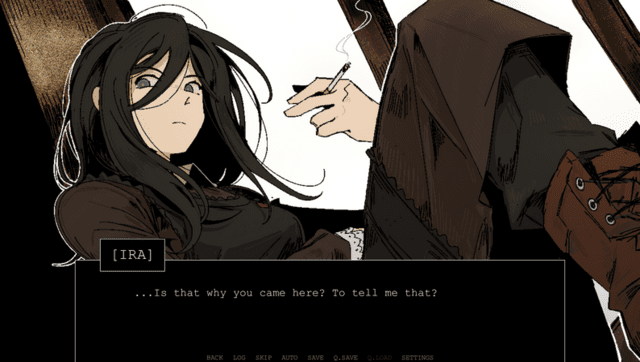
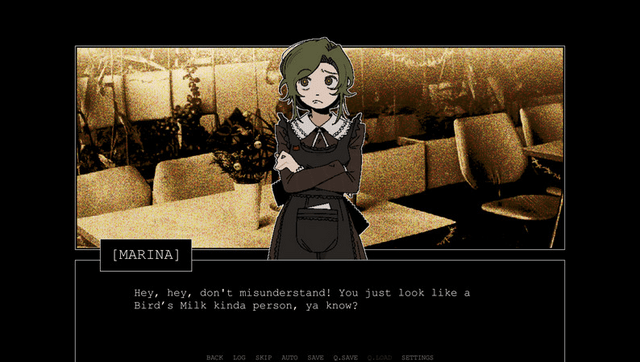
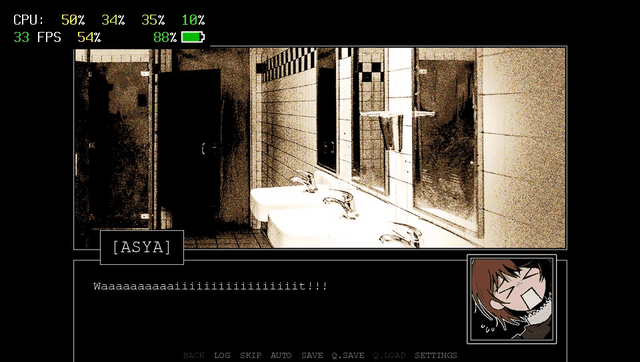
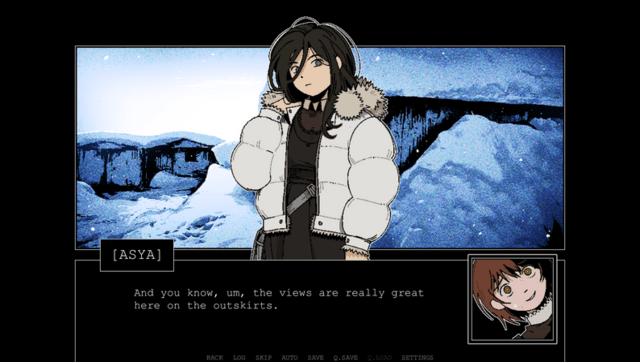
Media
Z.A.T.O. Full Intro (Ferry)
Changelog
v01.00 2025/02/08
- Initial release.
Credits
- Z.A.T.O. // I Love the World and Everything In It: I love this game
- Ren'Py PSVita: Thanks to this, I could port this game to Vita
- RenPy-Vita-8: Thanks to this, Python3 Ren'Py games can be successfully ported
- Kimi K2.5: I used this LLM to write the code and documentation for this repository
- Hope this repository can help others port more Ren'Py games to Vita