
Tico Switch
More actions
| tico | |
|---|---|
 | |
| General | |
| Author | dantiicu |
| Type | Other Emulators |
| Version | 0.3.0-alpha |
| License | tiicu |
| Last Updated | 2026/01/23 |
| Links | |
| Download | |
| Website | |
| Source | |
Tico is the first custom emulation frontend for Nintendo Switch — a controller-first, native C++ interface designed for performance, simplicity, and long-term portability.
User guide
tico is a multi-platform emulation frontend focused on delivering a console-quality user experience.
Instead of file browsers, configuration menus, and fragmented tools, tico provides a unified interface that automatically organizes games, manages assets, and launches embedded emulator cores with zero user configuration.
It is designed to feel like a real console UI — not a development tool.
What tico does not include
tico does not include:
- ROMs
- BIOS files
- System firmware
- DRM circumvention tools
Users are responsible for legal ownership of games and compliance with local laws.
Features
Interface
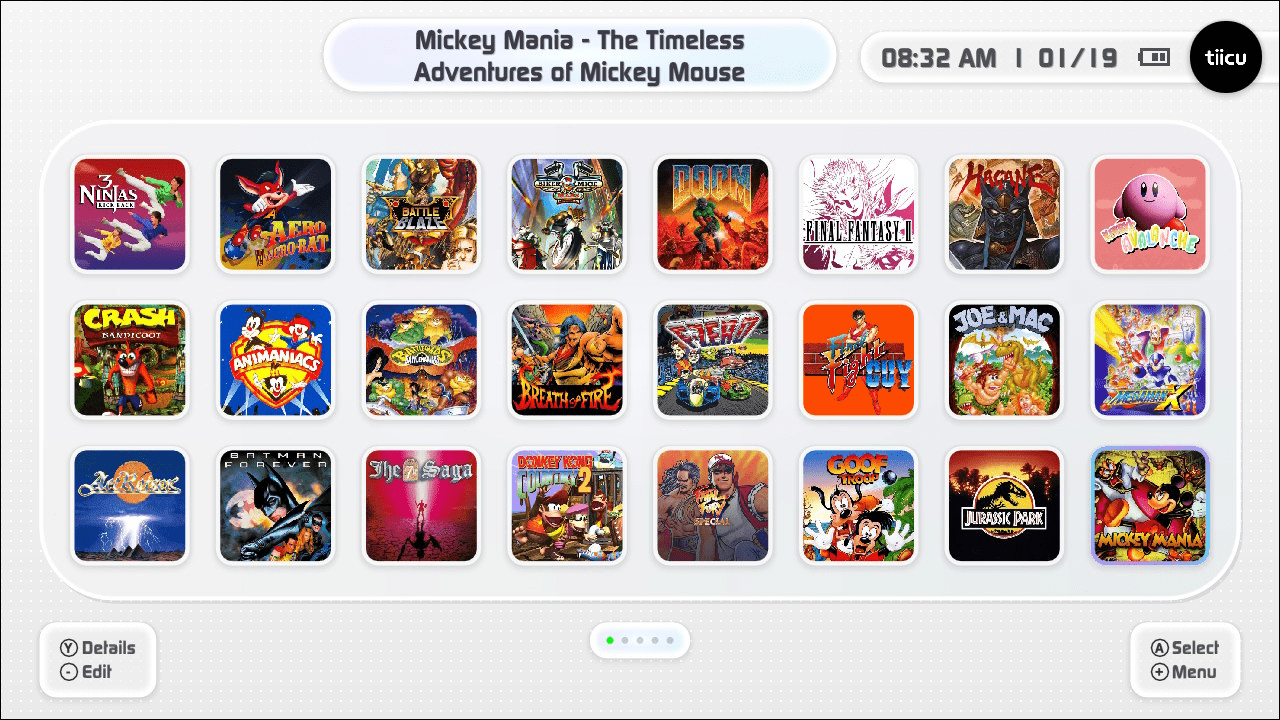
- Home screen with customizable game shortcuts
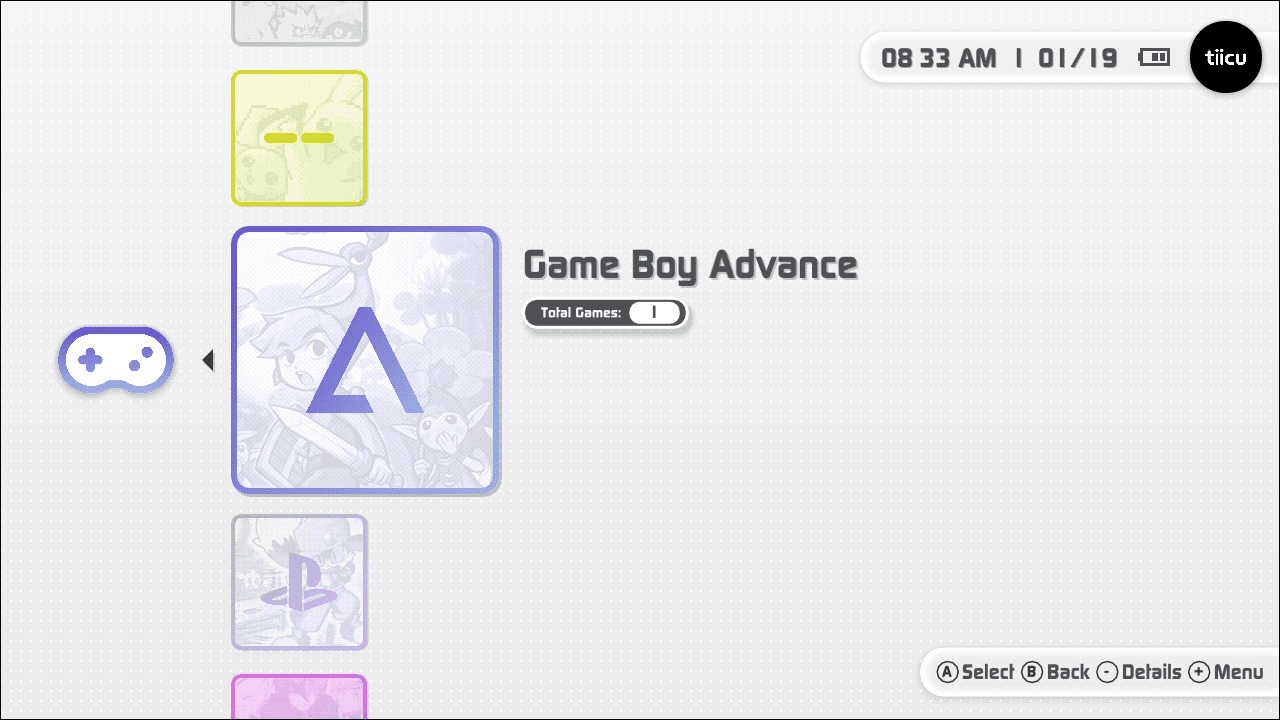
- Unified multi-console launcher
- Controller-first navigation
- Instant library loading with intelligent caching
- One-button rescan system
Game Management
- Automatic No-Intro and Redump naming support
- Auto-organization by system and region
- Direct pinning from library to home screen
- Structured save and asset directories
Embedded Emulator Cores
- Built-in, statically linked cores
- No manual installation
- No configuration required
- Optimized builds for Nintendo Switch
Architecture
- Written in modern C++
- Native performance
- No scripting languages
- No heavy frameworks
- Designed for long-term portability
Supported Systems
- Game Boy (GB)
- Game Boy Color (GBC)
- Game Boy Advance (GBA)
- Nintendo Entertainment System (NES)
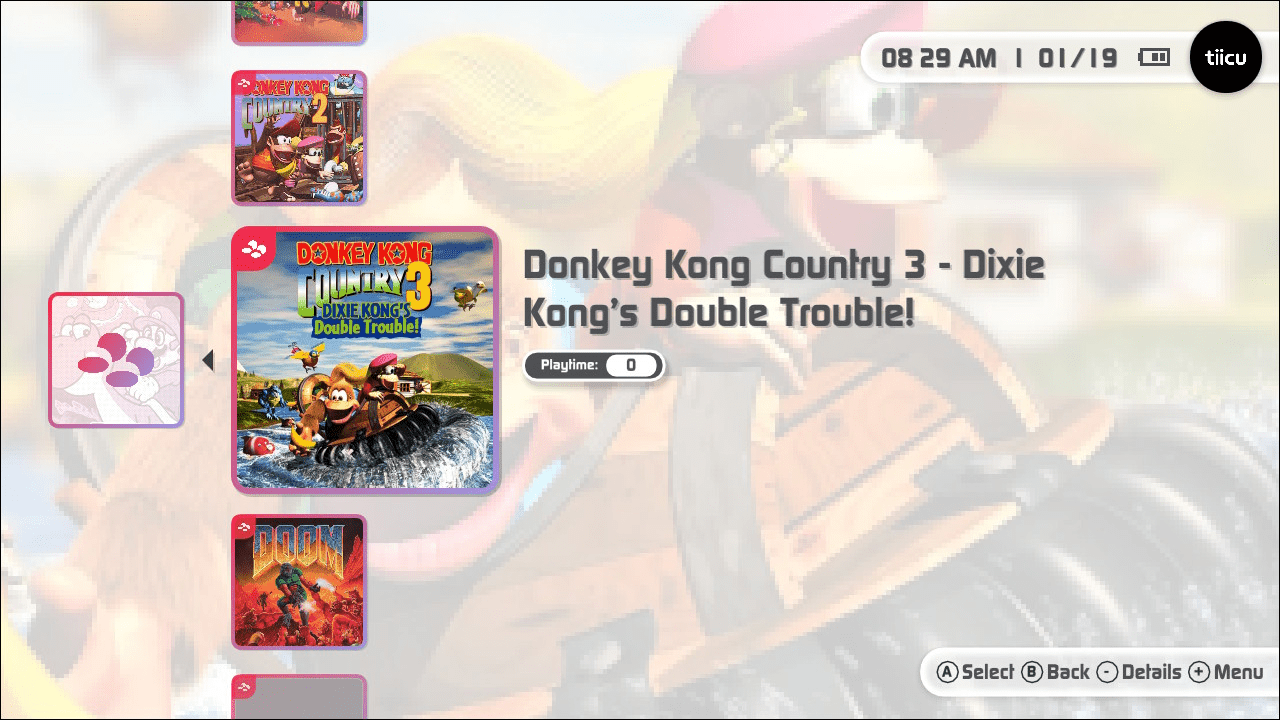
- Super Nintendo Entertainment System (SNES)
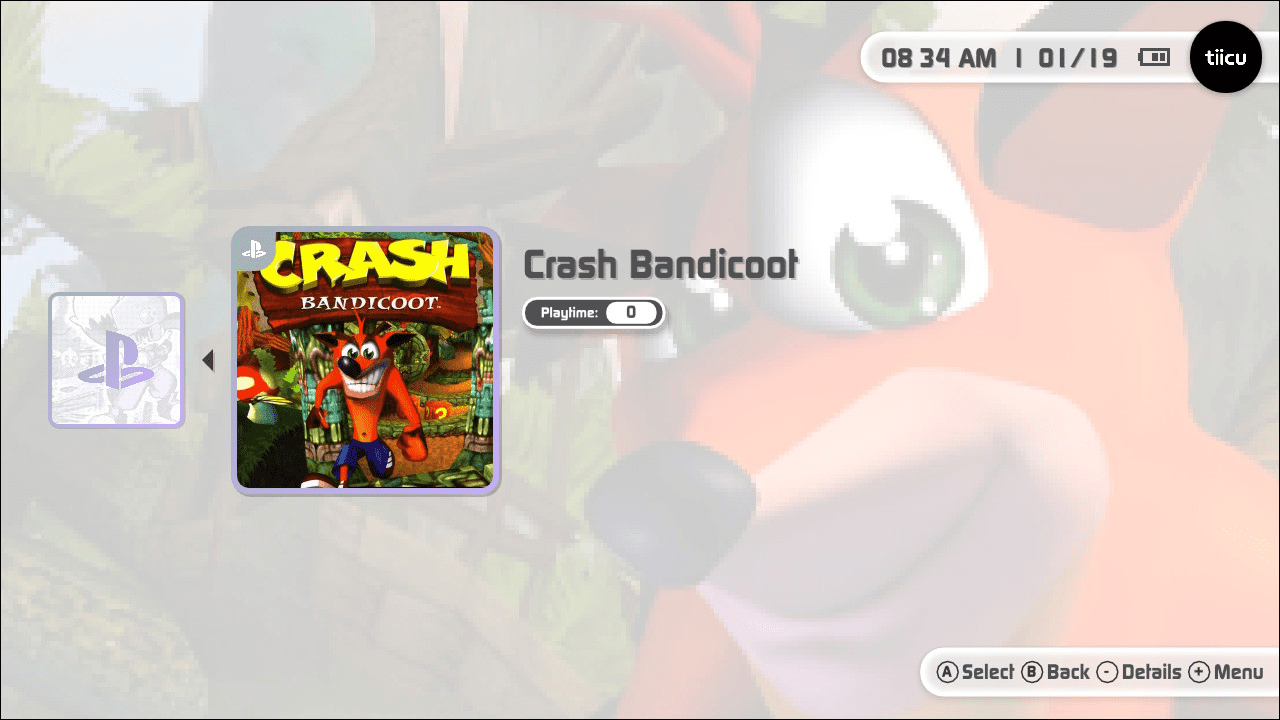
- PlayStation 1 (PS1)
- PlayStation Portable (PSP)
- Sega Game Gear
- Sega Master System
- Sega Mega Drive (Genesis)
- Sega CD
Installation
- Copy the tiicu folder to the root of your SD card
- Place tiicu.nro inside the switch folder
- Launch any game while holding R to open the Homebrew Menu
- Open tiicu
- Enjoy
Important: tiicu does not work in applet mode.
Directory Structure
ROMs should be organized in the following structure:
sdmc:/tiicu/roms/{console}/
sdmc:/tiicu/covers/{console}/
sdmc:/tiicu/heroes/{console}/
sdmc:/tiicu/saves/{console}/
sdmc:/tiicu/states/{console}/
Where {console} can be: gb, gbc, gba, nes, snes, psx, psp, game-gear, master-system, genesis, sega-cd
Artwork must match ROM names (without extension) and must be in JPG format.
Custom ROM Path
You can set a custom ROM root directory in the config file:
sdmc:/tiicu/config/roms.jsonc
Inside your custom path, keep consoles separated in their respective folders.
BIOS Requirements
PlayStation (PS1)
- Copy SCPH1001.bin from your console
- Place it in: sdmc:/tiicu/system/psx/
Sega Systems
All Sega BIOS files should be placed in:
sdmc:/tiicu/system/sega-cd/
Sega CD / Mega CD:
- bios_CD_U.bin — Sega CD (NTSC-U)
- bios_CD_E.bin — Mega CD (PAL)
- bios_CD_J.bin — Mega CD (NTSC-J)
Master System:
- bios_U.sms — Master System (NTSC-U)
- bios_E.sms — Master System (PAL)
- bios_J.sms — Master System (NTSC-J)
Game Gear:
- bios.gg — Game Gear TMSS BOOTROM
Mega Drive:
- bios_MD.bin — Mega Drive TMSS BOOTROM
Optional Enhancement ROMs:
- sk.bin — Sonic & Knuckles (2 MB)
- sk2chip.bin — Sonic & Knuckles UPMEM (256 KB)
- ggenie.bin — Game Genie
- areplay.bin — Action Replay (Pro)
Super Nintendo (Satellaview)
For Satellaview games on SNES:
- Copy BS-X.bin to: sdmc:/tiicu/system/snes/
Controls
- Use ZL or ZR to navigate between docked screens
- Use L or R to swap pages on the Home Screen
In-Game
- Press + and - together to suspend gameplay and access game options
Configuration
Core Settings
PSP core settings can be customized at:
sdmc:/tiicu/config/cores/ppsspp.jsonc
Core improvements include:
- PPSSPP (PSP): 2x resolution rendering, 60fps support
- SwanStation (PS1): 2x resolution rendering, TrueColor mode enabled
- SNES9x (SNES): Overclock mode (Compatible), Flicker Reduction, Sinc Audio Resampling
- mGBA (GBA): Smart Color Blending, No Frameskip
- Gambatte (GB/GBC): Ghosting Reduction, Sinc Audio Resampling
Screenshots
|
|
Changelog
0.3.0-alpha 2026/01/23
- Fixed: Custom ROM paths now work correctly
- Fixed: Moving shortcuts no longer creates duplicates
- Fixed: PlayStation analog stick/axis controls now function properly
- Improvement: "Add to homescreen" automatically navigates to first available page
- New: Alert notification when all home screen pages are full
- New: Sega Game Gear support
- New: Sega Master System support
- New: Sega Mega Drive (Genesis) support
- New: Sega CD support
- New: PSP CHD format support
- New: Advanced PPSSPP settings customization via config file
0.0.2 2026/01/20
- Major: ROM scanning no longer strictly enforces No-Intro or Redump naming
- New: Custom ROM path configuration support
- New: NES (Nintendo Entertainment System) support
- Improvement: Desktop items now animate gracefully on startup
- Improvement: Consoles organized alphabetically in launcher
- Improvement: Better animation when entering games
- Bugfix: Shortcuts no longer disappear when deleting or moving other shortcuts
- Core: PPSSPP 2x resolution rendering, 60fps support
- Core: SwanStation 2x resolution rendering, TrueColor mode
- Core: SNES9x Overclock mode, Flicker Reduction, Sinc Audio Resampling
- Core: mGBA Smart Color Blending, No Frameskip
- Core: Gambatte Ghosting Reduction, Sinc Audio Resampling