
Gensou Rougoku no Kaleidoscope Switch - English Translation
More actions
| Gensou Rougoku no Kaleidoscope | |
|---|---|
 | |
| General | |
| Author | Neurochitin |
| Type | Translations |
| Version | 1.0.0 |
| License | N/A |
| Last Updated | 2023/09/06 |
| Links | |
| Download | |
| Website | |
| Source | |
Gensou Rougoku no Kaleidoscope English Patch is a fan translation patch that translates the Japanese visual novel Gensou Rougoku no Kaleidoscope (幻想牢獄のカレイドスコープ, also known as "Kaleidoscope of Phantasm Prison" or abbreviated as "Gerokasu") into English for the Nintendo Switch and PlayStation Vita versions.
The original game is a psychological horror visual novel developed by 07th Expansion and published by Entergram, written by Ryukishi07 (creator of Higurashi and Umineko) with character designs by Itaru Hinoue (former Key artist). The game was released on December 17, 2020 for PlayStation 4, Nintendo Switch, and PlayStation Vita.
Story
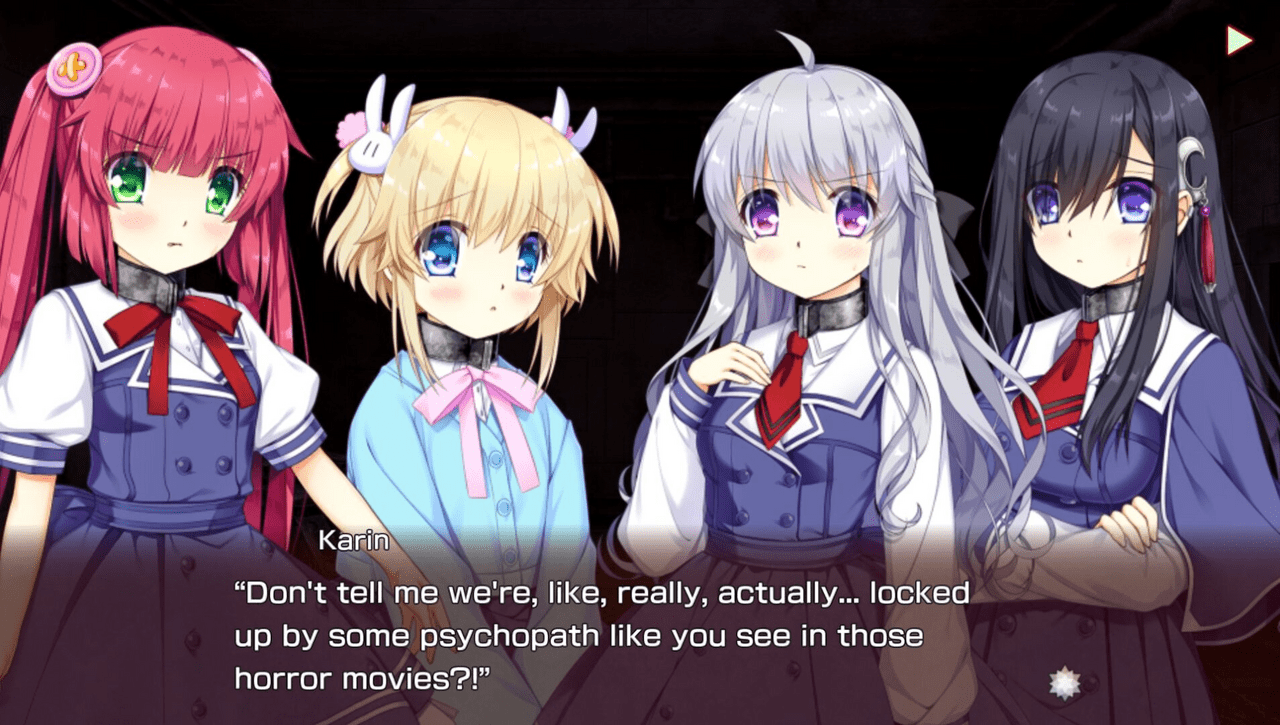
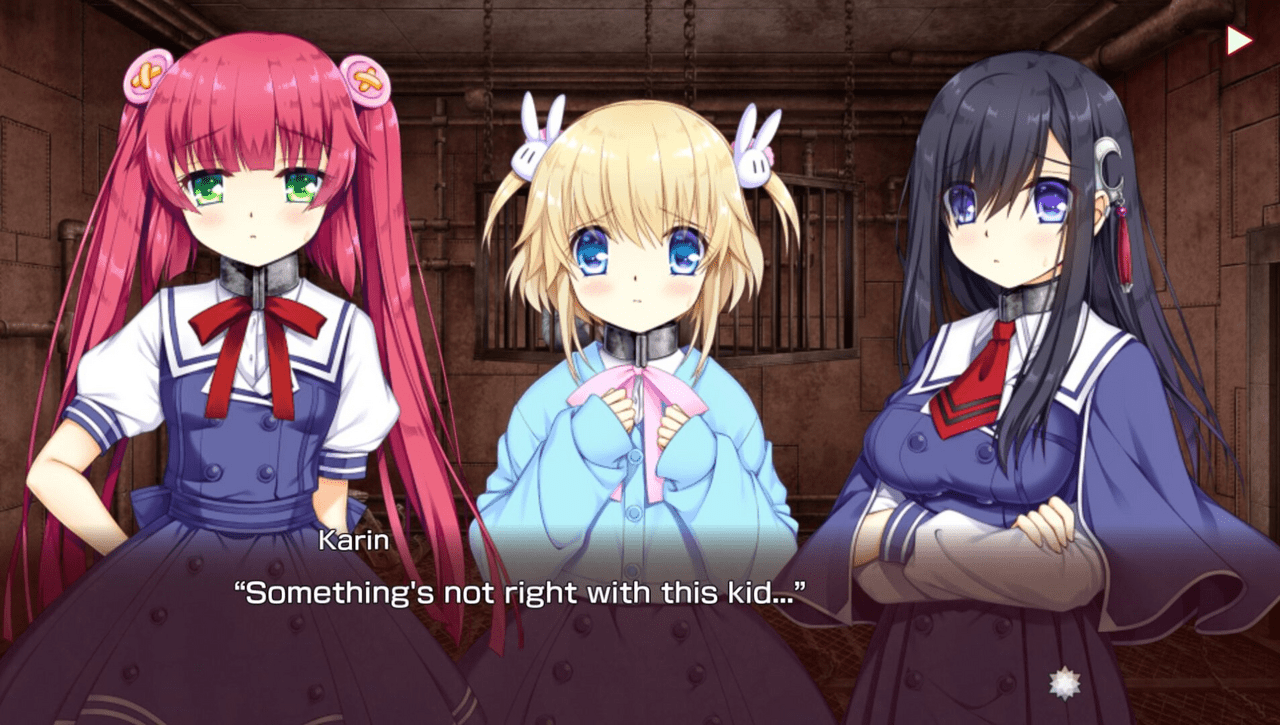
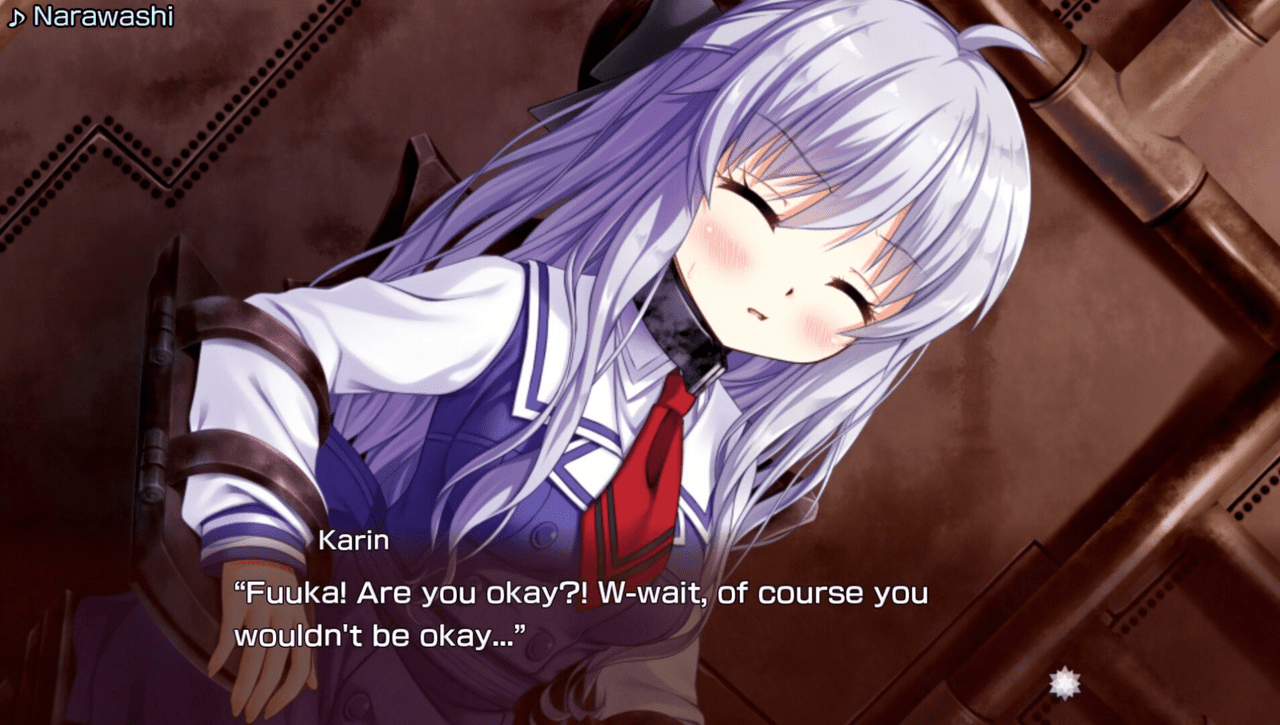
Four high school friends—Fūka Gojō, Karin Tamaru, Mina Yuasa, and Doremi Hanabusa—are kidnapped and wake up in an ominous room. Steel collars are placed around their necks, with chains attached to torture chairs in each corner of the room. A large cage dangles from the ceiling containing a silent young boy dressed in white.
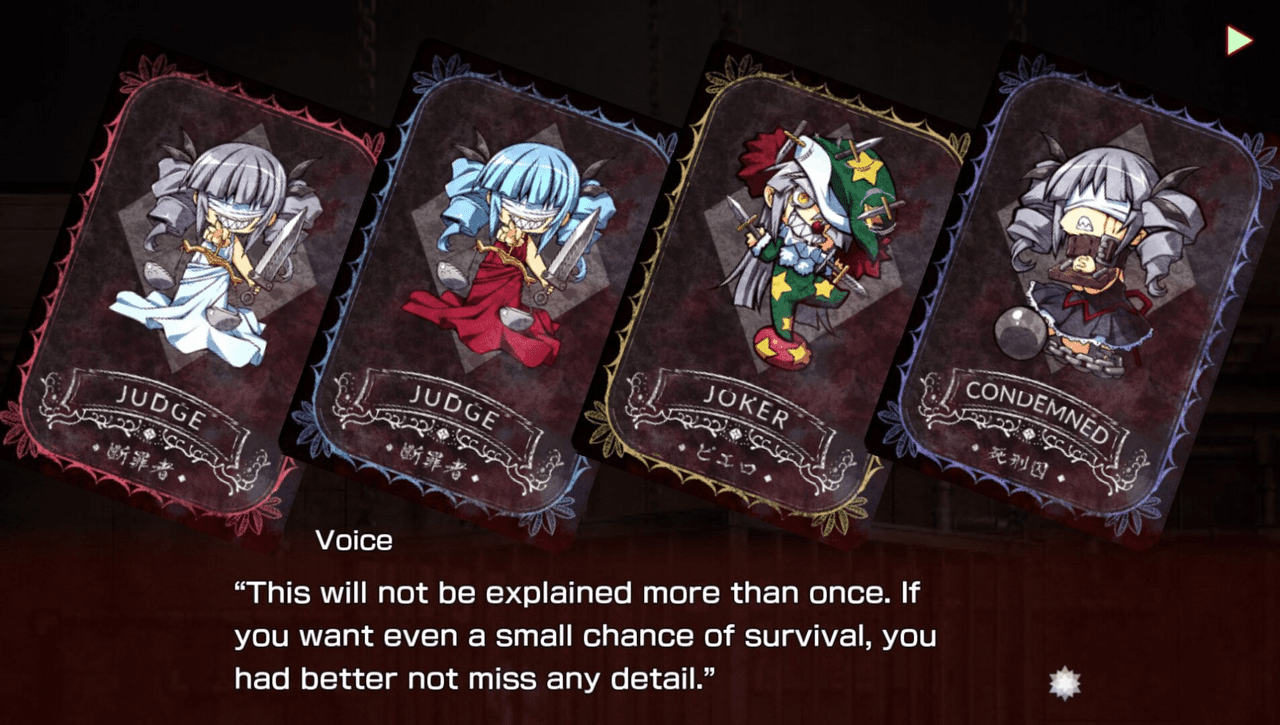
A voice tells them they are being put through a test with only two possible outcomes: either everyone will die, or one girl will die and the other three will survive. They must complete the test within a five-minute time limit or everyone dies. The boy gives out four "Cards of Fate" that will decide how the story unfolds. During the death game, an incident buried in the girls' past emerges.
Features
- Full English translation of the game's script
- Translated UI elements and menus
- Compatible with Nintendo Switch and PlayStation Vita versions
- Uses Atmosphere LayeredFS for patching (no base game modification required)
Installation
- Switch (physical / emulator): Go to the Releases page and download the "Switch patch.rom" from the latest release. Then:
- Emulator: Open your emulator, right click the game and select "Open Mod Data Location" (Yuzu) or "Open Mods Directory" (Ryujinx). It should open a folder named
0100AC600EB4C000. Inside of that folder, create another folder with any name, likemiko. Inside of that, create yet another folder calledromfs. Place the downloadedpatch.romin theromfsfolder. - Physical hacked Switch: On your Atmosphère SD card, create the folder tree
atmosphere/contents/0100ac600eb4c000/romfs. Place the downloadedpatch.romin theromfsfolder.
Media
Gensou Rougoku no Kaleidoscope – OP/Opening (Project Second)
Screenshots
|
|
Credits
Translation Team:
- Miko - Translation
- Amarena - Editing
- Neurochitin - Technical/Tools
Changelog
v1.0.0
- First Release.