
Serious Engine Vita
From GameBrew
More actions
| Serious Engine | |
|---|---|
 | |
| General | |
| Author | fgsfdsfgs |
| Type | Shooter |
| Version | psvita1 |
| License | GPL-2.0 |
| Last Updated | 2025/11/16 |
| Links | |
| TFE - TSE Download | |
| Website | |
| Source | |
Port of Serious Sam: The First Encounter and Serious Sam: The Second Encounter based on Ryan C. Gordon's fork of the Serious Engine source code release.
Installation
Requirements:
- libshacccg.suprx
- PC game data files
For The First Encounter:
- Obtain a copy of Serious Sam: The First Encounter and install it. Works with the Steam version (Classic, not HD).
- Extract
data_tfe_v1.zipinto the root of your memory card (ux0:/). - Copy everything from the game folder except the
Binfolder intoux0:/data/ssam_tfe/. Do not overwrite anything if it asks. - Install
ssam_tfe_v1.vpk.
For The Second Encounter:
- Obtain a copy of Serious Sam: The Second Encounter and install it. Works with the Steam version (Classic, not HD).
- Extract
data_tse_v1.zipinto the root of your memory card (ux0:/). - Copy everything from the game folder except the
Binfolder intoux0:/data/ssam_tse/. Do not overwrite anything if it asks. - Install
ssam_tse_v1.vpk.
Notes:
- If the game hangs after starting a level, that means it's autosaving. Wait.
- The "Precache shadowmaps" option is enabled by default, which results in less lag in game, but significantly increases load times. If you don't want that, you can disable it in "Advanced options" -> "Rendering options".
- You can turn dynamic lights off for a performance increase by setting
shd_iAllowDynamicinScripts/PersistentSymbols.inito 0, but beware: dynamic lights are an integral part of some levels. - Press R to apply settings in menus where the apply button can't be selected by scrolling down. Or just tap the screen.
- Play around with the Scripts/PersistentSymbols.ini file and Advanced rendering settings. I still haven't figured out the optimal configuration.
- If the game crashes, take a look at the log file in the game folder (
ux0:/ssam_tfe/ssam.logorux0:/ssam_tse/ssam.log).
Screenshots
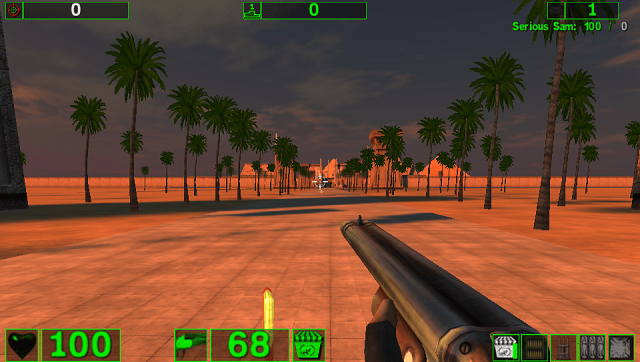
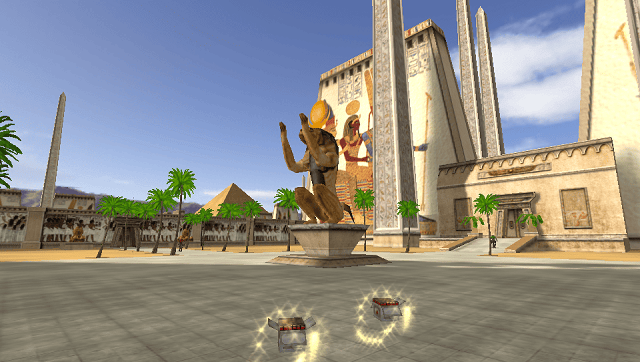
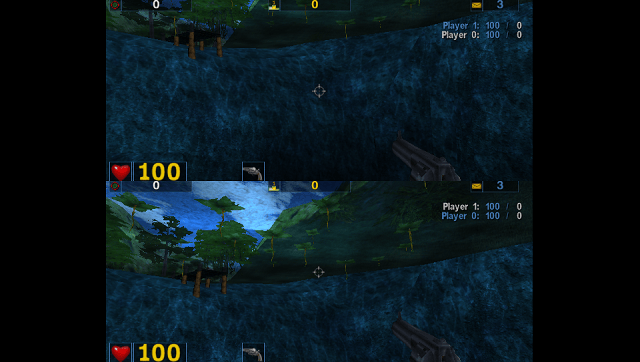
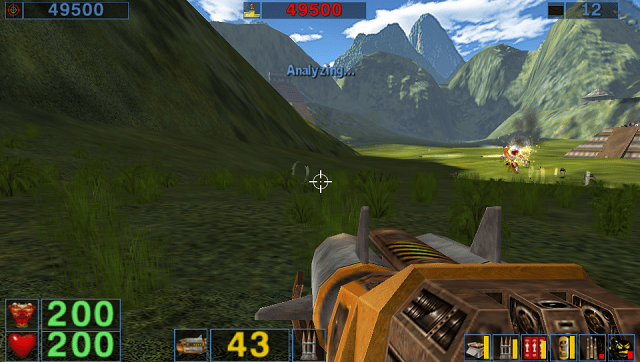
Media
Serious Sam Classic: The First Encounter (PC) Gameplay (PaulVC)
Serious Sam Classic: The Second Encounter - Full Game Walkthrough (No Commentary Longplay) (GameArmy)
Known issues
- The game takes a long time to load, both at startup and when loading into a level.
- The performance is not very good, especially in scenes with lots of dynamic lights.
- Saving takes a very long time (30+ seconds). The game autosaves at the start of each level, which can't be disabled.
- Stock demos can desync. I'm not sure if this is because this is technically version 1.10 and those are from 1.07, or because of something I did.
- Network multiplayer doesn't seem to work. Split screen kind of works, but probably runs like ass.
- TSE might run out of memory in levels with lots of enemies, though I haven't witnessed it happen.
Changelog
psvita1
- Initial release.