
Paper Train Reloaded Vita
From GameBrew
More actions
| Paper Train Reloaded Vita | |
|---|---|
 | |
| General | |
| Author | Rinnegatamante |
| Type | Puzzle |
| Version | 1.0 |
| License | N/A |
| Last Updated | 2025/08/10 |
| Links | |
| Download | |
| Website | |
| Source | |
| Support Author | |
This is a wrapper/port of Paper Train Reloaded for the PS Vita.
The port works by loading the official Android ARMv7 executable in memory, resolving its imports with native functions and patching it in order to properly run. By doing so, it's basically as if we emulate a minimalist Android environment in which we run natively the executable as it is.
Notes
- The loader has been tested with v.1.5 of the game.
Setup Instructions
- Install Kubridge Vita and FdFix Vita by copying
kubridge.skprxandfd_fix.skprxto your taiHEN plugins folder (usuallyux0:tai) and adding two entries to yourconfig.txtunder*KERNEL:
  *KERNEL
  ux0:tai/kubridge.skprx
  ux0:tai/fd_fix.skprx
Note Don't install fd_fix.skprx if you're using rePatch plugin
- Optional: Install PSVshell Vita to overclock your device to 500Mhz.
- Install
libshacccg.suprx, if you don't have it already, by following this guide. - Install the vpk from Release tab.
- Obtain your copy of Paper Train Reloaded legally for Android in form of an
.apk. - Open the apk with your zip explorer and extract the files
libgame.soandlibc++_shared.sofrom thelib/armeabi-v7afolder toux0:data/papertrain. - Extract the folder
musicfrom theassetsfolder inux0:data/papertrain. - Place the apk file named as
game.apkinux0:data/papertrain.
Media
Paper Train Reloaded (GAMEPLAYCUBE)
Screenshots
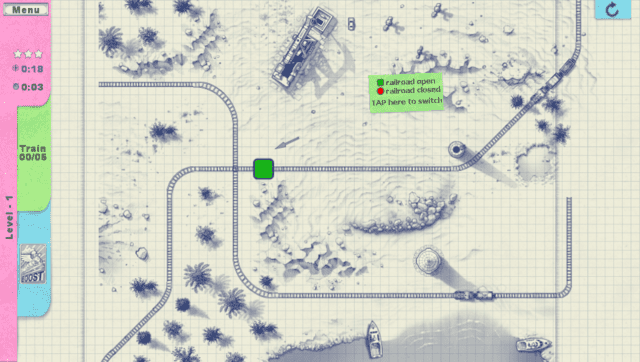
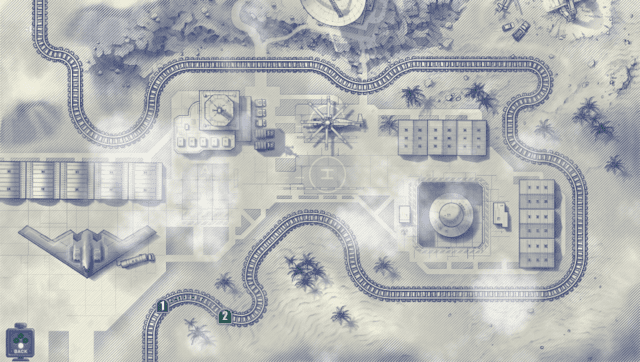
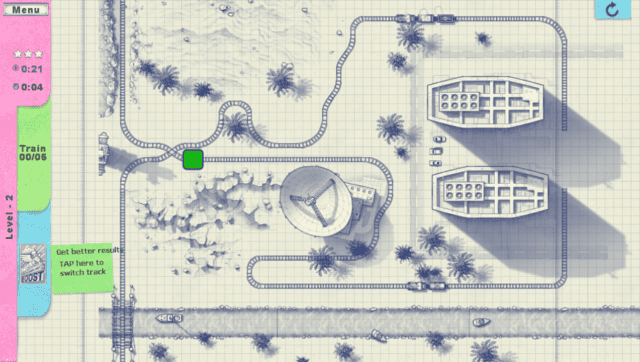
Changelog
v1.0
- First Release.
Credits
- TheFloW for the original .so loader.