
RVGL Switch
From GameBrew
More actions
| RVGL | |
|---|---|
 | |
| General | |
| Author | BirdSentinel |
| Type | Racing |
| Version | 23.1030a1 |
| License | Mixed |
| Last Updated | 2024/03/02 |
| Links | |
| Download | |
| Website | |
| Source | |
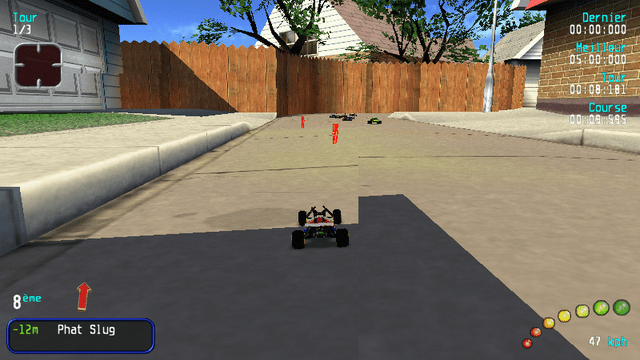
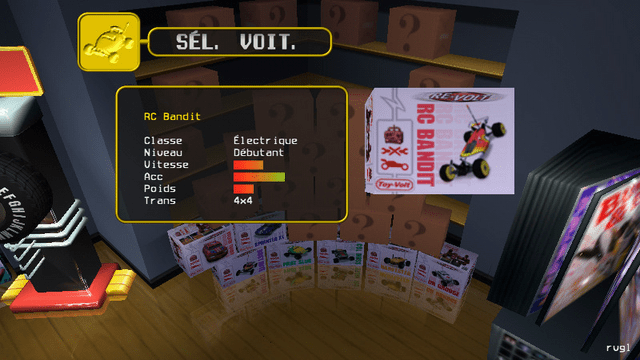
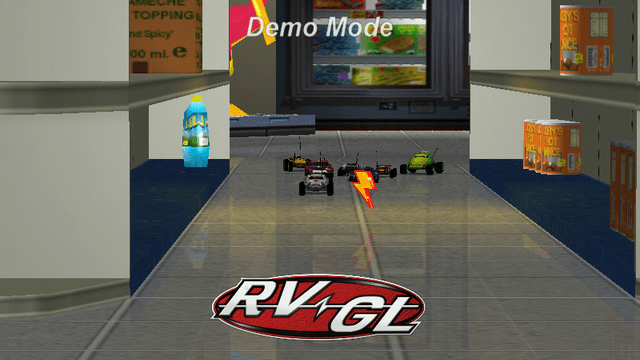
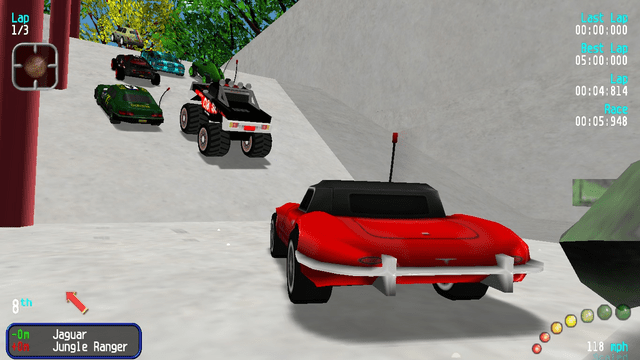
RVGL is a modern cross-platform rewrite/port of Re-Volt.
This is a native port of RVGL to the Nintendo Switch, with full support for online multiplayer.
Features
- Everything works fine as on the other versions.
- Cross-Platform multiplayer.
- Every custom content works.
- Joycons are the default controller, but usb keyboard is also supported.
- Split screen multiplayer with joycons (Just setup first the controls in the settings).
- Future RVGL updates will be released for the Switch too from now on.
How to install
- Download the latest release from here.
- Make a folder on your Switch: switch\rvgl
- Put the release zip contents in it
- Obtain game data and put everything in switch\rvgl except rvgl.exe and the dll files.
- Launch from hbmenu, enjoy!
Note: If your game is located in sdmc:/switch/rvgl you can install the included .nsp forwarder to have an icon for it on the home screen like the other games.
Media
(RVGL) Museum Unleashed - Clasica (30 cars) (CELL)
Screenshots
Changelog
23.1030a1
- First Release.
Thanks
- Huge thanks to fgsfdsfgs for the proper libunistring library and the help with the makefile!