
MelonDS Switch - Gheovgos
From GameBrew
More actions
| melonDS | |
|---|---|
 | |
| General | |
| Author | StapleButter, Hydr8gon, RSDuck, Gheovgos |
| Type | Console |
| Version | 7.1 |
| License | GPL-3.0 |
| Last Updated | 2025/05/19 |
| Links | |
| Download | |
| Website | |
| Source | |
melonDS is a Nintendo DS emulator originally developed by Arisotura (also known as StapleButter). The emulator was first ported to the Nintendo Switch by Hydr8gon. Subsequent optimizations and enhancements have been contributed by RSDuck (catlover007). In May 2025, Giorgio (Gheovgos) initiated a new continuation of the project, introducing additional features and improvements.
Setup Instructions
To set up the emulator:
- Download the latest release from the GitHub repository.
- Extract the contents to the
/switch/melondsdirectory on the SD card. - NAND, BIOS and firmware files go into
/switch/melondsas well - ROM files can be placed anywhere on the sd card
- For DS mode the following files are necessary (in parantheses is how they should be named for melonDS to recognises them):
- ARM9 BIOS (bios9.bin)
- ARM7 BIOS (bios7.bin)
- DS mode firmware (firmware.bin)
- For DSi mode the following files are necessary (in parantheses is how they should be named for melonDS to recognises them):
- DSi ARM9 BIOS (biosdsi9.rom)
- DSi ARM7 BIOS (biosdsi7.rom)
- DSi mode firmware (firmware_dsi.bin)
- NAND dump (nand.bin)
- For DS mode the following files are necessary (in parantheses is how they should be named for melonDS to recognises them):
For information on how to dump those files from your own DS or DSi see here: [1].
Screenshots
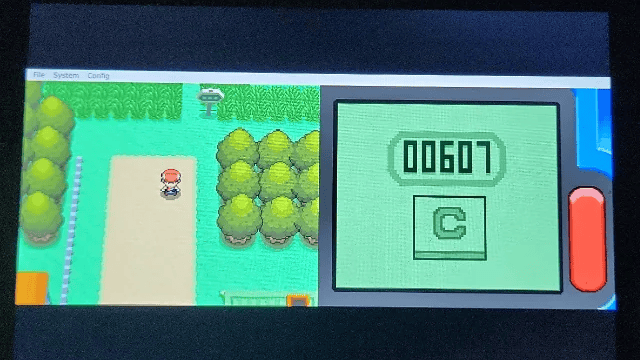
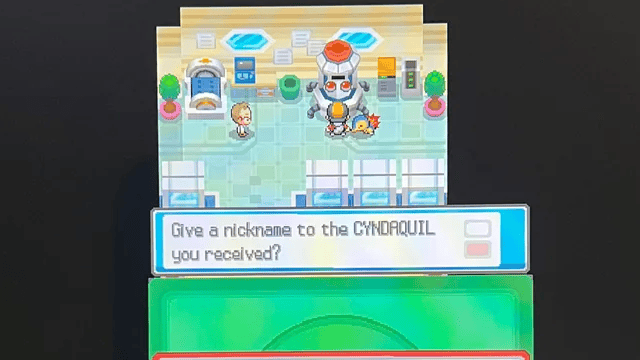
Changelog
Release 7.1
- Added the ability to switch fast forward from hold to toggle and vice versa (requested by @martinlvm). You can check this option under Input Settings
- Fixed issue where notifications were not being rendered if the screen was in different rotations
- General improvements to notifications, but there is still more to be done
- When the game is paused and you are logged in to the RA servers, you can see the list of achievements in the appropriate section. Note that at the moment the request is synchronous, so the system will freeze for a few seconds and then resume once the complete list is obtained. To make it asynchronous
- Automatic Login support, just log in once and your credentials will be stored in melonds.ini
- Added support for the leaderboard entries
- Added support for leaderboard trackers, challange and progress indicators.
Release 7
- First support for RetroAchievements. Launch by args, thanks to @Jpe230.
Release 6, fix 1
- Just a few bug fixes (the pendulum on the title screen in Chrono Trigger, several things in Mortal Kombat and a freeze in Pokemon Platinum, likely also in Diamond/Perl).
Release 6
- This release is a big one, because we finally hit fullspeed in most games including 3d ones! This is all thanks to the new 2D and 3D renderers which run on your Switch's GPU (which previously was only used for the GUI and putting the video output onto the screen) instead of CPU.
- The 3D renderer doesn't use the builtin triangle drawing functionality melonDS's OpenGL renderer does, thus it doesn't have issues like it (https://github.com/Arisotura/melonDS/issues?q=is:open+is:issue+label:OpenGL). Instead it's basically the good old software rasteriser but translated to run on GPUs thus ideally it should have the same pretty amazing compability.
- Both the new 2D and the new 3D renderer are implemented using deko3D for minimal CPU usage compared to OpenGL, though I want to port both of them back to OpenGL for desktop melonDS. In the future there's the possibility for some enhancements like high resolution rendering with less issues than the OpenGL renderer currently has (I'm sure yet whether Switch can handle this, so don't get your hopes too high on this).