
Balatro Vita
From GameBrew
More actions
| Balatro Vita | |
|---|---|
 | |
| General | |
| Author | Daexxx, jafeth |
| Type | Card |
| Version | 0.11 |
| License | Mixed |
| Last Updated | 2025/02/25 |
| Links | |
| Download | |
| Website | |
| Source | |
| Support Author | |
Port of Balatro for the PlayStation Vita. Balatro is a poker-inspired roguelike deck-builder focused on crafting powerful synergies and winning big. A legally owned copy of Balatro on Steam is required to use this port. Overclocking your device is highly recommended for optimal performance.
Usuage
Requirements
- Game Data Files: PC
Instructions to apply port
- Download both the VPK and the ZIP file included in the latest Release.
- Extract the zip file wherever you want.
- Copy Balatro.exe (YOUR_STEAM_INSTALLATION_PATH/steamapps/common/Balatro/Balatro.exe) to the folder where the extracted zip resides.
IF YOU'RE ON WINDOWS:
- Execute windows_patch.bat to apply the patch.
IF YOU'RE ON UNIX (LINUX/MAC):
- Install xdelta3 using your packet manager of choice (PATCH WILL NOT APPLY PROPERLY IF ANY OTHER VERSION OF IS USED, HAS TO BE xdelta3).
- Mac (using brew):
brew install xdelta(we dont have mac, we cant try this out. if any mac user can confirm this does actually install xdelta3 and works it would be appreciated) - Debian/Ubuntu:
sudo apt install xdelta3 - Arch:
sudo pacman -Syu xdelta3 - Fedora:
sudo dnf install xdelta
- Mac (using brew):
- Execute unix_patch.sh to apply the patch.
AFTER PATCHING:
- In your Vita, open VitaShell to connect the console with your PC and copy both the VPK and the patched game.love file.
- Install the VPK on your Vita.
- Copy the game.love file to ux0:/app/BALA00001/
- Enjoy!
Known issues, currently being worked on:
- Flame shader not working.
- Game runs at around 20fps.
- Shaders take a long time to compile.
- Touchscreen does not work.
Media
Balatro - Official Release Date Trailer (GameTrailers)
Screenshots
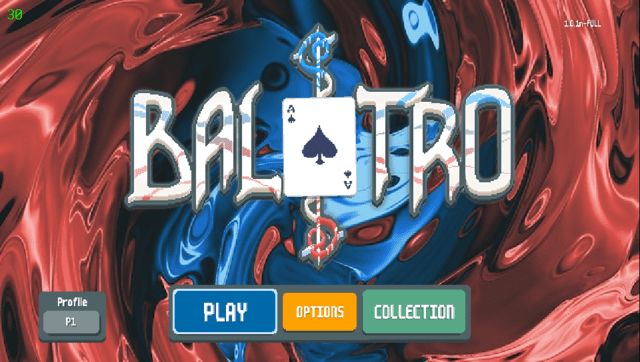
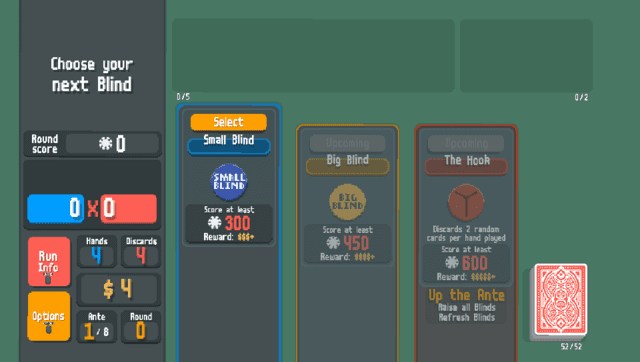
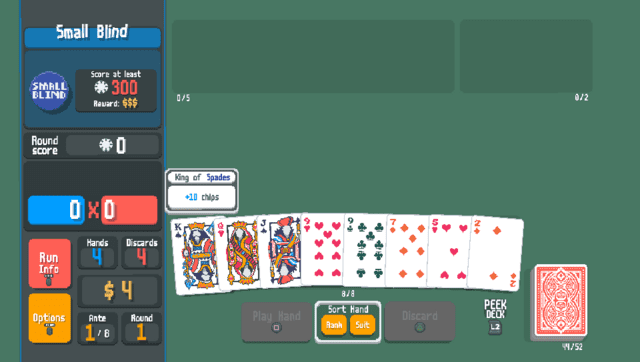
Changelog
v0.11
- Sound is now working.
- Disabled debugging text in the top left corner.
- Should be working on the new Balatro update.
v0.1
- First Release.
=Credits
- Credits to isage (Github, Reddit) for the original LÖVE engine port to the Vita used in his Mari0 port :)
- Credits to Jafeth (Github, Reddit) for helping a lot with actually porting the game.